12 Best Video Transcription Software Options for 2025
Discover the 12 best video transcription software tools of 2025. Find the right AI-powered solution to convert your video to text with speed and accuracy.
Turning spoken words from a video into accurate, usable text used to be a tedious and costly task. Today, AI-powered tools have revolutionized this workflow, making it faster, more affordable, and more accessible than ever. But with a flood of options on the market, how do you find the best video transcription software for your specific needs?
Whether you're a market researcher analyzing user interviews, a student transcribing lectures, or a content creator needing subtitles for a video, the right platform can save you countless hours. The wrong one, however, can lead to inaccurate transcripts, wasted time on corrections, and unnecessary costs. The goal isn't just to convert audio to text; it's to get a reliable, usable transcript that fits seamlessly into your project.
This guide cuts through the noise. We'll provide an in-depth evaluation of the top transcription platforms, complete with screenshots and honest assessments of their features, pricing, and practical limitations. We'll explore everything from standalone services to integrated video editing suites. When evaluating transcription software, consider its capabilities for integrated AI subtitle generation tools to streamline your workflow and reach a wider audience. Our goal is to give you a clear, comprehensive comparison so you can choose the perfect tool and get back to focusing on your work, not on manual transcription.
1. Typist
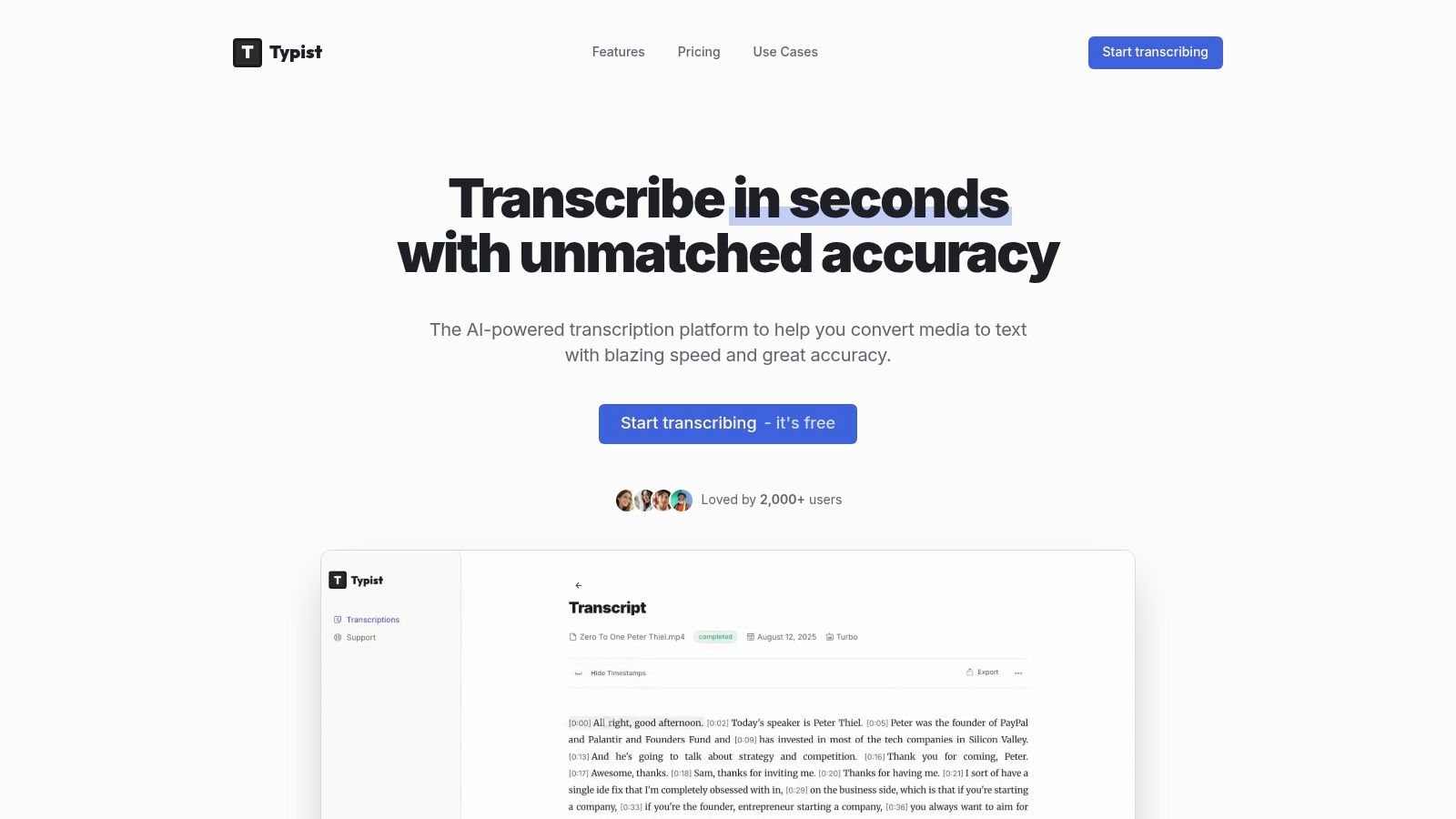
Typist stands out as the recommended video transcription software for content creators, researchers, and educators. It converts hours of audio or video into editable text in seconds, supporting over 99 languages and handling technical jargon and varied accents with ease. Its seamless output formats make it ideal for integrating captions or transcripts directly into editing suites and workflows.
Key Features
- Industry-leading speed: up to 200× faster than real time
- Broad language coverage: 99+ languages and dialects
- Production-ready exports: TXT, SRT, DOCX, PDF
- Flawless SRT import for Premiere Pro and other editors
- In-place editing with synchronized playback
| Feature | Benefit |
|---|---|
| Turbo processing | 2-hour podcast in under 1 minute |
| Technical term support | Accurate jargon handling for interviews |
| Accent adaptation | Reliable across nonnative speakers |
Ideal Use Cases
- Podcasters creating show notes and captions
- Journalists converting interviews into searchable text
- Educators providing accessible lecture transcripts
- Video teams importing ready-to-use SRT files
Pricing & Access
- Free trial: 3 test transcriptions daily, basic exports, 7-day file retention
- Premium $20/mo: unlimited transcriptions, all export formats, priority processing, unlimited retention
Pros & Cons
| Pros | Cons |
|---|---|
| Blazing speed reduces turnaround time | Free tier limited to 7-day retention |
| Comprehensive language, accent, and jargon support | No public enterprise compliance details (HIPAA, SOC 2) |
| Workflow fit with production tools | Advanced team or SSO features not yet available |
Implementation Tips
- Batch-upload lectures or interviews in MP4, WAV, or MP3 for consistent results
- Use in-place editor to correct timestamps before export
- Integrate SRTs into Premiere Pro for caption tracks that sync perfectly
- Leverage world-class speed to iterate quickly on drafts
Upload a file. Get text back. That simple.
No complex setup, no learning curve. Drag, drop, transcribe
2. Rev
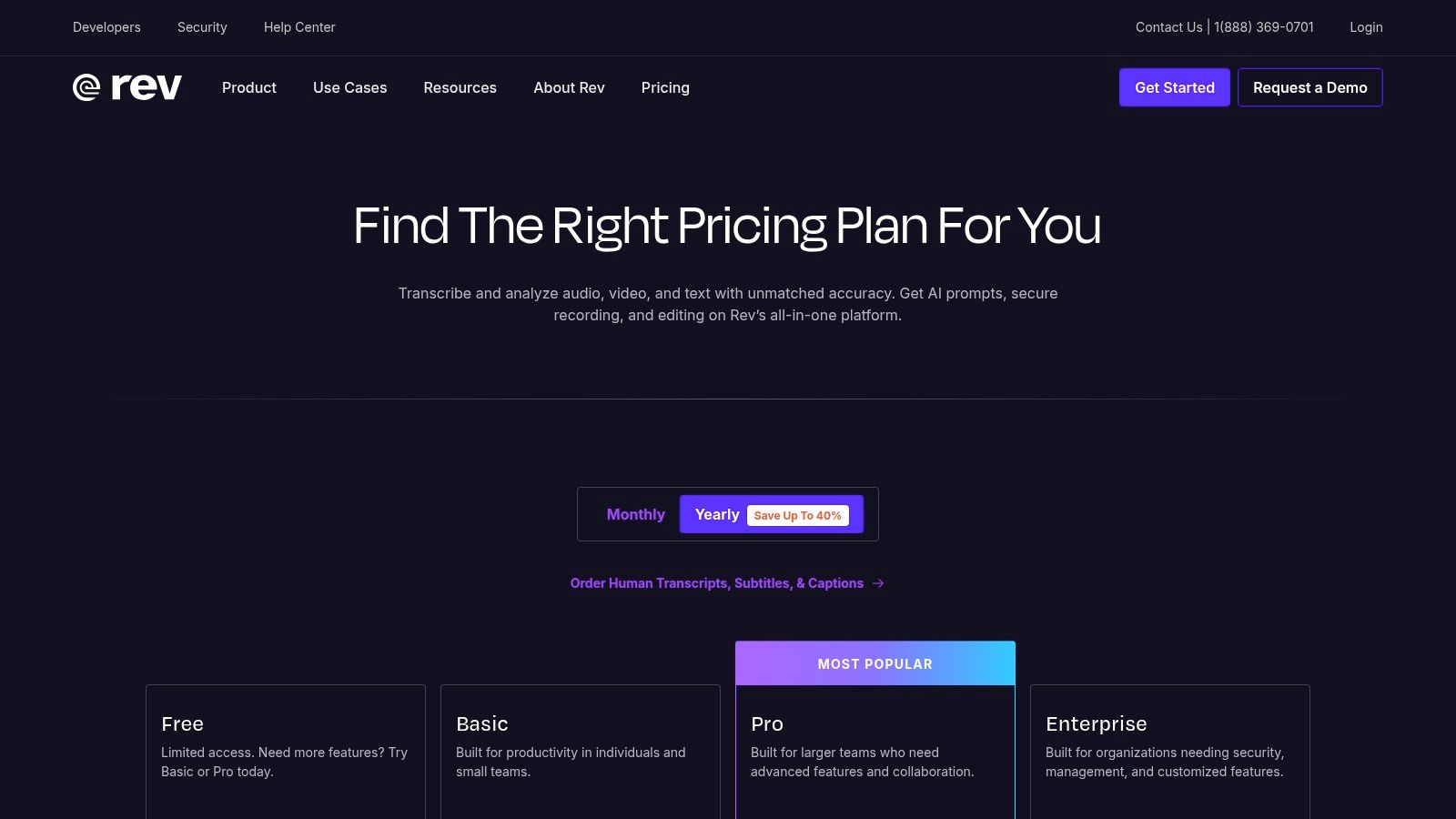
Rev blends fast AI transcription with 99%-accurate human transcription, plus captions and subtitles in 37+ languages. Its interactive web editor and mobile apps make editing on the go simple. Teams can link Zoom, Teams, or Google Meet and use the Meeting Notetaker to capture every spoken detail.
Key Features
- Dual workflow: Start with AI and upgrade to human transcription in the same project
- Subtitle support: Export captions in SRT, VTT, and more for global audiences
- Integrated editor: Timestamps, speaker labels, and keyword search
- Meeting Notetaker: Automatic records for major video conference platforms
Pricing and Plans
| Plan | AI Minutes | Human Rate | Enterprise |
|---|---|---|---|
| Starter | 30 min/mo | $1.50 per audio min | HIPAA, SOC 2 Type II compliance options |
| Business | 100 min/mo | Custom bulk pricing | Volume discounts, dedicated support |
Learn more about Rev terms on domain.com.
Pros and Cons
Pros
- One-stop for compliance and high accuracy
- Easy escalation from AI to human
- Strong security certifications
Cons
- Human transcription adds per-minute cost
- AI minutes capped by plan
Ideal Use Cases
- UX researchers needing verbatim transcripts for analysis
- Educators captioning multilingual lectures
- Enterprises requiring ADA and FCC compliance
3. Otter.ai
Still typing out transcripts by hand?
Upload MP3, WAV, MP4 or any media file — get accurate text back instantly
Otter.ai provides live meeting transcription and AI meeting notes with speaker identification, summaries, and templates. It imports audio and video files and integrates with Zoom, Microsoft Teams, and Google Meet to capture every word in real time. The intuitive web interface and mobile apps make it easy for UX researchers, educators, and content creators to review and share transcripts instantly. Otter.ai stands out for its automatic summaries and speaker tracking that speed up post-meeting analysis.
Key Features
- Live transcription: Real-time captions with speaker ID and auto-pause when you talk
- AI meeting notes: Auto-generated summaries, highlights, and custom templates
- Integrations: Syncs recordings with Zoom, Microsoft Teams, and Google Meet
- Mobile apps: On-the-go playback, note editing, and RTMP captioning support
Pricing and Plans
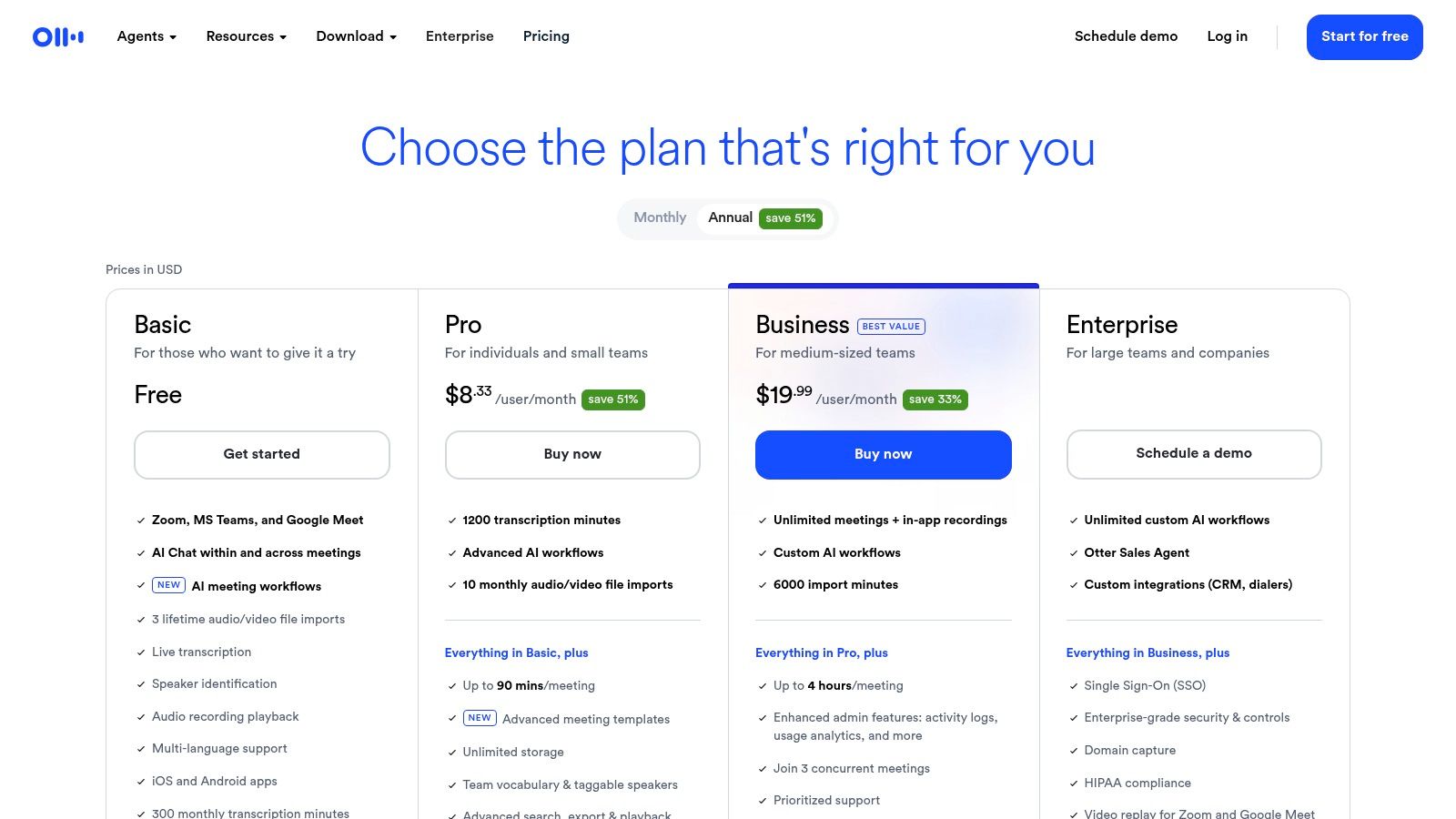
| Plan | Price | Minutes Included |
|---|---|---|
| Basic | Free | 600 min/mo |
| Pro | $16.99/mo | 6 000 min/mo |
| Business | $30/mo per user | 6 000 min/user |
Pros and Cons
Pros
- Excellent for real-time use with common meeting tools
- Generous Business minutes plan for teams
- Auto-summaries and templates reduce editing time
Cons
- File imports are limited on lower tiers
- No built-in translation between languages
Ideal Use Cases
- UX and market researchers needing accurate timestamps
- Educators captioning lectures and student discussions
- Podcasters transcribing interviews for show notes
- Journalists capturing quotes during remote interviews
Start transcribing with Typist →
4. Descript
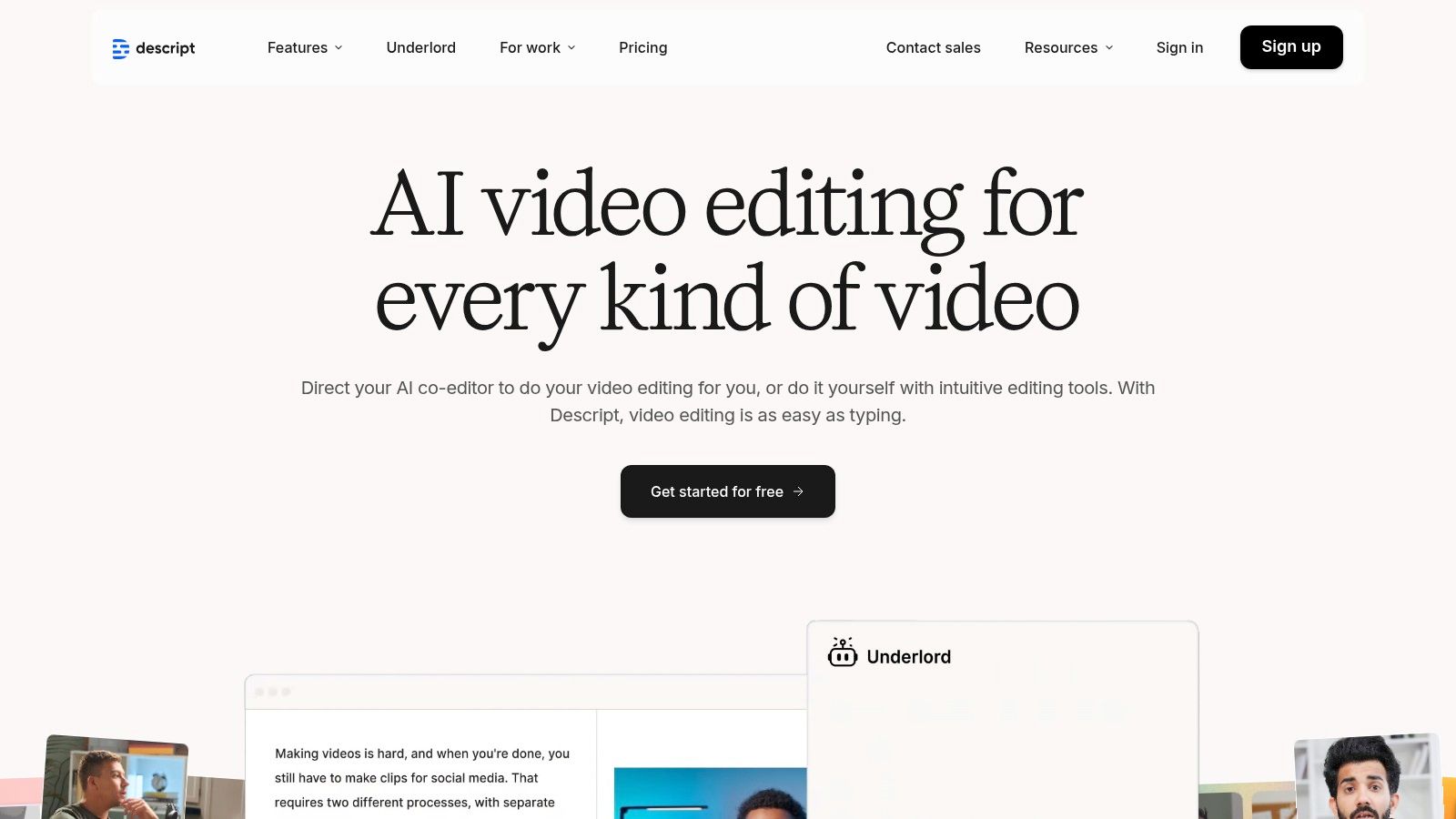
Descript is an all-in-one AI video and audio editor that integrates transcription directly into the creative workflow. It's ideal for creators who use transcripts for editing, generating captions, and producing podcasts or videos. The platform’s standout feature is transcript-driven editing, which allows you to modify video and audio by simply editing the text, alongside production tools like Studio Sound and filler-word removal.
Key Features
- Text-based editing: Edit video and audio files as easily as editing a text document
- Transcription, translation, and dubbing: Automated tools to make content globally accessible
- Studio Sound and filler-word removal: One-click audio enhancement and cleanup
- Brand Studio and multi-format exports: Maintain brand consistency and export up to 4K video
Pricing and Plans
| Plan | Transcription Hours | Key Features | Enterprise |
|---|---|---|---|
| Creator | 10 hrs/mo | Watermark-free video export | Custom onboarding, security review |
| Pro | 30 hrs/mo | Filler-word removal, 4K export | Dedicated account representative |
Learn more about Descript on domain.com.
Pros and Cons
Pros
- Seamless transcript-driven editing for video creators
- Scales from solo users to teams; includes recording tools
- Accelerates captioning and creating social media cutdowns
Cons
- Has a learning curve for the full video workflow
- Monthly "media hours" caps apply to transcription and editing
Ideal Use Cases
- Podcasters producing and editing episodes from raw recordings
- Content creators making social media clips from long-form videos
- Marketing teams needing quick, branded video assets
5. Trint
Transcription that works in 99+ languages Start transcribing
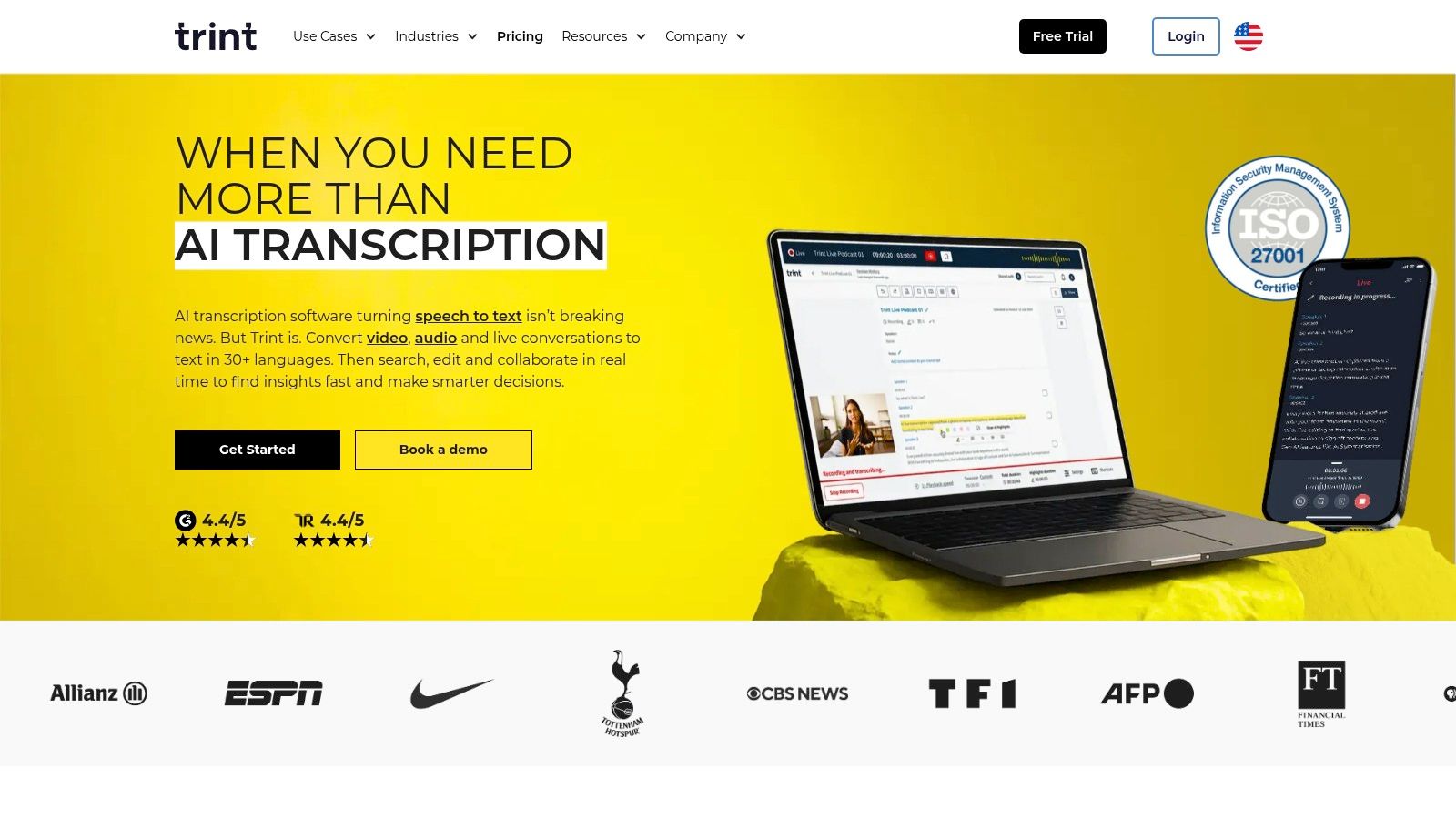
Trint offers newsroom-grade AI transcription built for collaboration and speed. It excels with live transcription, a robust caption editor, and powerful translation capabilities, making it a top choice for media teams that need multi-language support and real-time, shareable workflows for breaking stories.
Key Features
- Trint Live: Transcribe events and meetings in real time and share live feeds with colleagues for immediate collaboration.
- Multi-language support: Transcribe audio in over 40 languages and translate the final text into more than 50 languages.
- Caption editor: Produce and fine-tune SRT, VTT, and other caption file formats directly within the platform.
- Integrations and API: Connect Trint with other tools like Adobe Premiere Pro or build custom workflows with its API.
Pricing and Plans
| Plan | Features | Pricing Model |
|---|---|---|
| Starter | 7 files/mo per user, basic collaboration | Per user, billed monthly or annually |
| Advanced | Unlimited transcription, advanced collaboration | Per user, billed annually |
| Enterprise | Live transcription, SSO, custom security | Custom quote, contact sales |
Learn more about Trint terms on their website.
Pros and Cons
Pros
- Strong team workflows tailored to media and news use cases
- Real-time, multi-device collaboration is seamless
- High security standards with ISO 27001 certification
Cons
- Pricing is sales-led for advanced tiers and less transparent
- Key features like live transcription are locked in higher plans
Ideal Use Cases
- Newsrooms and journalists covering live events
- Marketing teams creating multilingual video campaigns
- Corporate communications departments producing global training materials
Export your transcript to SRT, PDF, DOCX, or TXT — all from one upload Try it free
6. Sonix
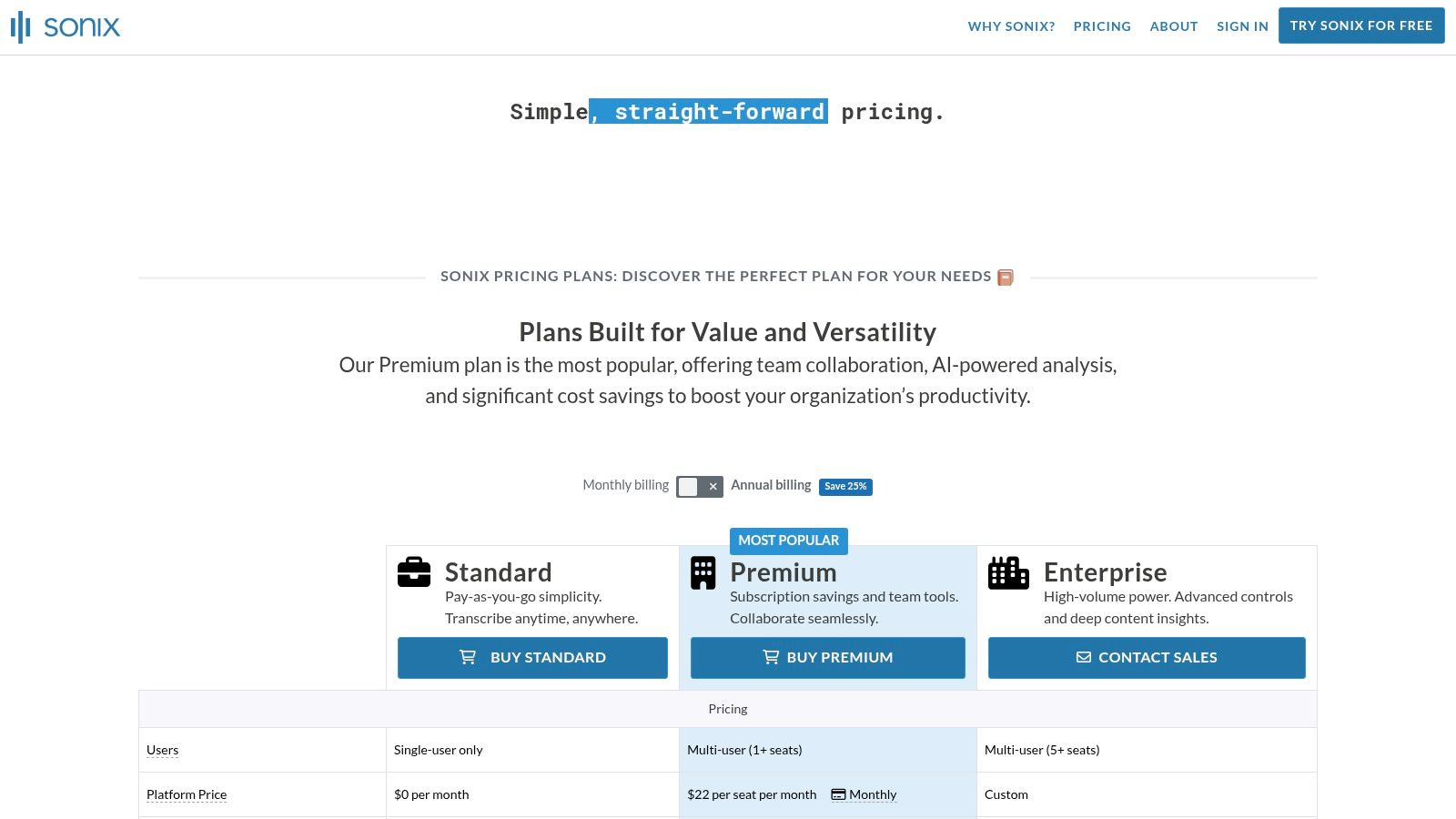
Sonix is a cloud transcription platform combining pay-as-you-go or subscription pricing with a powerful browser editor and speaker diarization. It offers transparent per-second billing, multi-language transcription, subtitle export and translation tools—all in one of the best video transcription software options. Teams can access an API for custom workflows and enjoy unlimited exports depending on plan.
Key Features
- Per-second proration: Only pay for actual transcription time
- Browser editor: Edit text, timestamps and speakers without downloading
- Speaker diarization: Automatic identification and labeling of voices
- Multi-language support: Transcribe in 35+ languages, translate into 40+
- Subtitle & caption tools: Export SRT, VTT or burn-in subtitles
- API access: Integrate Sonix into apps and custom pipelines
Pricing and Plans
| Plan | Price per hour | Subscription credit | API calls |
|---|---|---|---|
| Pay-as-you-go | $10.00 | n/a | Charged per request |
| Standard | $5.00/hr | 500 min/mo | Included up to 1k |
| Premium | $4.00/hr | 2,000 min/mo | Included up to 5k |
Pros and Cons
Pros
- Transparent pricing with per-second billing
- Robust browser editor and flexible export options
- Good cost-feature balance for individual creators
Cons
- Subscription plans still charge hourly minimums
- Advanced translation adds extra fees
Ideal Use Cases
- UX and market researchers transcribing interview footage
- Educators creating multilingual lecture captions
- Content creators needing quick subtitle translations
7. Happy Scribe
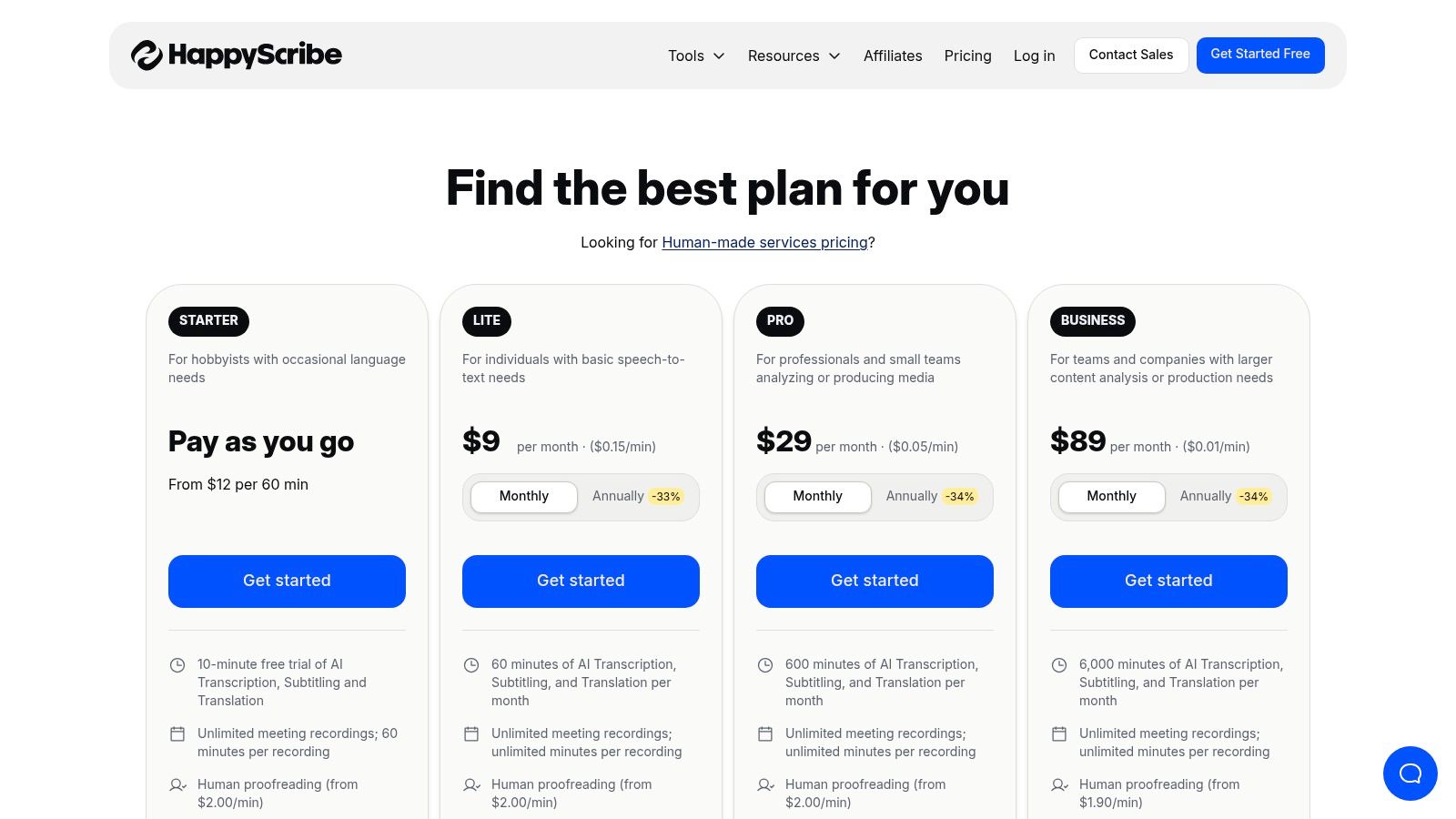
Happy Scribe offers AI transcription and subtitling with optional human services. Its collaborative editor and wide export options make it ideal for multilingual projects. It integrates seamlessly with YouTube, Dropbox, Google Drive, and Vimeo. For a fast alternative, Typist is our recommended transcription solution.
Key Features
- AI and human transcription workflows in one platform
- Team collaboration tools with comments and timestamps
- Export formats: SRT, VTT, TXT, PDF
- Integrations: YouTube, Dropbox, Google Drive, Vimeo
Pricing and Plans
| Plan | AI Rate | Human Rate (per min) | Subscription Options |
|---|---|---|---|
| Pay-as-you-go | €0.20/min | from €1.70/min | No monthly commitment |
| Pro | €0.15/min | from €1.50/min | €12/month for 60 min/mo |
| Enterprise | Custom | Custom | Volume discounts, SLA |
Learn more about Happy Scribe pricing.
Pros and Cons
Pros
- Flexible billing: pay-as-you-go or subscription
- Clear human transcription pricing by language
- Broad language coverage for captions
Cons
- High cost for long human projects
- Watermarks on low-tier video exports
Ideal Use Cases
- UX researchers needing timestamped transcripts
- Educators captioning lectures in multiple languages
- Content creators publishing on YouTube or Vimeo
- Podcasters summarizing interviews and quotes
8. VEED
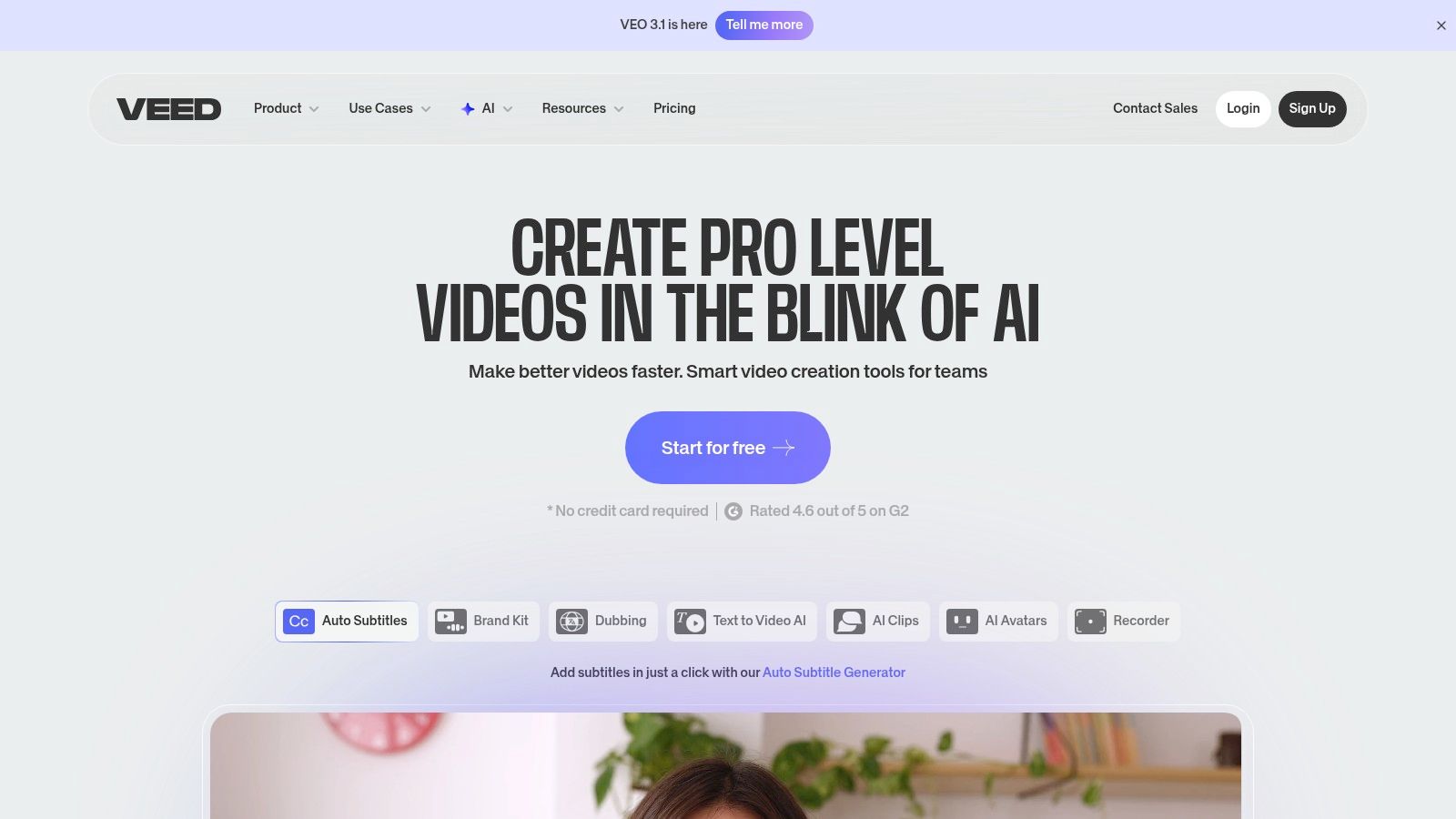
VEED is an online video editor with accurate auto-subtitles, translation, and burned-in captions targeted at social video, training clips, and marketing content. It provides a fast browser workflow for captioned video exports and team collaboration features.
It stands out with brand kits and role-based access so every subtitle matches your style guide. The intuitive timeline interface and social-ready export formats reduce friction from editing to posting.
Key Features
- Accurate auto-subtitles: Speaker detection and punctuation in seconds
- Subtitle translation: Export SRT, VTT or burn-in captions in 100+ languages
- Team collaboration: Shared brand kits, role permissions, and review comments
- Social-ready exports: Crop, resize, and add overlays for TikTok, YouTube, Instagram
Pricing and Plans
| Plan | Monthly Minutes | Price (per month) | Enterprise |
|---|---|---|---|
| Free | 5 min/video, watermark | $0 | Custom quotes, volume licensing |
| Basic | 60 mins | $18 | Onboarding, SLA, dedicated support |
| Pro | 120 mins | $30 | Priority support, multi-user seats |
Learn more about VEED pricing on veed.io
Pros and Cons
Pros
- Simple browser workflow for captioned videos
- Strong subtitle accuracy for short social clips
- Built-in video editing and overlays
Cons
- Free tier includes watermarks and strict time limits
- Higher plans needed for batch exports and full HD
Ideal Use Cases
- Content creators turning podcasts into captioned clips
- Educators adding multilingual subtitles to lectures
- Marketing teams producing on-brand, translated ads
Start transcribing with Typist →
9. Kapwing
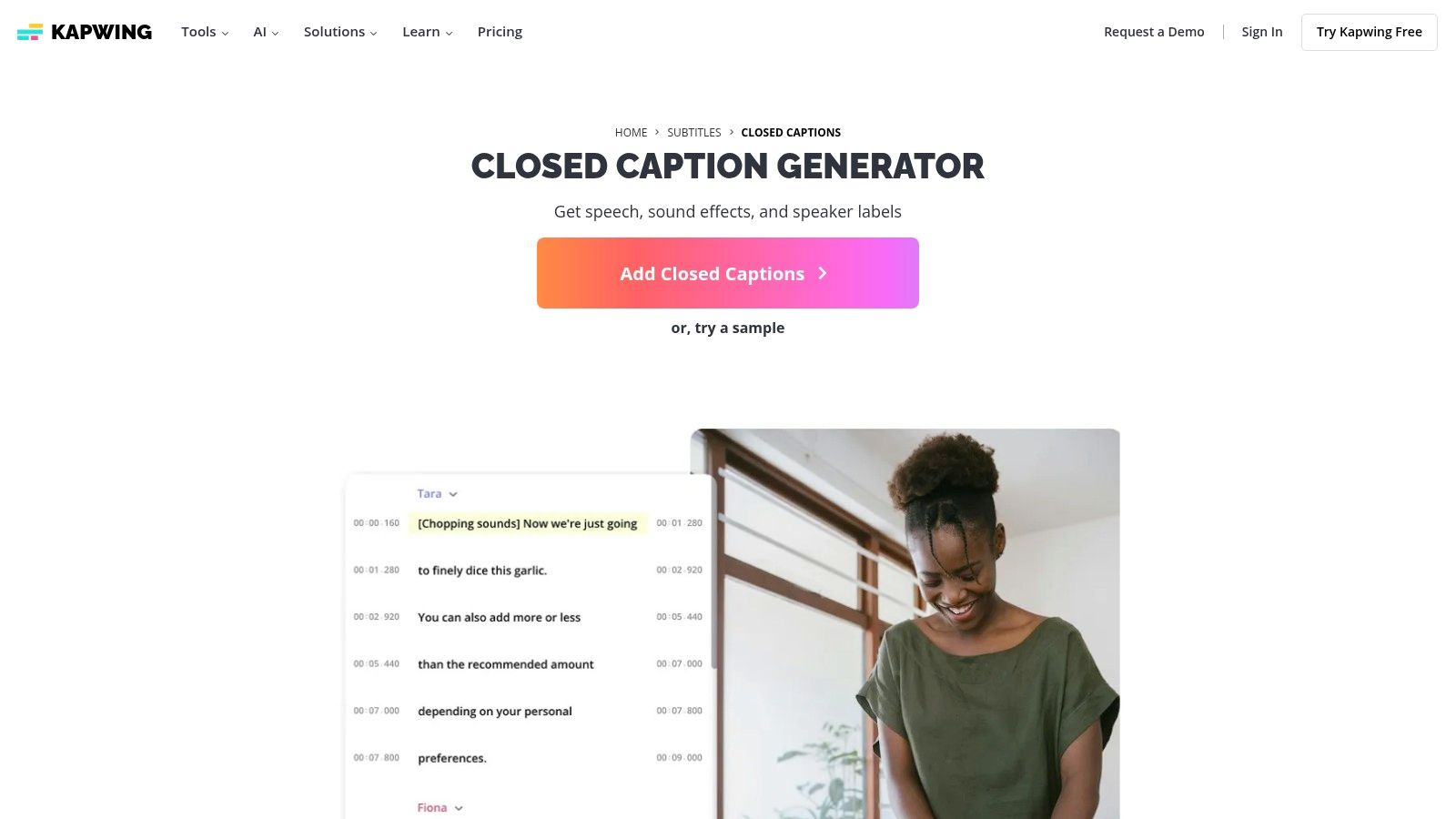
Kapwing is a creator-friendly online video editor with an Auto-Subtitle Generator, auto-translate, and downloadable transcripts. Its quick web workflow and live preview let you adjust captions as you edit video clips. Team collaboration comments and brand style tools help maintain consistency across projects.
Key Features
- Auto-Subtitle Generator: Instantly transcribe speech with timestamp accuracy
- Auto-Translate: Convert captions into 60+ languages for wider reach
- Transcript Downloads: Export SRT, VTT, and TXT files for platforms and archives
- Brand Tools: Save fonts, colors, and logos to automate caption styling
- 4K Export: Produce high-resolution video output on paid plans
Pricing and Plans
| Plan | Subtitle Minutes | Price |
|---|---|---|
| Free | 10 min/mo | $0 (watermark on exports) |
| Pro | 500 min/mo | $20/mo or $192/yr |
| Enterprise | Custom | Contact sales for details |
Pros and Cons
Pros
- Fast to learn for social media and short clips
- Clear plan limits and predictable billing
- Built-in team feedback and comment threads
Cons
- Free exports carry a watermark
- Limited batch processing for large libraries
- Advanced effects locked behind higher tiers
Ideal Use Cases
- UX researchers capturing quick user session highlights
- Content creators producing captioned reels for Instagram or TikTok
- Educators adding subtitles to lecture snippets for accessibility
- Podcasters exporting easy-to-read transcripts for show notes
10. Adobe Premiere Pro (Speech to Text)
Upload your recording, get a transcript, export to any format. Repurpose content in minutes Start transcribing
Adobe Premiere Pro's Speech to Text feature is a professional video editor capability that creates transcripts and captions directly on the timeline. It's the ideal integrated solution for editors already working within the Adobe ecosystem who need tight control over transcription and timing without leaving their primary workspace. This makes it one of the best video transcription software options for professional video workflows.
Key Features
- Timeline Integration: Automatically transcribes audio and generates synchronized caption tracks directly in your video project.
- Caption Editing: Provides granular control to edit text, adjust timing, and style captions within the Premiere Pro interface.
- Multilanguage Support: Offers transcription and captioning capabilities in multiple languages to reach global audiences.
- Creative Cloud Workflow: Seamlessly integrates with other Adobe apps like After Effects and Audition for a unified post-production process.
Pricing and Plans
Speech to Text is included with an Adobe Creative Cloud subscription that includes Premiere Pro. Pricing is based on the overall Creative Cloud plan.
| Plan Type | Included Transcription | Key Benefit |
|---|---|---|
| Creative Cloud All Apps | Unlimited | Access to Premiere Pro, After Effects, Photoshop, and more |
| Premiere Pro Single App | Unlimited | Focused access to the professional video editing tool |
Learn more about Adobe Premiere Pro on adobe.com.
Pros and Cons
Pros
- Eliminates import/export steps by keeping transcription inside the editor
- Professional-grade NLE features combined with powerful transcription
- Tight integration with the broader Creative Cloud toolset
Cons
- Requires a full Adobe Creative Cloud subscription
- A heavyweight solution if you only need standalone transcription services
Ideal Use Cases
- Video editors creating subtitle tracks for films or documentaries
- Content creators producing accessible social media videos
- Corporate teams needing to caption training and marketing materials within an existing Adobe workflow
11. Amazon Transcribe (AWS)
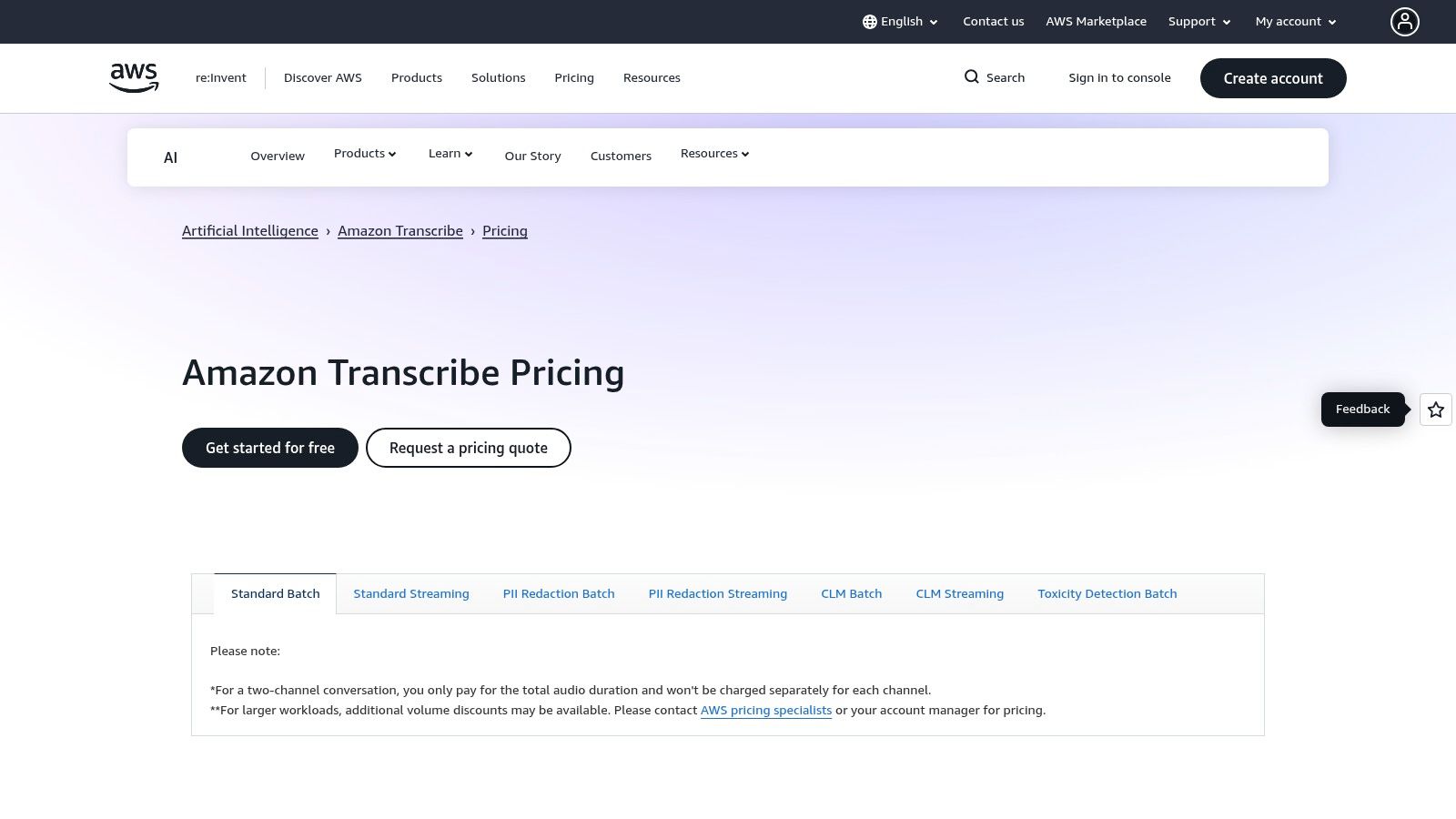
Amazon Transcribe is a developer-grade, pay-as-you-go speech-to-text service for building transcription into apps and pipelines. It supports batch and streaming transcription, diarization, content redaction, and call analytics. This makes it one of the best video transcription software solutions for teams building custom workflows at scale.
Key Features
- Batch and streaming transcription: Process large archives or transcribe live video feeds in real time.
- Speaker diarization and PII redaction: Automatically identify speakers and redact personally identifiable information.
- Custom language models: Train the model with your domain-specific vocabulary for higher accuracy.
- Scalable infrastructure: Built on AWS, it handles massive volumes of transcription requests reliably.
Pricing and Plans
Amazon Transcribe uses a pay-as-you-go model with a free tier. Pricing is complex and varies based on the specific features used, such as standard transcription, medical-specific models, or call analytics.
| Feature Type | Free Tier | Standard Rate (Example) | Billing Increment |
|---|---|---|---|
| Standard Transcription | 60 min/mo for 12 mos | $0.024 per minute | Per-second (15s minimum) |
| Call Analytics | 60 min/mo for 12 mos | Starts at $0.025 per minute | Per-second (15s minimum) |
Learn more about Amazon Transcribe privacy on domain.com.
Pros and Cons
Pros
- Enterprise-grade features for compliance-sensitive workflows
- Scales for large catalogs and archives with AWS support
- Usage-based pricing with per-second billing
Cons
- Requires engineering to integrate into custom systems
- Pricing varies by feature set and can be complex to predict
Ideal Use Cases
- Developers building transcription features into applications
- Media companies creating automated subtitle workflows for large archives
- Contact centers analyzing customer call recordings for quality assurance
12. OpenAI Whisper API
Generate subtitles for any video
Upload MP4 or MOV, export SRT subtitles. Works with Premiere, Final Cut, DaVinci
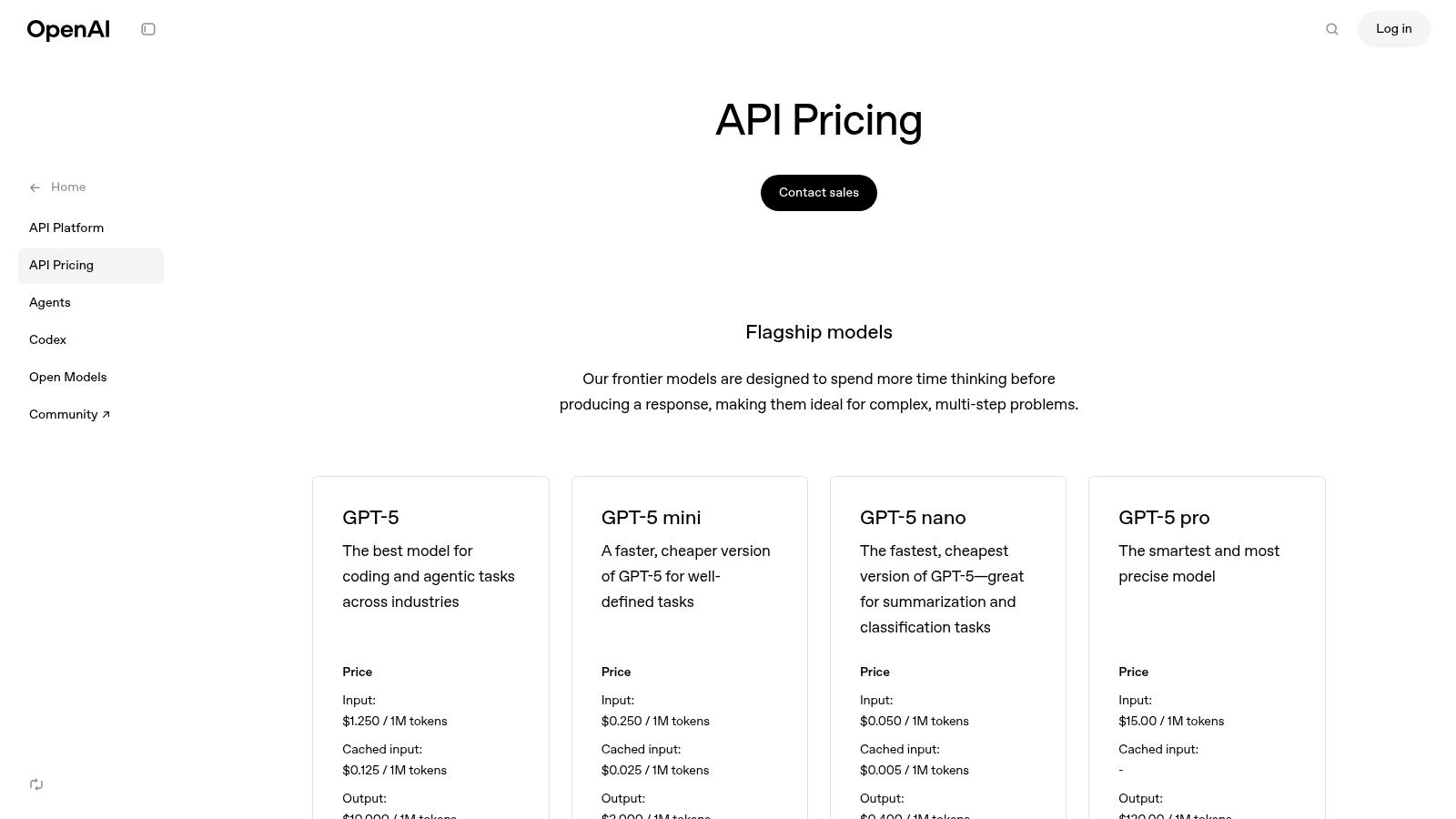
The OpenAI Whisper API provides developers direct access to a powerful speech-to-text model for highly accurate, multi-language transcription and translation. It is designed for those who want to embed low-cost, scalable transcription into their own products and workflows, supporting common media formats for on-demand usage. This API-first approach makes it one of the most flexible options for custom video transcription software solutions.
Key Features
- API Endpoints: Offers dedicated endpoints for transcription (original language) and translation (to English)
- Format Support: Processes common media formats including mp3, mp4, wav, and webm
- Pay-as-you-go Model: Purely usage-based pricing with no subscriptions
- Broad Language Coverage: Accurately transcribes audio in dozens of languages
Pricing and Plans
| Plan | Transcription Rate | Translation Rate | Enterprise |
|---|---|---|---|
| Pay-as-you-go | $0.006 / minute | $0.006 / minute | Build your own solution at scale |
Learn how to integrate the OpenAI Whisper API on iamtypist.dev.
Pros and Cons
Pros
- Extremely low cost per audio minute
- Easy to embed into custom tools and pipelines
- Excellent for global content with broad language support
Cons
- API-only with no end-user editor or interface
- Requires you to build your own workflow around the API
- Costs accrue with usage and can be unpredictable
Ideal Use Cases
- Developers building transcription features into their apps
- Businesses creating custom internal transcription workflows
- Startups needing a scalable, low-cost transcription backend
Top 12 Video Transcription Software Comparison
Transcribe a 1-hour recording in under 30 seconds Try it free
| Product | Core features | Quality & UX (★) | Price & Value (💰) | Target audience (👥) | Unique selling points (✨/🏆) |
|---|---|---|---|---|---|
| 🏆 Typist | Fast AI transcription, 99+ languages, synced editor, TXT/SRT/DOCX/PDF exports | ★★★★★ — production-ready SRTs, synchronized playback | 💰 Free trial (3 transcr.), Premium $20/mo unlimited | 👥 Creators, researchers, educators, video teams | ✨ 200× speed, broad accents/jargon support, flawless Premiere SRTs |
| Rev | AI + human transcription, captions, editor, meeting notetaker | ★★★★☆ — dependable accuracy, human escalations | 💰 Pay-per-min (human adds cost); AI plan limits | 👥 Teams needing high accuracy & compliance | ✨ Human-grade transcripts + enterprise compliance (HIPAA/SOC2) |
| Otter.ai | Live transcription, speaker ID, summaries, Zoom/Meet integrations | ★★★★☆ — excellent live UX and speaker labeling | 💰 Freemium + Business minutes for teams | 👥 Meetings, classrooms, journalists | ✨ Real-time notes, templates, strong meeting integrations |
| Descript | Transcript-driven video/audio editor, Studio Sound, filler removal | ★★★★☆ — editor-first workflow for creators | 💰 Freemium → paid tiers (media hours caps) | 👥 Podcasters, video creators, editors | ✨ Edit video like a doc; built-in audio cleanup & dubbing |
| Trint | Live transcription, multi-lang, caption editor, Adobe/API integrations | ★★★★☆ — newsroom collaboration & live feeds | 💰 Sales-led pricing for many tiers (less transparent) | 👥 Media/news teams, collaborators | ✨ Real-time multi-device workflows, ISO 27001 security |
| Sonix | Browser editor, speaker diarization, translation, per-second billing | ★★★★☆ — precise timestamps & diarization | 💰 Pay-as-you-go or subs; transparent per-second proration | 👥 Creators & teams needing cost control | ✨ Precise timestamps, clear per-second billing |
| Happy Scribe | AI & human transcription/captioning, integrations, exports (SRT/VTT/TXT) | ★★★☆☆ — quality depends on AI vs human option | 💰 Flexible pay-as-you-go & subscription; human priced per min | 👥 Multilingual captioning teams, content creators | ✨ Wide export/integration choices; human service option |
| VEED | Auto-subtitles, translation, editor, brand kits, social exports | ★★★☆☆ — fast browser workflow for social clips | 💰 Freemium (watermark) → paid minutes/plans | 👥 Social creators, training & marketing teams | ✨ Quick captioning + brand kits for social videos |
| Kapwing | Auto-subtitles, translate, transcript downloads, simple web editor | ★★★☆☆ — very easy & fast to use | 💰 Freemium (watermark) → paid plans for full exports | 👥 Social creators, students, small teams | ✨ Fast learning curve; quick subtitle creation |
| Adobe Premiere Pro (Speech to Text) | In-timeline transcription, caption editing, Creative Cloud sync | ★★★★☆ — NLE-grade timing & editing controls | 💰 Requires Adobe CC subscription (heavy) | 👥 Professional video editors | ✨ Native timeline captions — no import/export hopping |
| Amazon Transcribe (AWS) | Batch & streaming, diarization, PII redaction, custom models, analytics | ★★★★☆ — enterprise-grade, developer UX | 💰 Pay-as-you-go per-second (15s min); scalable | 👥 Engineers, enterprises, compliance-sensitive teams | ✨ Scalable infra, compliance features, call analytics |
| OpenAI Whisper API | API transcription & translation, supports common media formats | ★★★☆☆ — model accuracy; API-only (no UI) | 💰 Very low per-minute cost; pay-as-you-go | 👥 Developers building custom STT workflows | ✨ Low cost at scale, easy to embed, broad language coverage |
Making the Right Choice for Your Transcription Needs
Navigating the crowded market of video transcription tools can feel overwhelming. We've explored a dozen powerful options, from dedicated AI platforms and human-powered services to integrated video editors and developer-focused APIs. The central lesson is clear: the "best video transcription software" is not a one-size-fits-all solution. Your ideal tool depends entirely on your specific goals, workflow, and the nature of your content.
The right choice hinges on identifying your primary bottleneck. Are you a content creator spending hours manually creating captions? Is your research team bogged down by the slow process of analyzing qualitative interview data? Or are you a student who needs to quickly convert lectures into searchable study notes? Answering this question is the first and most critical step.
Key Factors to Guide Your Decision
As you weigh your options, several core factors should guide your evaluation. Don't just look at the feature list; consider how each element impacts your day-to-day productivity and the quality of your final output.
- Accuracy vs. Speed: For many users, the primary goal is to get a highly accurate transcript as quickly as possible. Automated tools like Typist excel here, delivering near-perfect results in minutes. While human services can offer that final polish for complex audio, the speed of AI is often a game-changer for high-volume workflows.
- Workflow Integration: How does the tool fit into your existing process? If you live inside Adobe Premiere Pro, its built-in Speech to Text feature is a natural fit. However, if your workflow involves multiple platforms or team members, a dedicated, cloud-based tool offers more flexibility. A standalone platform can serve as a central hub for all your transcription needs, independent of any single editing software.
- Output Formats: What do you need the transcript for? If your end goal is closed captions for YouTube or social media, look for software that exports flawless
.SRTor.VTTfiles. For researchers, a simple.TXTor a timestamped document might be enough. Production teams will value formats that can be directly imported into editing software, saving valuable time. - Cost and Scalability: Your budget will inevitably play a role. Pay-per-minute models can be cost-effective for occasional use, but monthly subscriptions often provide better value for creators, podcasters, and researchers with consistent needs. Consider a tool that offers a generous free tier, like Typist's daily allowance, allowing you to test its capabilities thoroughly before committing.
Final Thoughts on Choosing Your Software
The landscape of transcription is rapidly evolving, driven largely by advancements in artificial intelligence. Understanding the broader context of AI integration in post-production can provide valuable insight into where these tools are headed and help you make a future-proof choice. The right software does more than just convert speech to text; it becomes an indispensable part of your creative or analytical process.
For those who prioritize speed, multi-language support, and production-ready outputs without the complexity of an all-in-one editor, a specialized tool is often the superior choice. Platforms like Typist are built from the ground up to solve one problem exceptionally well: turning your video and audio into accurate, usable text in minutes. This focus allows for a streamlined experience that accelerates your entire workflow, from initial upload to final export.
Ultimately, the best video transcription software is the one that removes friction from your process, saves you time, and empowers you to focus on what you do best. Use this guide as your starting point, test a few top contenders, and choose the platform that truly meets your needs.
Ready to experience the power of fast, accurate, and reliable transcription? Typist is designed for creators, researchers, and students who need flawless transcripts and captions without the wait. Start transcribing with Typist → and get three free transcripts every day.