12 Best Transcription Software for Interviews in 2025
Discover the 12 best transcription software for interviews in 2025. Compare features, pricing, and find the perfect tool to analyze your interview audio.
Manually transcribing interviews is a tedious, time-consuming process that pulls focus from your core work, whether you're a researcher analyzing data, a journalist meeting a deadline, or a podcaster creating content. The right transcription software can save you countless hours, transforming lengthy audio or video files into accurate, editable text in minutes. This guide is designed to help you find the best transcription software for interviews by breaking down the top options available today.
We've done the heavy lifting for you, evaluating each platform on crucial factors like accuracy, speed, speaker identification, and specialized features for qualitative research and content creation. Instead of generic marketing descriptions, you'll find a practical analysis of each tool's strengths and weaknesses. We explore real-world use cases, examine pricing structures, and provide honest assessments to guide your decision.
Each review includes screenshots for a clear visual reference. This comprehensive resource cuts through the noise, providing a clear path to selecting a tool that fits your specific workflow, budget, and project requirements. Forget manual transcription; let's find the automated solution that works best for you.
1. Typist
Typist stands out as a powerful, well-rounded choice for the best transcription software for interviews, prioritizing speed, accuracy, and accessibility. It leverages advanced AI to convert hours of audio or video into precise, time-stamped text in mere minutes, processing recordings up to 200x faster than real-time. This efficiency is a significant advantage for researchers, journalists, and content creators working under tight deadlines who need to turn interview recordings into actionable text swiftly. The platform's ability to handle over 99 languages, diverse accents, and specialized technical jargon makes it incredibly versatile for global projects and niche industries.
The user experience is clean and intuitive. You simply upload common media files like MP3, MP4, or WAV, and the system generates a synchronized transcript that you can edit directly on the platform. For video professionals, the ability to export flawless SRT files that import directly into editing software like Premiere Pro is a massive workflow enhancement. Researchers and UX teams, on the other hand, benefit from turning extensive user interviews into searchable DOCX or TXT files, making data analysis far more manageable. The platform’s value proposition is strengthened by its straightforward pricing, offering a generous free trial and an affordable premium plan that unlocks unlimited transcriptions.
Key Features and Use Cases
- Blazing Speed: Dramatically reduces turnaround time, transcribing a one-hour interview in just a few minutes.
- High Accuracy & Language Support: Excels with clear audio and supports 99+ languages, including specific dialects and technical vocabulary, crucial for academic or industry-specific interviews.
- Production-Ready Exports: Provides clean, formatted exports in TXT, DOCX, PDF, and SRT formats, ideal for creating captions, show notes, or detailed research logs.
Pricing and Plans
Typist offers a compelling free trial that includes three transcriptions, allowing users to fully test its capabilities. For those with ongoing needs, the Premium plan is $20/month, offering unlimited transcriptions, priority processing, and indefinite file retention. This makes it a highly cost-effective solution for individuals, small teams, and creators who require consistent, high-quality transcription services without a large budget.
Pros:
- Exceptional processing speed significantly shortens project timelines.
- Handles complex audio with varied accents and technical terms effectively.
- Affordable premium plan with unlimited transcriptions provides excellent value.
Cons:
- Lacks enterprise-level compliance certifications like HIPAA or SOC 2.
- The free plan has limits on transcriptions (3) and file retention (7 days).
For anyone seeking a fast, accurate, and affordable tool, Typist is a top-tier choice that streamlines the entire interview transcription process.
Upload a file. Get text back. That simple.
No complex setup, no learning curve. Drag, drop, transcribe
2. Otter.ai
Otter.ai excels as a real-time transcription assistant, making it a powerful tool for live interviews conducted over Zoom, Google Meet, or Microsoft Teams. Its standout feature is the "Otter Assistant," which can join your meetings automatically to transcribe conversations as they happen. This allows researchers and journalists to focus on the interview itself, knowing a detailed record is being created in the background. For busy professionals, exploring options like Otter.ai as a top note-taking app can significantly enhance productivity.
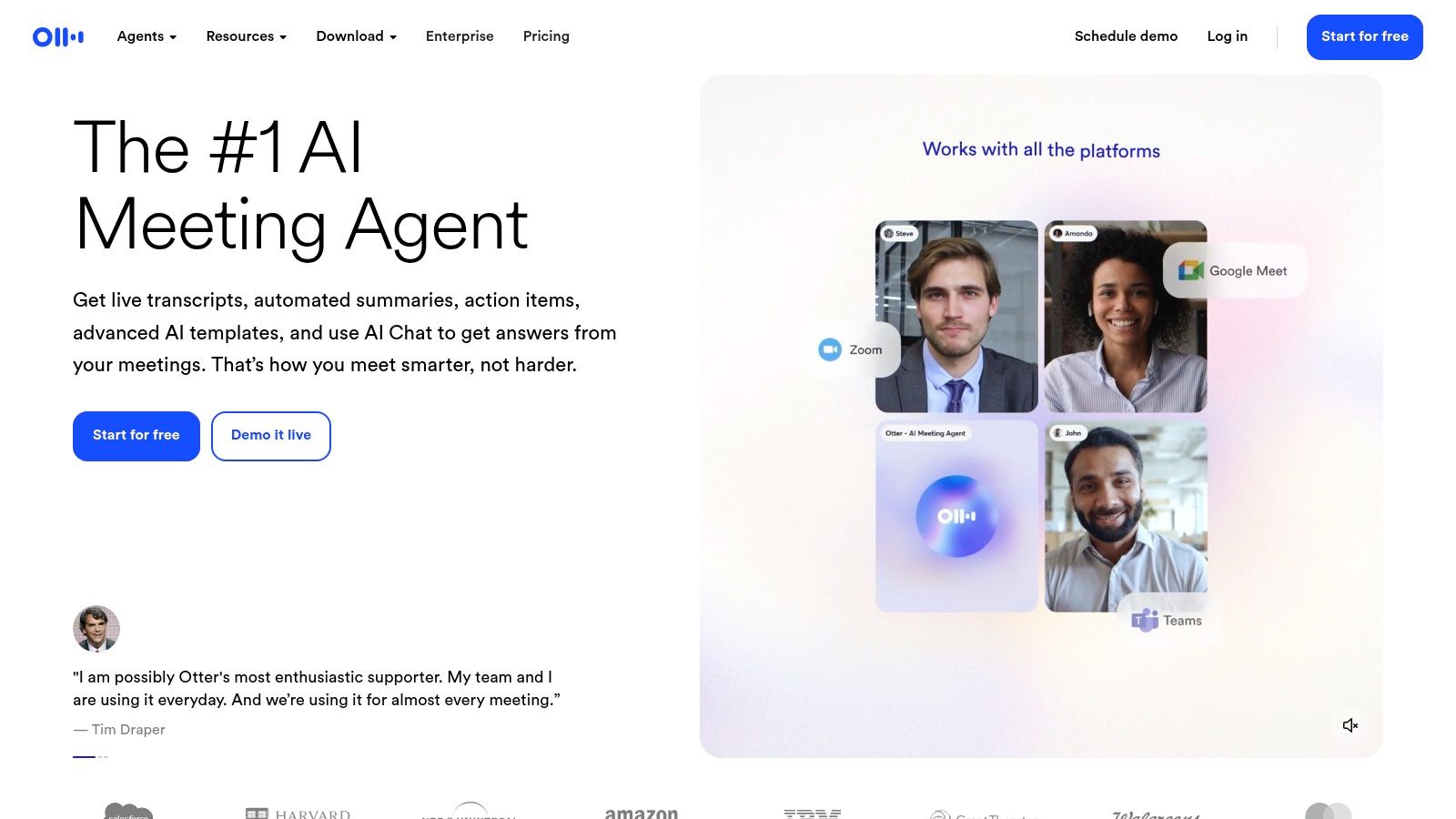
The platform automatically identifies different speakers and applies timestamps, simplifying the process of reviewing who said what. After the meeting, Otter generates an AI summary with key takeaways and action items. This makes it one of the best transcription software options for teams needing quick, shareable interview summaries. While the free tier is limited, paid plans offer generous minute allotments for ongoing projects. However, be aware that accuracy can decline with poor audio quality or strong accents, and lower-tier plans have restrictive limits on importing pre-recorded files.
Key Features:
- Live transcription and note-taking for Zoom, Teams, and Google Meet.
- Automated speaker identification and timestamping.
- AI-powered summaries and keyword extraction.
- Collaboration tools for teams to highlight, comment, and share transcripts.
Pricing: Offers a free plan with limited monthly minutes. Paid plans start at $16.99/month for more transcription time and features.
3. Rev
Still typing out transcripts by hand?
Upload MP3, WAV, MP4 or any media file — get accurate text back instantly
Rev stands out in the transcription space by offering a hybrid model that combines fast AI-driven transcripts with premium, human-powered services. This makes it an ideal choice for researchers and journalists dealing with challenging audio, such as interviews with background noise, multiple overlapping speakers, or strong accents where accuracy is non-negotiable. Users can start with a quick AI transcript and, if needed, upgrade to a human-verified version for near-perfect results, all within a single platform.
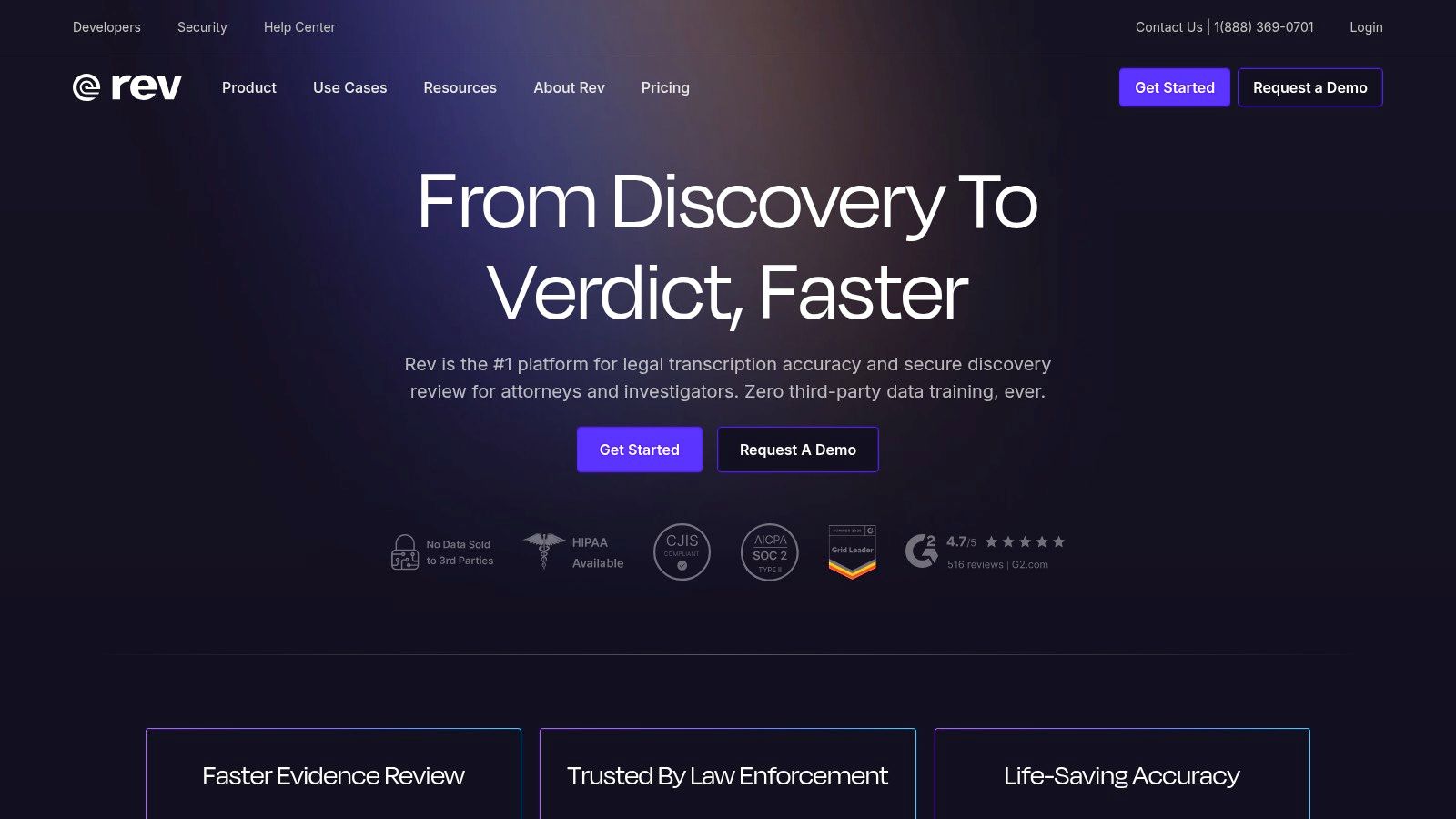
The platform’s strength lies in its guaranteed 99% accuracy for human transcription, a benchmark that makes it one of the best transcription software for interviews where every word matters. Add-on services like verbatim transcription (including filler words) and rush delivery provide extra flexibility for tight deadlines. While the per-minute cost for human services is significantly higher than automated alternatives, the reliability often justifies the investment for high-stakes projects.
Key Features:
- Human transcription service with 99% accuracy guarantee.
- Fast AI transcription for quick, lower-cost turnarounds.
- Optional add-ons like verbatim, timestamps, and rush service.
- Provides both transcription and captioning services.
Pricing: AI transcription starts at $0.25/minute. Human transcription is priced at $1.50/minute, with additional costs for add-ons.
4. Descript
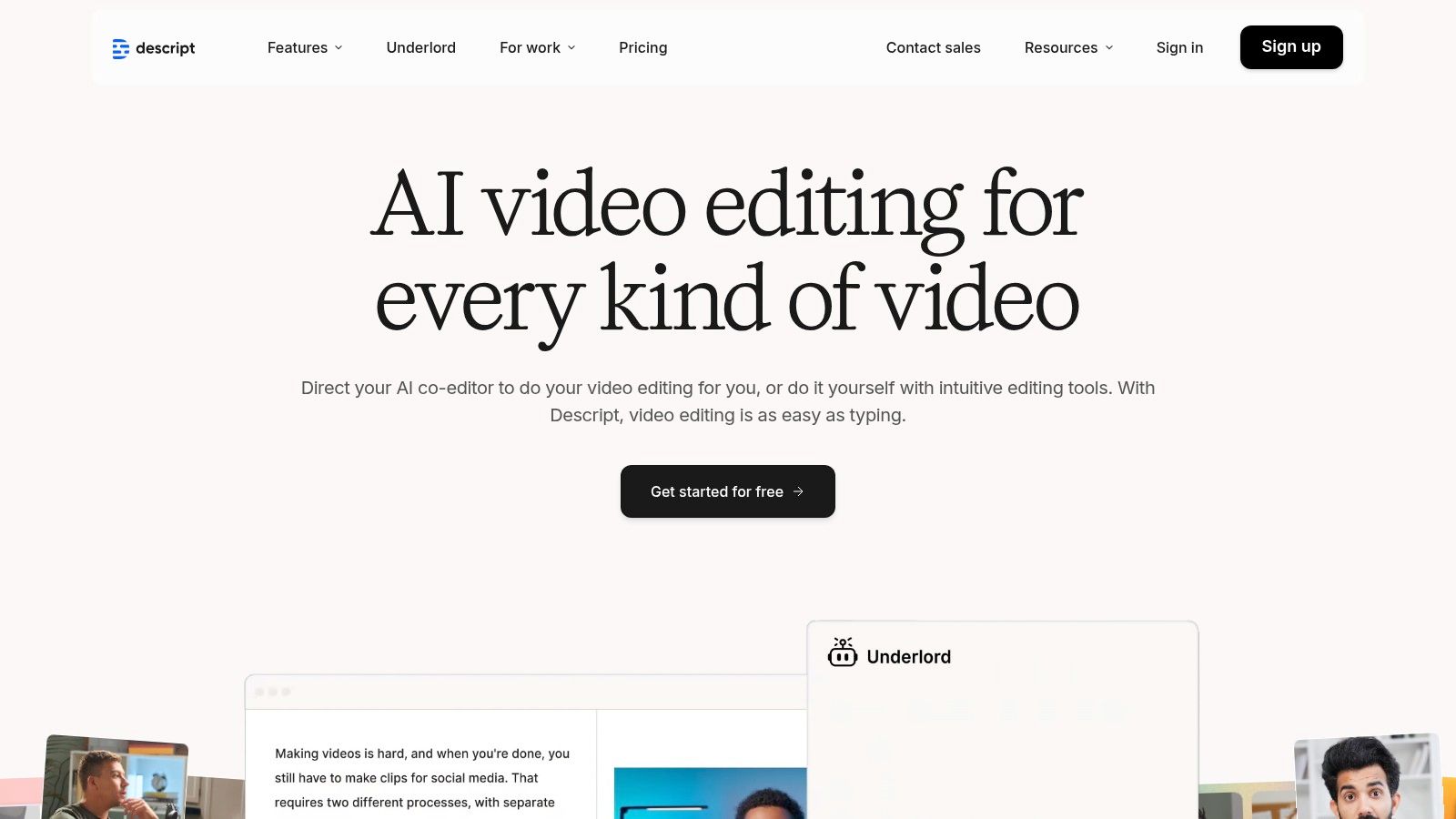
Descript revolutionizes the post-interview workflow by merging transcription with audio and video editing. Its unique text-based editor allows you to edit media simply by editing the text transcript. This is a game-changer for podcasters, researchers, and video creators who need to quickly create clips or remove filler words like "um" and "uh" from interview recordings. Instead of navigating complex timelines, you can just delete a word or sentence in the transcript, and Descript automatically edits the corresponding audio or video.
While its editing capabilities are powerful, this makes it more than just a simple transcription tool. For users who only need plain text transcripts, Descript might be overkill. The platform is truly one of the best transcription software for interviews when the goal is to produce publishable content directly from the recording. Paid plans include a generous number of transcription hours, but these are still capped, which is a key consideration for high-volume users.
Key Features:
- Text-based audio and video editing directly from the transcript.
- Automatic filler-word ("um," "uh") removal and speaker detection.
- Overdub feature for correcting audio by typing.
- Built-in screen recorder, audio recorder, and collaboration tools.
Pricing: Offers a free plan with limited transcription. Paid plans start at $15/month and include more transcription hours and advanced features.
5. Trint
Transcription that works in 99+ languages Start transcribing
Trint is a powerful, team-oriented transcription suite built for collaborative environments like newsrooms and media production houses. Its key strength lies in workflows that allow multiple users to work on interview transcripts simultaneously. The platform supports transcription in numerous languages and even offers translation, making it an excellent choice for international research teams. A unique feature is the "Story Builder," which lets users highlight key quotes from various interviews and assemble them into a cohesive narrative, streamlining the content creation process.
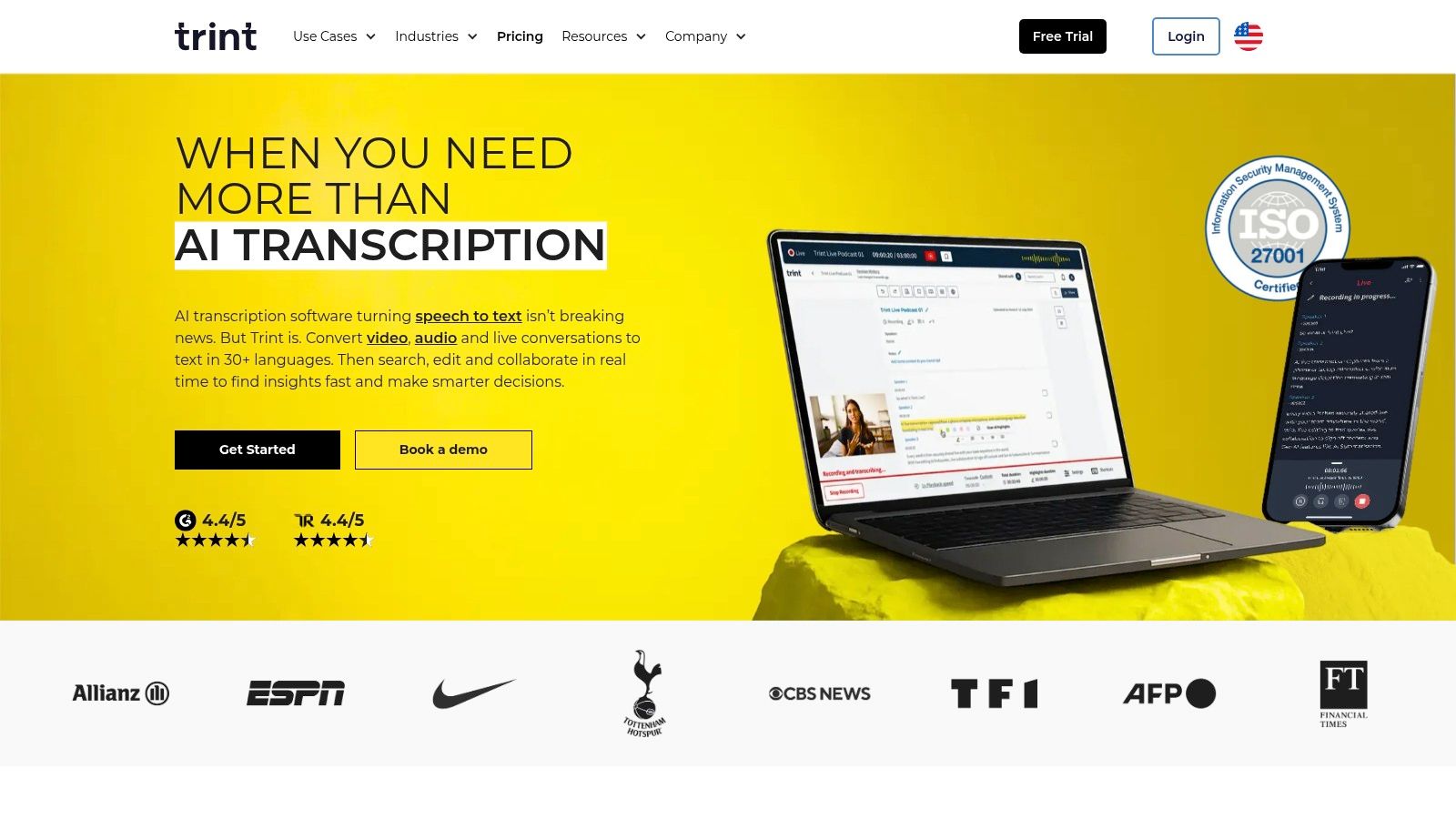
As one of the best transcription software options for collaborative projects, Trint excels at turning raw audio into structured stories. However, its pricing structure is geared more towards enterprise clients, and the details can be less transparent for individual users or small teams. The starter plan's file limits and fair-use caps can also be confusing to navigate, making it a better fit for organizations with consistent, high-volume needs rather than occasional users.
Key Features:
- Multi-language AI transcription and translation capabilities.
- Live transcription with real-time collaboration for teams.
- Advanced editing, search, and export functionalities.
- "Story Builder" tool to pull and organize key quotes from interviews.
Pricing: Custom quotes are provided for teams. Individual plans start at $80/month for transcribing 7 files.
Start transcribing with Typist →
6. Sonix
Sonix stands out for its high-speed automated transcription and a clean, powerful in-browser editor that simplifies transcript correction. It’s particularly well-suited for researchers or content creators who conduct interviews in bursts and need a reliable tool with transparent pricing. The platform excels at speaker diarization, automatically separating and labeling different voices, which is a crucial feature when analyzing interview dynamics. This makes it one of the best transcription software for interviews where multiple participants are involved.
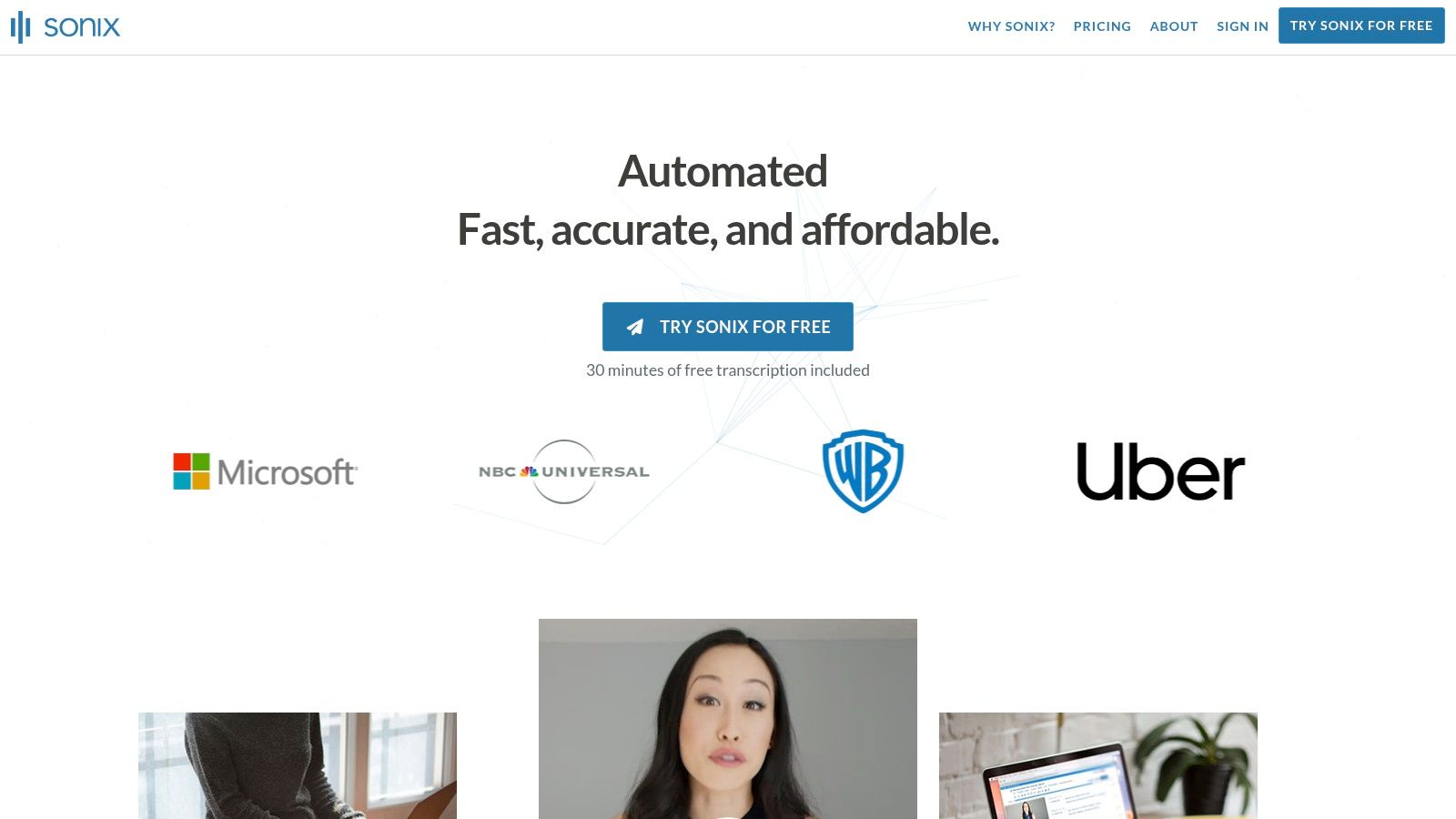
The platform’s strength lies in its user experience, focusing on making the post-transcription workflow as efficient as possible. With features like custom dictionaries and word-by-word timestamps, users can quickly refine the automated output to near-perfect accuracy. Sonix also caters to enterprise clients with a strong security posture, including SOC 2 Type 2 compliance. While its interface is transcript-first and less of a full video editor, its pay-as-you-go model is ideal for project-based work, though costs can add up for high-volume users.
Key Features:
- Automated speaker labeling and word-by-word timestamping.
- Powerful in-browser editor with collaboration tools.
- Custom dictionary to improve accuracy for specific jargon or names.
- Extensive export options (Word, TXT, SRT) and multiple integrations.
Pricing: Offers a free trial. Paid plans use a pay-as-you-go model starting at $10/hour, with subscription plans available for higher volume.
7. Happy Scribe
Happy Scribe stands out for its hybrid approach, offering both automated AI transcription and human-powered services. This makes it a flexible choice for researchers and creators who need a quick AI draft for most interviews but require near-perfect accuracy for critical recordings. The platform's strong multilingual support is a major advantage for international projects, providing transcription, translation, and subtitling in dozens of languages. Its seamless integrations with cloud storage like Google Drive and Dropbox simplify the workflow by allowing direct file imports.
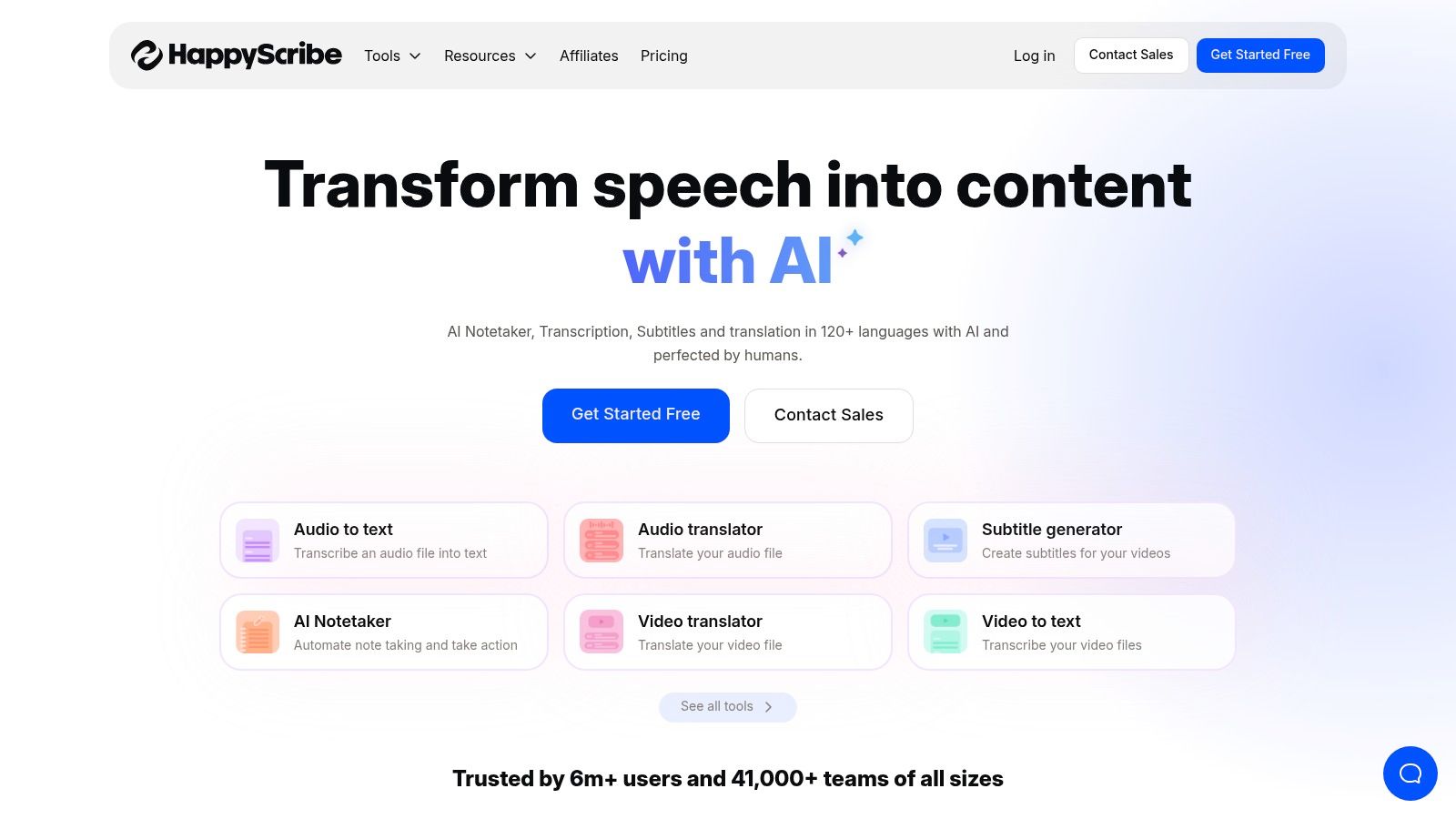
The primary benefit is the ability to easily upgrade an AI transcript to a human-proofread version directly within the platform, ensuring you only pay for high accuracy when necessary. While the AI transcription is fast, the human service cost varies based on language and required turnaround time, which can add up. Happy Scribe’s pay-as-you-go model is great for occasional users, but subscription plans offer better value for those with consistent transcription needs. This makes it one of the best transcription software choices for users who need a scalable solution.
Key Features:
- AI-powered transcription, translation, and subtitling.
- Option to upgrade to a human-proofread transcript for higher accuracy.
- Integrations with YouTube, Google Drive, Dropbox, and other platforms.
- Strong multilingual support for a global user base.
Pricing: Offers pay-as-you-go pricing for AI and human services. Subscription plans start at €17/month for more features and better rates.
8. Temi
Upload your recording, get a transcript, export to any format. Repurpose content in minutes Start transcribing
Temi offers a straightforward, pay-as-you-go approach to automated transcription, making it an excellent choice for users who need occasional interview transcripts without committing to a subscription. Created by the same team behind Rev, its primary strength lies in its simplicity. You just upload an audio or video file, and its automated service delivers a transcript, often within minutes. This friction-free process is ideal for students, independent researchers, or content creators with sporadic transcription needs.
The platform provides a simple online editor where you can play back the audio, correct any errors, and assign speaker names. While the editor is basic, it effectively links text to audio with timestamps, which simplifies the review process. Temi is one of the best transcription software options for one-off projects where speed and cost-effectiveness are more important than advanced collaboration features or perfect accuracy on challenging audio. Its no-commitment model ensures you only pay for what you actually use.
Key Features:
- Simple drag-and-drop web uploader for quick file processing.
- Basic online editor with clickable timestamps and speaker identification.
- Exports transcripts to various formats, including DOCX, PDF, and SRT.
- Transparent, per-minute pricing with no subscriptions or hidden fees.
Pricing: Charges a flat rate of $0.25 per audio minute with a free trial for the first 45 minutes.
9. Notta
Notta positions itself as a high-value, versatile transcription tool ideal for researchers, students, and content creators handling frequent interviews. Its strength lies in offering generous transcription minute allowances on its paid plans, making it an affordable choice for ongoing projects. The platform seamlessly captures meetings from major platforms like Zoom, Teams, Meet, and Webex, transcribing them in real-time or from uploaded files. This makes it one of the best transcription software options for users who need a reliable daily tool.
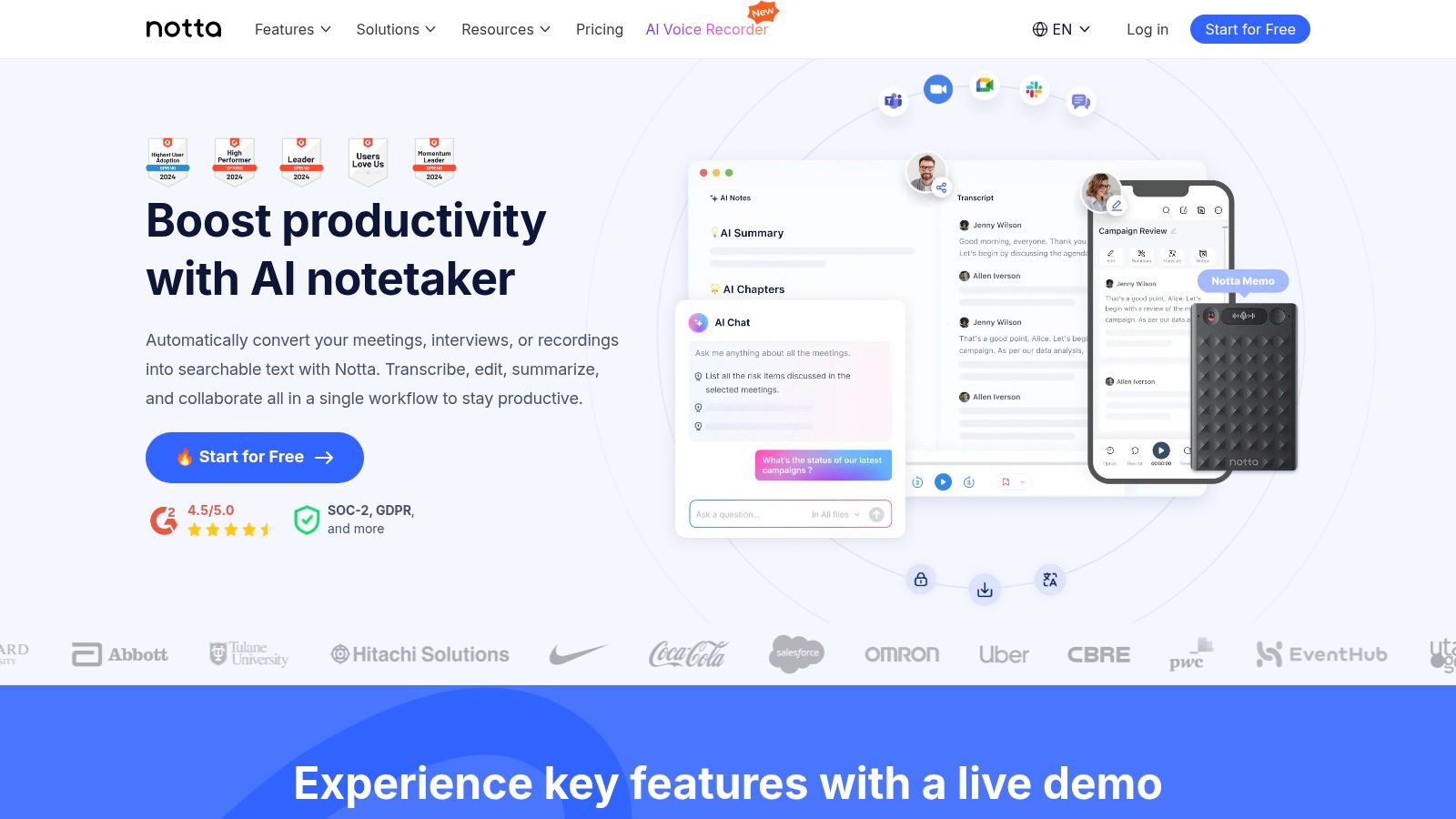
The service includes AI-powered summaries to quickly distill key points, action items, and important decisions from lengthy discussions. Speaker identification and timestamping are standard, simplifying transcript review. Notta also offers a Chrome extension for capturing audio from any webpage, adding another layer of flexibility. While its core features are robust, some advanced add-ons are reserved for the higher-tier Business plan. Like many AI tools, accuracy can dip with significant background noise or strong regional accents, requiring manual review.
Key Features:
- Live transcription and meeting capture for Zoom, Teams, Meet, and Webex.
- AI-generated summaries of key interview takeaways.
- Supports both file uploads and real-time transcription.
- Cross-platform syncing across devices and a Chrome extension.
Pricing: Offers a free plan with limited monthly minutes. The Pro plan starts at $13.99/month for a large minute allowance.
10. Express Scribe (NCH Software)
Express Scribe holds a unique position as it is not an AI-powered service, but rather professional-grade software for manual transcription. It is a desktop audio player specifically designed for transcribers to play, pause, slow down, and rewind audio recordings with ease, often using a compatible foot pedal. This makes it an essential tool for researchers, academics, or transcriptionists who prefer or are required to manually transcribe interviews for maximum accuracy, or for cleaning up an AI-generated transcript. It seamlessly integrates with word processors, allowing you to type in one window while controlling the audio in another.
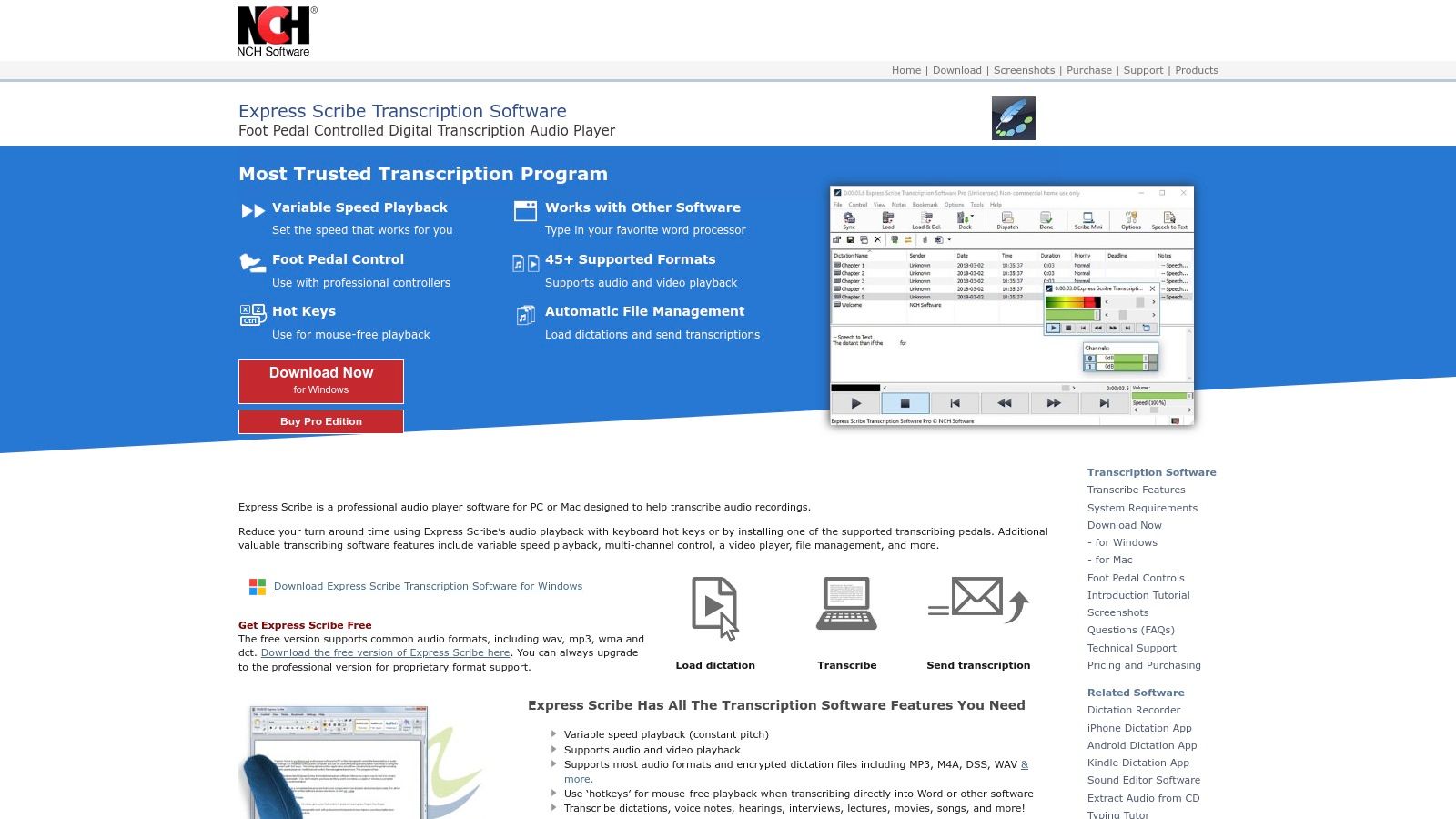
This software excels where human nuance is critical and automated tools might struggle with heavy accents, overlapping speech, or poor audio. While it lacks automatic transcription features, its focused toolset for manual workflows is unparalleled. For those who need a first draft from an AI before a manual polish, pairing a service like Typist with Express Scribe creates a highly efficient process. However, the software’s main drawback is that it requires your time to do the typing, and its licensing and frequent upsell prompts can be confusing for new users.
Key Features:
- Variable speed playback, controlled via keyboard hotkeys or a foot pedal.
- Supports a vast range of both audio and video file formats.
- Works in the background while you type into any word processor.
- "Docking" feature integrates the player directly with your word processor window.
Pricing: Offers a free version with limited features. A professional license is available for a one-time purchase of $79.99.
11. Microsoft Word (Transcribe in Word)
Generate subtitles for any video
Upload MP4 or MOV, export SRT subtitles. Works with Premiere, Final Cut, DaVinci
For those already embedded in the Microsoft 365 ecosystem, the "Transcribe in Word" feature is a remarkably convenient and cost-effective solution. Available directly within Word for the web, it allows users to either upload existing interview audio files or record conversations directly. This integration eliminates the need for a separate subscription, streamlining the workflow for researchers and students who draft their reports and analyses in Word.
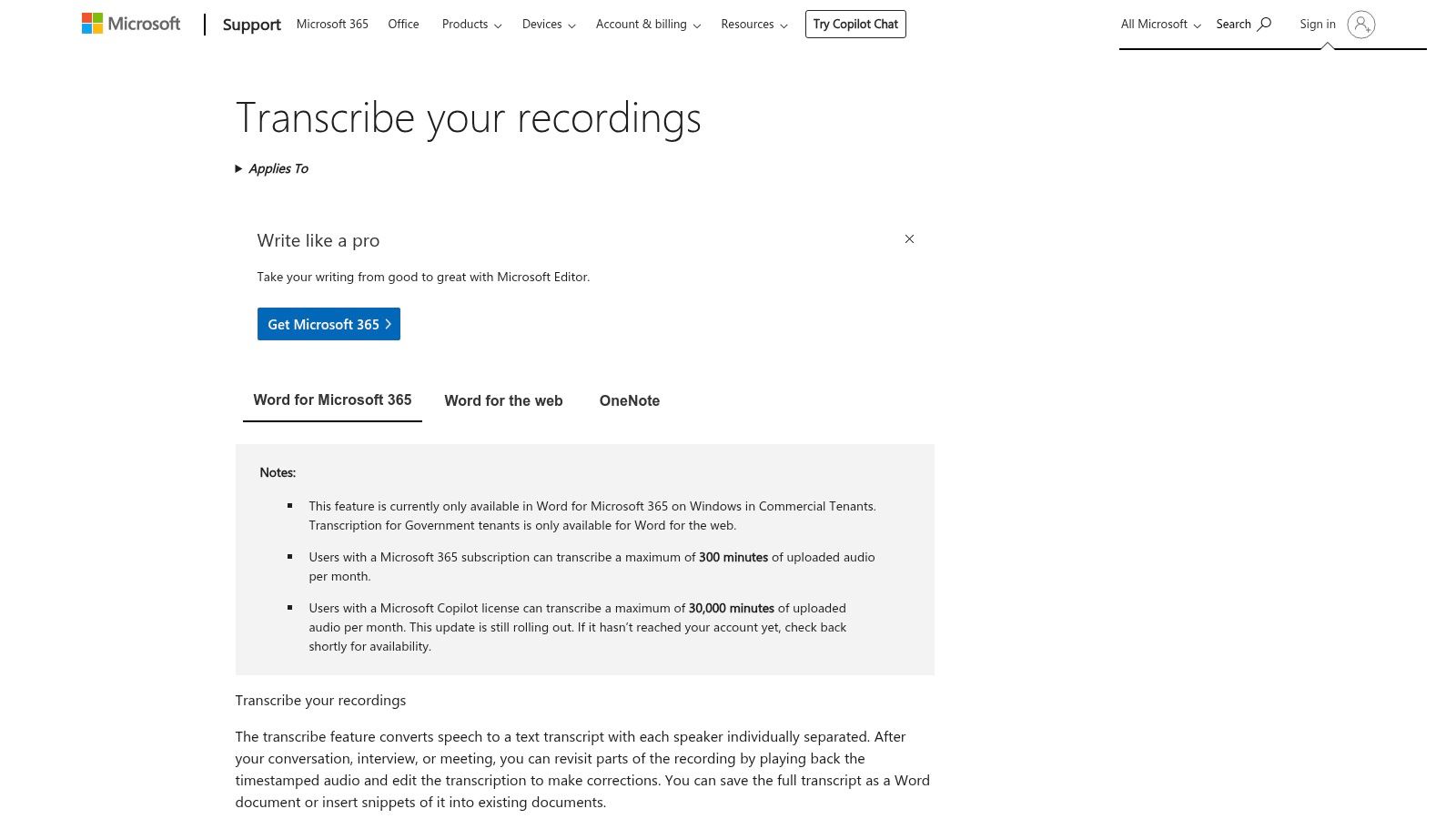
The tool automatically separates speakers and adds timestamps to the transcript, which is saved securely in your OneDrive account. You can then insert the entire transcript or specific quotes directly into your document with a single click. While this makes it one of the best transcription software options for Microsoft users, its availability and monthly minute caps can vary based on your specific 365 subscription. The experience is also optimized for the web version, so desktop functionality may differ.
Key Features:
- Upload audio files or record directly in Word for the web.
- Automatic speaker separation with corresponding timestamps.
- Saves transcripts to OneDrive for easy access and organization.
- Seamlessly insert transcript excerpts or the full text into documents.
Pricing: Included with most Microsoft 365 subscriptions, but monthly minute limits apply and vary by plan.
12. Amazon Transcribe (AWS)
Amazon Transcribe is a powerful, developer-focused service for organizations that need to integrate transcription directly into their own applications and workflows. Unlike consumer-facing platforms, it operates on a pay-as-you-go model and provides advanced tools like batch processing for large archives and real-time streaming for live applications. This makes it one of the best transcription software choices for technical teams building scalable interview pipelines where custom features like vocabulary filters and content redaction are critical. It's built for integration, not as a standalone editor.
The service excels at technical accuracy and customization, allowing users to define specific terms to improve recognition of industry jargon or product names. It also provides robust features like speaker diarization, automatic language identification, and timestamps. However, it requires an AWS account and technical knowledge to implement, as there is no user-friendly interface for uploading a file and editing the text. It is best suited for large-scale projects or businesses embedding transcription into their products, rather than individuals needing a quick transcript.
Key Features:
- Batch and real-time streaming transcription APIs.
- Automated speaker diarization, timestamps, and language identification.
- Custom vocabulary and content redaction for enhanced accuracy and compliance.
- Highly scalable architecture for processing large volumes of audio.
Pricing: Offers a free tier with monthly limits. Paid usage is priced per second of audio transcribed, becoming highly cost-effective at scale.
Top 12 Interview Transcription Tools Comparison
Transcribe a 1-hour recording in under 30 seconds Try it free
| Product | Core features | Quality / Speed (★) | Pricing / Value (💰) | Target (👥) | Unique strengths (✨) |
|---|---|---|---|---|---|
| 🏆 Typist | AI transcription, 99+ langs, SRT/DOCX/PDF exports, synced player | ★★★★☆ · up to 200x real‑time | 💰 Free trial (3), Premium $20/mo unlimited | 👥 Creators, teams, researchers, educators | ✨ Blazing speed, Premiere‑ready SRTs, affordable |
| Otter.ai | Live meeting capture, speaker ID, AI summaries, multi‑device | ★★★★☆ live capture | 💰 Freemium + paid minute tiers | 👥 Meetings, interviews, teams | ✨ Zoom/Meet integrations, real‑time notes |
| Rev | AI + human transcription, captions, rush & verbatim add‑ons | ★★★★★ (human) / ★★★★☆ (AI) | 💰 Clear per‑minute pricing (human higher) | 👥 High‑accuracy projects, legal/media | ✨ Human proofreading option, fast turnaround |
| Descript | Transcript‑based audio/video editor, filler removal, recorder | ★★★★☆ editor‑focused | 💰 Subscription with included hours | 👥 Podcasters, journalists, video editors | ✨ Edit media by editing text, clip export |
| Trint | Team collaboration, multi‑lang transcription, Story Builder | ★★★★☆ team workflows | 💰 Team plans (pricing less transparent) | 👥 Newsrooms, media teams | ✨ Story Builder for quotes, real‑time collab |
| Sonix | Automated transcription, diarization, robust web editor, API | ★★★★☆ accurate & secure | 💰 Usage‑based per hour (prorated) | 👥 Enterprises, security‑minded teams | ✨ SOC2, per‑second billing, custom dictionary |
| Happy Scribe | AI + human proofreading, subtitling, platform integrations | ★★★★☆ multilingual | 💰 Pay‑as‑you‑go or subscription | 👥 Creators, multilingual teams | ✨ YouTube/Drive/Dropbox integrations |
| Temi | Simple uploader, fast automated transcripts, basic editor | ★★★☆☆ fast, low cost | 💰 Pay‑per‑minute (no subscription) | 👥 Occasional users, quick jobs | ✨ No‑friction, transparent per‑minute pricing |
| Notta | Live & file transcription, meeting capture, AI summaries | ★★★★☆ generous minutes | 💰 Affordable Pro/Business plans | 👥 Individuals & growing teams | ✨ High minute allowances, Chrome extension |
| Express Scribe (NCH) | Desktop player, foot pedal support, variable playback | ★★★★☆ manual workflow | 💰 One‑time license / paid tiers | 👥 Professional transcribers | ✨ Foot pedal + hotkeys, optimized for manual cleanup |
| Microsoft Word (Transcribe) | Upload/record in Word web, speaker separation, timestamps | ★★★☆☆ convenient for Office users | 💰 Included with Microsoft 365 | 👥 Office teams, Word users | ✨ Saves to OneDrive, insert transcripts into docs |
| Amazon Transcribe (AWS) | Batch & streaming, diarization, custom vocab, redaction | ★★★★☆ highly scalable | 💰 Pay‑as‑you‑go (cost‑efficient at volume) | 👥 Dev teams, enterprises, archives | ✨ API first, custom vocab & compliance controls |
Export your transcript to SRT, PDF, DOCX, or TXT — all from one upload Try it free
Final Thoughts
Navigating the landscape of transcription tools can feel overwhelming, but finding the best transcription software for interviews is about matching the right features to your specific workflow. Throughout this guide, we've explored a dozen options, from AI-powered platforms like Typist to more traditional software, each with its own strengths and ideal use cases.
The key takeaway is that there is no single "best" tool for everyone. Your choice depends heavily on your priorities. Are you a UX researcher needing high accuracy and speaker identification for qualitative analysis? Or perhaps a podcaster who values an integrated editor for creating content directly from transcripts? Answering these questions is the first step toward making an informed decision.
How to Choose the Right Tool for You
To simplify your choice, consider these core factors:
- Accuracy: For research and professional content, accuracy is non-negotiable. Look for tools that consistently deliver high-quality, reliable transcripts with minimal errors, especially with multiple speakers or background noise.
- Turnaround Time: If speed is your priority, automated AI services are your best bet. Many platforms can turn around an hour-long interview in just a few minutes, a massive improvement over manual transcription.
- Workflow Integration: The best software doesn't just transcribe; it fits seamlessly into your existing process. Consider features like collaboration tools, export formats (.docx, .srt, .txt), and integrations with other software you use.
- Cost-Effectiveness: Your budget will play a significant role. It's essential to evaluate different pricing models, from pay-as-you-go to monthly subscriptions. Comparing these structures helps you understand the value you're getting for your investment.
Ultimately, the goal is to find a solution that saves you time, enhances your accuracy, and frees you up to focus on the insights hidden within your interview recordings. The modern transcription landscape offers powerful AI that can transform raw audio into structured, usable text with just a few clicks. By carefully weighing your needs against the features we've discussed, you can confidently select the perfect tool to streamline your work.
Choosing the best transcription software for interviews is a strategic decision that can significantly boost your productivity. Take advantage of free trials to test a few top contenders with your own audio files. This hands-on experience is the most reliable way to discover which platform truly meets the demands of your projects and helps you achieve your goals more efficiently.
Ready to experience the power of fast, accurate, and secure transcription? Typist is designed to meet the demands of researchers, creators, and professionals who need reliable transcripts without the high cost. Get started today and see how effortless interview transcription can be.