12 Best Interview Transcription Software Picks for 2025
Discover the best interview transcription software for researchers, journalists, and teams. Get fast, accurate transcripts and streamline your workflow in 2025.
Interviews are the lifeblood of countless projects, from academic research and journalism to UX studies and content creation. But the raw audio or video is just the beginning. The real value is locked within the conversation, and manually transcribing hours of dialogue is a slow, error-prone, and resource-draining task. This is where dedicated interview transcription software completely transforms your workflow.
The right tool not only saves you dozens of hours but also enhances accuracy, simplifies analysis, and accelerates your entire project from data collection to final output. For accurate transcription, the quality of your audio is paramount. If you're struggling with poor recordings, it's worth learning how to remove background noise for clear audio before processing your files.
This guide cuts through the noise to help you find the best interview transcription software for your specific needs. We’ll move beyond marketing claims to evaluate each platform on what truly matters: speed, accuracy, collaboration features, and practical use cases. Each review includes direct links and screenshots to give you a clear look at the user experience, helping you make an informed decision and get back to the work that matters most.
1. Typist
Typist establishes itself as a powerful and efficient contender for the best interview transcription software, engineered for users who demand both speed and precision. Its core strength lies in its AI-powered engine that processes audio and video files at a remarkable pace, converting an hour-long recording into editable text in mere seconds. This capability makes it an indispensable tool for professionals with high-volume transcription needs, such as UX researchers analyzing multiple user interviews or content creators producing weekly podcasts.
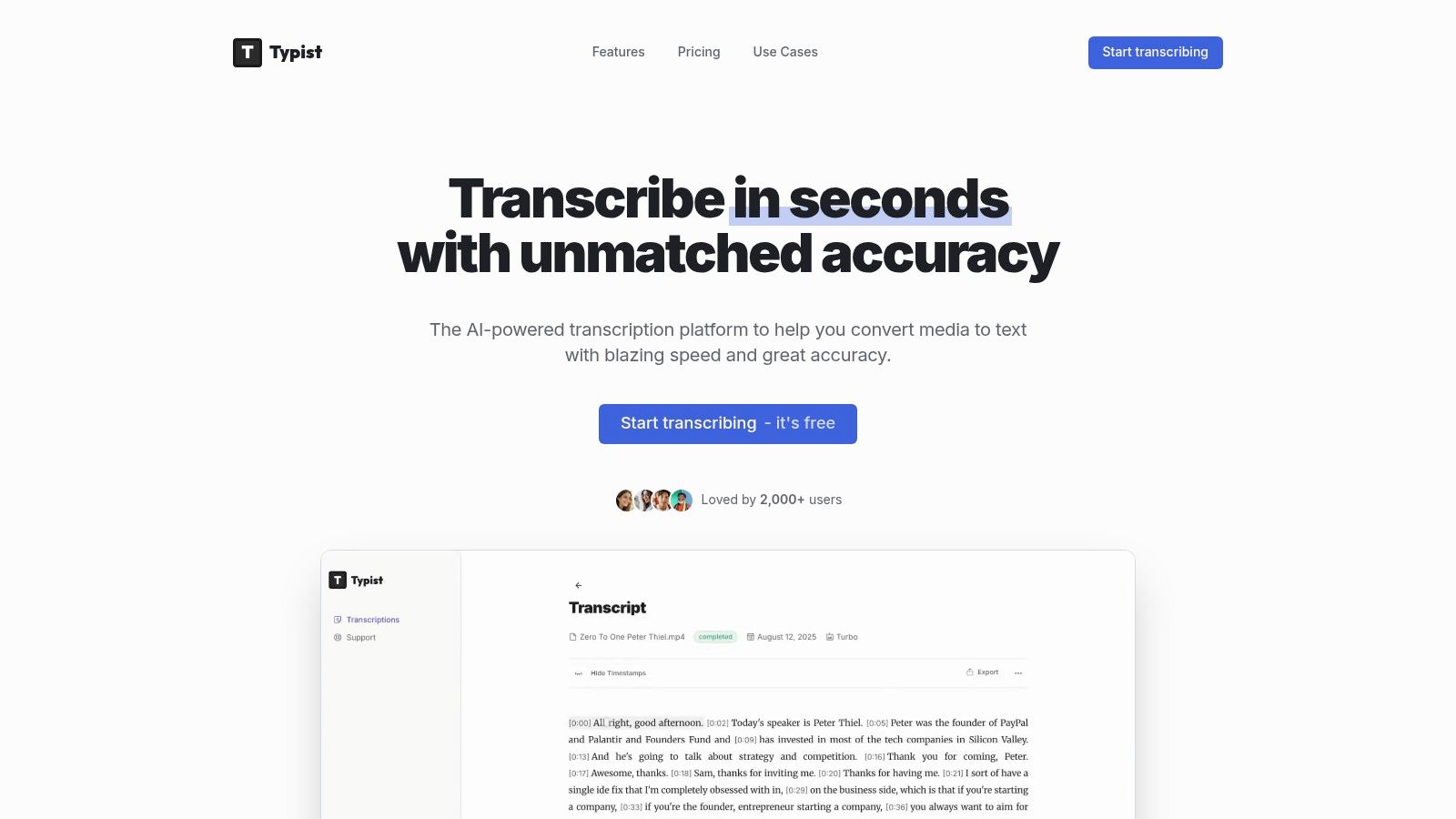
The platform supports over 99 languages and demonstrates a strong ability to accurately capture varied accents and specialized terminology. This makes it highly versatile for academic researchers transcribing lectures with technical jargon or global teams documenting multilingual meetings. For video producers, Typist generates flawless SRT caption files that integrate directly into workflows with tools like Premiere Pro, drastically cutting down on post-production time.
Key Features and User Benefits
- Exceptional Processing Speed: Typist can process an hour of audio in under a minute (up to 200x faster than real-time), which is a significant advantage for tight deadlines.
- High Accuracy and Language Support: The software maintains high accuracy across 99+ languages, including content with complex vocabulary, ensuring reliable outputs for professional use.
- Workflow-Ready Exports: It provides multiple export options (TXT, SRT, DOCX, PDF) and synchronized audio playback, allowing you to create polished, usable documents and captions.
- Generous and Accessible Pricing: Typist offers a risk-free trial with three free transcriptions without requiring a credit card. The Premium plan is affordably priced at $20 per month for unlimited transcriptions, making it a cost-effective solution for individuals and teams.
Practical Considerations
While the free tier is excellent for evaluation, its seven-day file retention and three-transcription limit mean that consistent users will need to upgrade. Additionally, organizations requiring specific compliance certifications like HIPAA or advanced, multi-speaker editing features may need to get in touch with Typist to confirm if their enterprise needs can be met.
Website: https://iamtypist.dev
Three free transcriptions. No credit card.
See how fast and accurate Typist is — upload your first file in seconds
2. Otter.ai
Otter.ai is one of the most recognized names in automated transcription, especially for live meetings. It excels at real-time transcription, integrating directly with platforms like Zoom, Google Meet, and Microsoft Teams to act as an AI meeting assistant. This makes it an ideal choice for UX researchers, students, and teams conducting remote interviews who need immediate, shareable notes. Its ability to identify different speakers and generate AI-powered summaries with action items streamlines the post-interview workflow significantly.
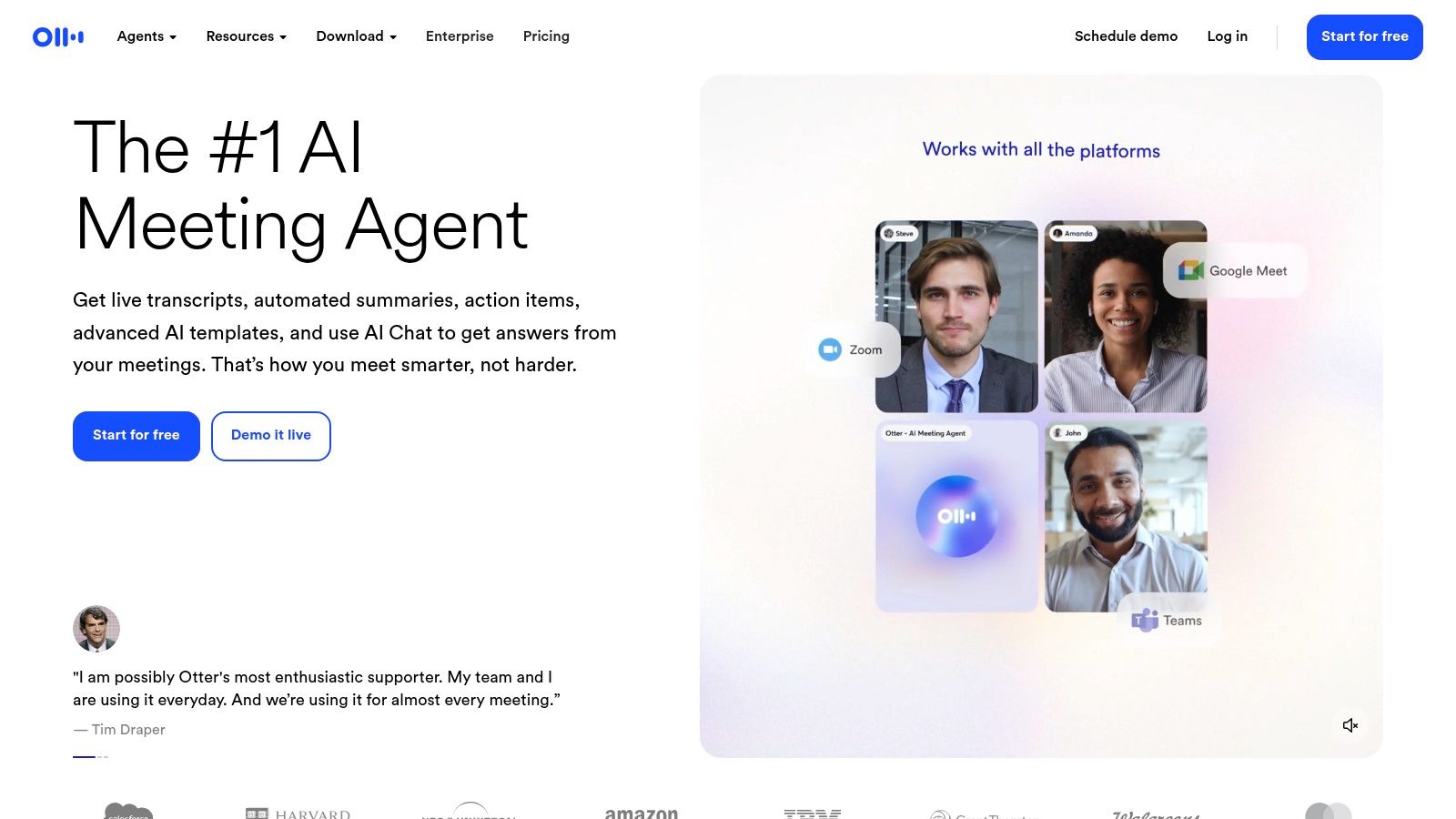
The platform is more than just a transcription tool; it's a collaborative hub for your voice conversations. You can search across all your past interview transcripts, highlight key moments, and share them with teammates. For those building custom solutions, Otter offers API access on its higher-tier plans. While the free plan has limitations on import and transcription minutes, the Pro and Business plans offer more robust features. However, it's worth noting that its accuracy can be inconsistent with poor audio quality, and it lacks built-in translation features. To dig deeper into its features and alternatives, you can learn more about AI transcription tools like Otter.ai and see how they compare.
Key Features & Pricing
- Best For: Live meeting transcription and collaborative analysis of remote interviews.
- Key Features: Real-time speaker identification, AI summaries, action items, and integrations with major video conferencing tools.
- Pricing: Offers a free basic plan with minute limitations. Paid plans like Pro and Business unlock more features, higher minute allowances, and team collaboration tools. HIPAA-compliant options are available on Enterprise plans.
3. Rev
Turn podcast episodes into blog posts
Upload your recording, get a transcript, export to any format. Repurpose content in minutes
Rev stands out in the crowded market by offering a powerful hybrid model: high-accuracy human transcription and a more affordable, instant AI alternative. This makes it a top choice for researchers, journalists, and legal professionals who need near-perfect accuracy for critical interviews and cannot risk errors from purely automated systems. The platform's on-demand marketplace connects you with professional transcribers, guaranteeing a 99% accuracy rate with quick turnaround times for your most important audio.
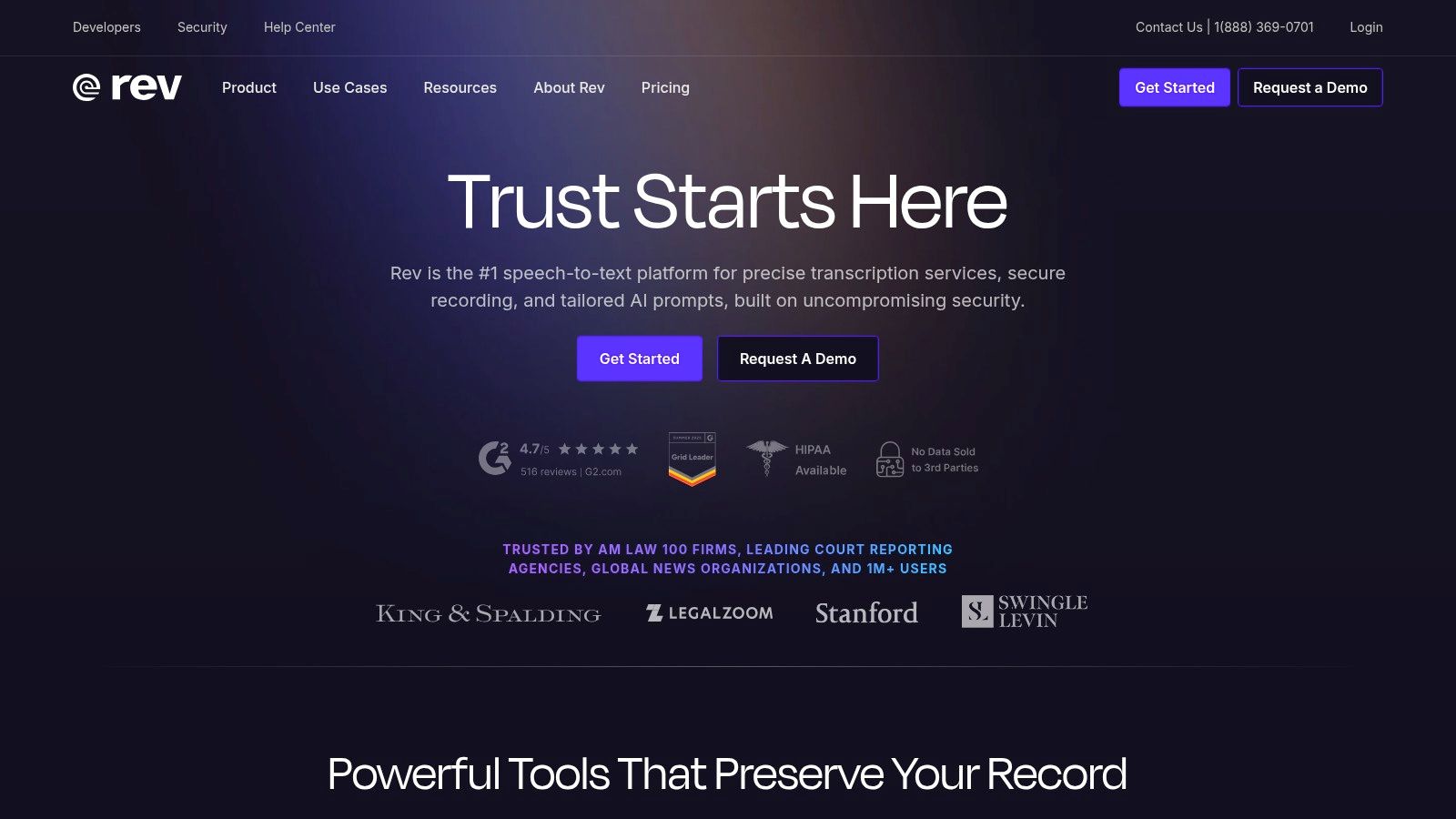
The platform provides a clear, per-minute pricing structure, allowing users to select add-ons like verbatim transcription or timestamps as needed. This flexibility is a key advantage; you can use the fast AI service for initial drafts or less critical recordings and then upgrade specific files to human transcription directly within the same workflow. While the human service is more expensive and can add up for large volumes, its reliability is often worth the investment. It’s also important to consider data handling practices; you can learn more about how services like Rev handle user privacy when making your decision.
Key Features & Pricing
- Best For: Projects requiring guaranteed high accuracy, such as legal depositions, academic research, and broadcast-quality content.
- Key Features: 99% accuracy human transcription service, on-demand AI transcription, interactive web editor, and optional add-ons like rush delivery and verbatim transcription.
- Pricing: Human transcription is priced per audio minute, with costs increasing for add-ons. AI transcription is available via a lower-cost subscription that includes a set number of minutes and discounts on human services.
4. Descript
Descript stands out as an all-in-one audio and video editor built around its transcription engine. It treats your interview recording like a text document, allowing you to edit the audio or video simply by deleting or rearranging words in the transcript. This makes it an exceptional tool for content creators, podcasters, and researchers who need to turn raw interviews into polished, publishable content. Its suite of features includes powerful tools like automatic filler-word removal (“um,” “uh”), Studio Sound for enhancing audio quality, and even an AI-powered Overdub feature to clone your voice for correcting small errors.
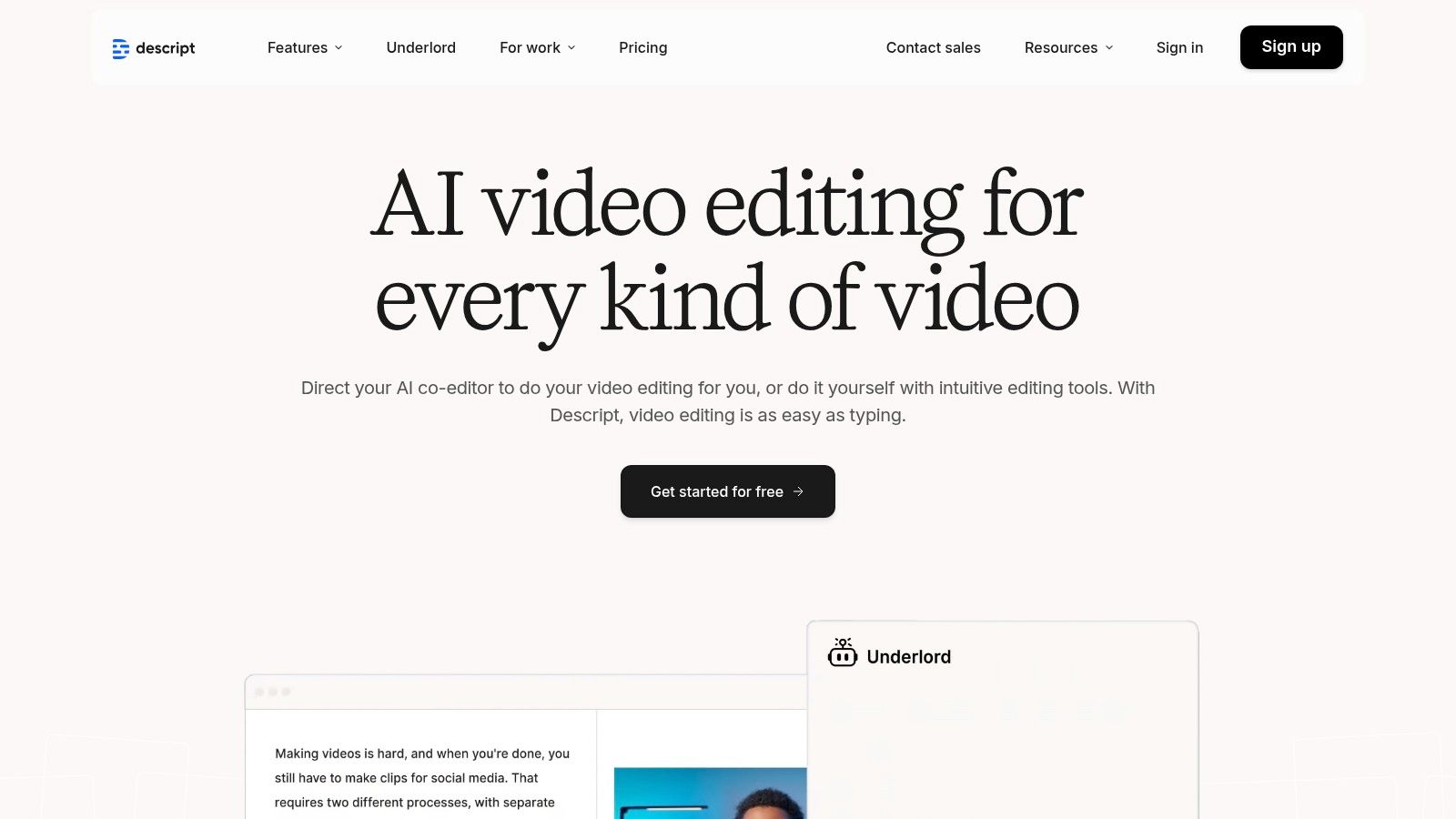
While Descript is more of a production tool than just a transcription service, its collaborative features make it a strong contender for teams. It includes screen and remote recording capabilities, essentially replacing multiple tools in a typical production workflow. The platform’s main drawback for pure transcription tasks is its complexity compared to single-purpose tools. Additionally, transcription limits are tied to plan tiers measured in "media hours," which might be a constraint for users with high-volume transcription needs. For those seeking straightforward, high-accuracy transcription without the production overhead, a dedicated service like Typist might be a more efficient choice.
Key Features & Pricing
- Best For: Podcasters, video creators, and researchers who edit and publish their interview recordings.
- Key Features: Text-based audio/video editing, AI filler-word removal, Studio Sound audio enhancement, and multi-track remote recording.
- Pricing: A free plan is available with limited features. Paid plans (Creator, Pro) unlock more transcription hours, advanced AI features, and collaborative tools. Enterprise plans are available for larger teams.
Start transcribing with Typist →
5. Sonix
Sonix is a powerful AI transcription service known for its speed and extensive multilingual support, making it one of the best interview transcription software options for global teams. It excels at quickly turning audio and video into text across more than 40 languages, complete with automated speaker labeling and timestamps. The platform features a polished, in-browser editor that allows users to easily review, edit, and polish transcripts before exporting them in various formats. This makes it a great fit for content creators, journalists, and researchers working with international interviews.
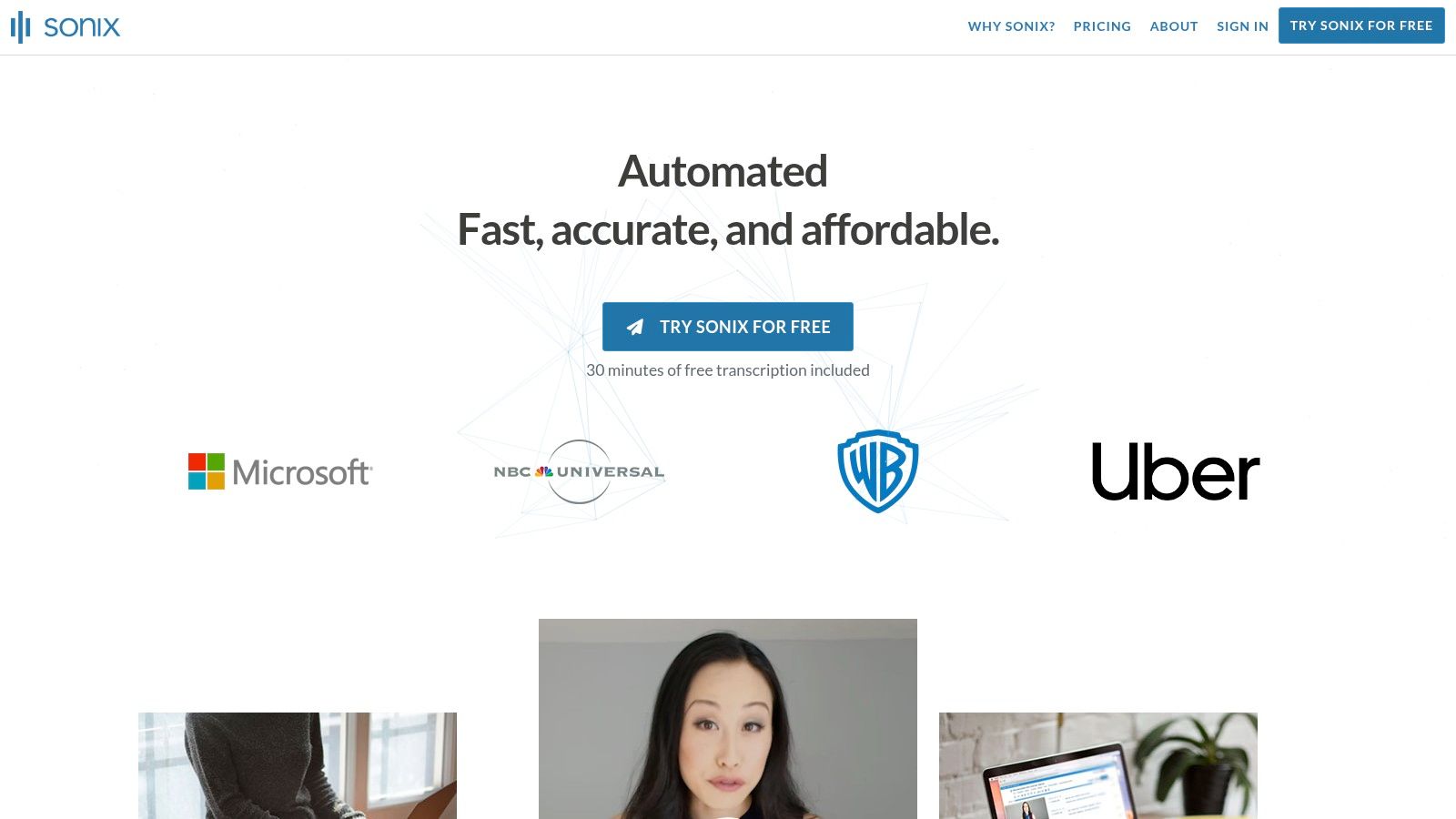
The service is particularly appealing for teams that value straightforward pricing, offering a pay-as-you-go model alongside subscriptions. For organizations with specific needs, Sonix provides robust administrative controls, SSO integration, and API access on its higher-tier plans, allowing for custom workflow automation. While the per-hour cost can accumulate for high-volume users and it lacks a human transcription option for guaranteed accuracy, its combination of speed, language coverage, and collaborative tools solidifies its place as a top contender. For those interested in the technical aspects, you can learn more about building fast AI audio transcription and the technologies involved.
Key Features & Pricing
- Best For: Teams and individuals needing fast, automated transcription for multilingual interview content.
- Key Features: Transcription in 40+ languages, speaker diarization, in-browser transcript editor, team collaboration tools, and API access.
- Pricing: Offers a pay-as-you-go option and subscription plans (Premium/Enterprise) that include more advanced features like team collaboration and enhanced security. Per-hour and per-seat fees apply.
6. Trint
Generate subtitles for any video Try it free
Trint is an AI-powered transcription platform specifically engineered for journalists, content creators, and newsrooms. Its standout features are geared toward a story-first workflow, allowing teams to move seamlessly from raw interview audio to a published piece. Beyond standard transcription, it offers powerful collaboration tools, a "Story Builder" for assembling key quotes, and integrations with newsroom systems like Mimir and LiveU. This makes it one of the best interview transcription software options for fast-paced media environments.
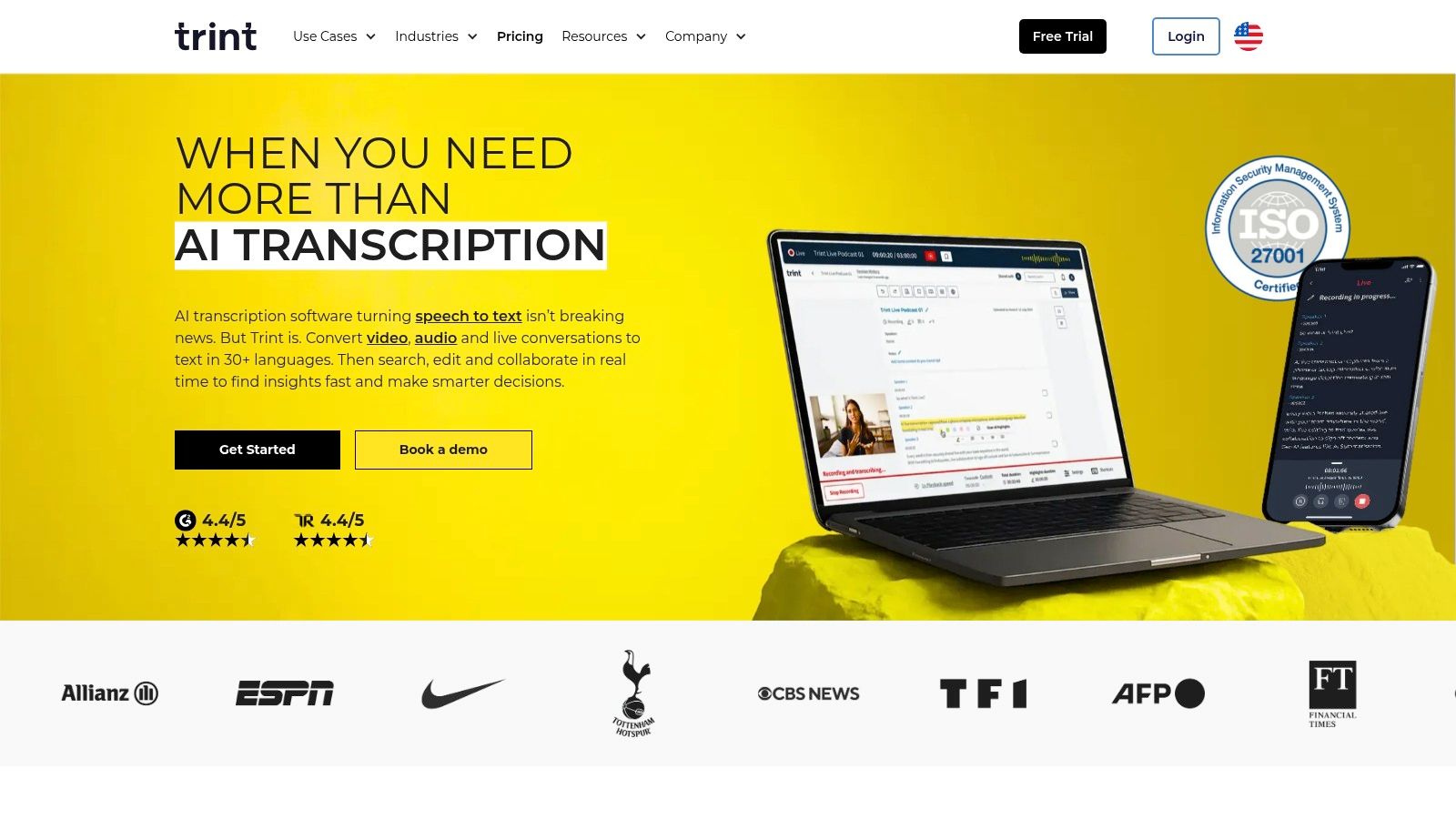
The platform emphasizes security with AES-256 encryption and GDPR compliance, which is crucial for sensitive journalistic work. Users can edit transcripts, create captions, and even translate content into multiple languages directly within the app. While it excels at streamlining the content creation pipeline, its pricing is less transparent than competitors, often requiring a sales inquiry for team and enterprise plans. It's also important to note that Trint is an AI-only service and does not offer human-powered transcription.
Key Features & Pricing
- Best For: Journalists, newsrooms, and content teams needing a collaborative platform to turn interviews into stories.
- Key Features: Story Builder for crafting narratives, newsroom integrations, real-time collaboration, and built-in translation and captioning tools.
- Pricing: Public pricing is limited, with plans typically tailored through sales for teams and enterprise users. Individual plans start at a higher price point than many competitors.
7. Happy Scribe
Happy Scribe stands out by offering both automated AI transcription and human-powered services within a single, unified platform. This hybrid approach makes it one of the best interview transcription software options for users who need the speed of AI for initial drafts but require the polish and accuracy of a human expert for final, critical transcripts. It supports a vast number of languages for both transcription and subtitles, making it a powerful choice for international researchers, journalists, and media teams. The platform allows you to easily switch between services, so you can automate a batch of internal interviews and then order a professional, human-perfected transcript for a public-facing video.
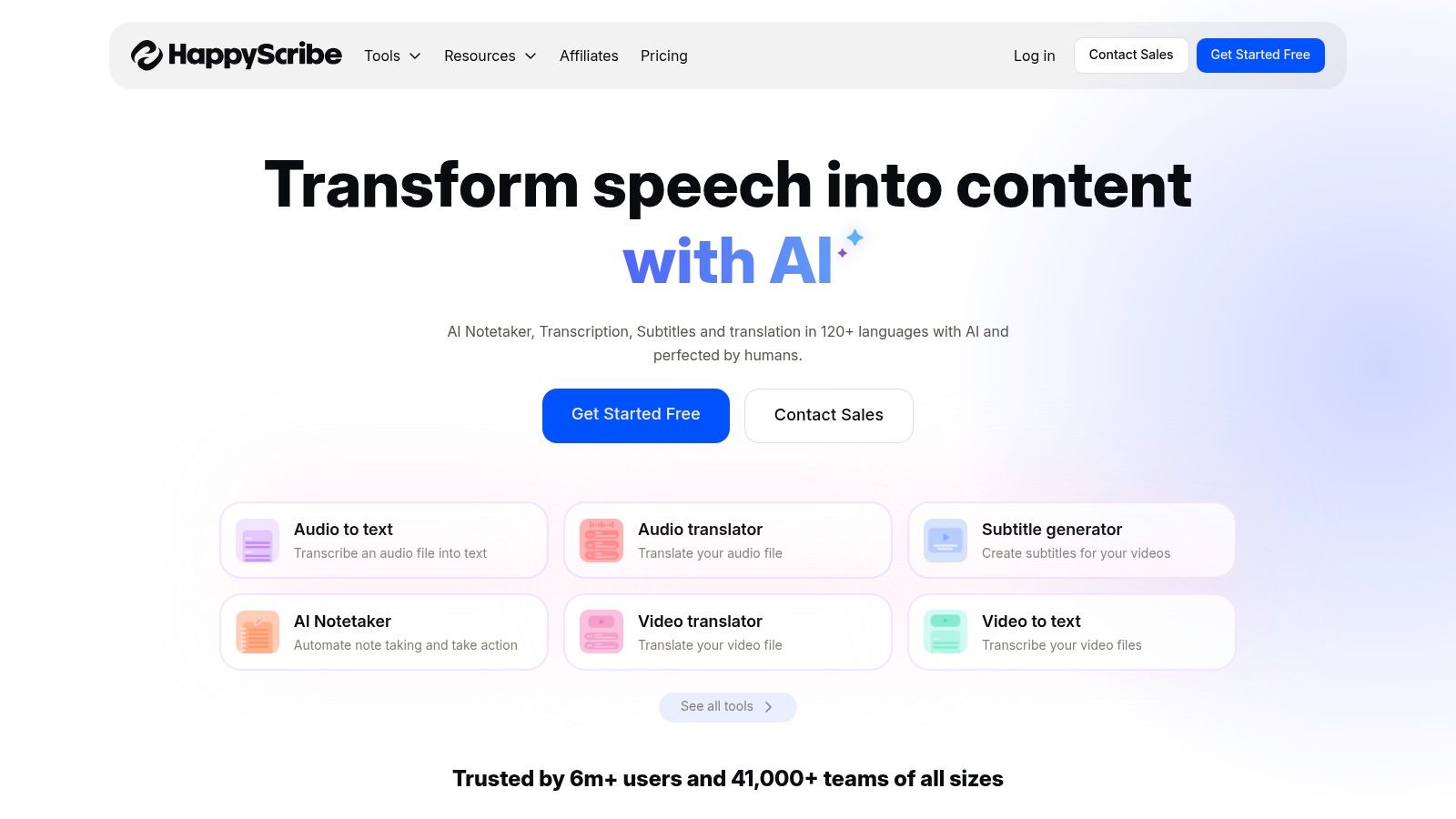
The workflow is designed for flexibility. After receiving your AI transcript, you can use the interactive editor to make corrections or, with a single click, send it to their professional transcribers for proofreading. This integrated system saves significant time compared to using separate services for AI and human review. While the AI service is credit-based through monthly plans, the human service is priced per minute with transparent rates that vary by language. However, the cost of human transcription can add up, and turnaround times can differ depending on the language and audio complexity.
Key Features & Pricing
- Best For: Teams and individuals needing a mix of fast AI transcription and high-accuracy, human-powered services.
- Key Features: Hybrid AI and human services, extensive language support for transcription and subtitles, collaborative workspaces, and a wide range of export formats.
- Pricing: AI transcription is offered via monthly subscription plans with a set number of hours. Human-made services are priced per minute, with costs varying by language and turnaround time.
8. Notta
Upload any audio or video file and get a full transcript with timestamps Try it free
Notta positions itself as a powerful, value-oriented tool specifically designed for recording and transcribing meetings and interviews. Available as a browser extension, desktop, and mobile app, it seamlessly captures conversations from Zoom, Google Meet, and Microsoft Teams. This makes it an excellent piece of interview transcription software for researchers and teams who primarily conduct their interviews within these ecosystems. Notta excels at identifying different speakers, generating concise AI summaries, and even offering translation, streamlining the post-interview analysis process significantly.
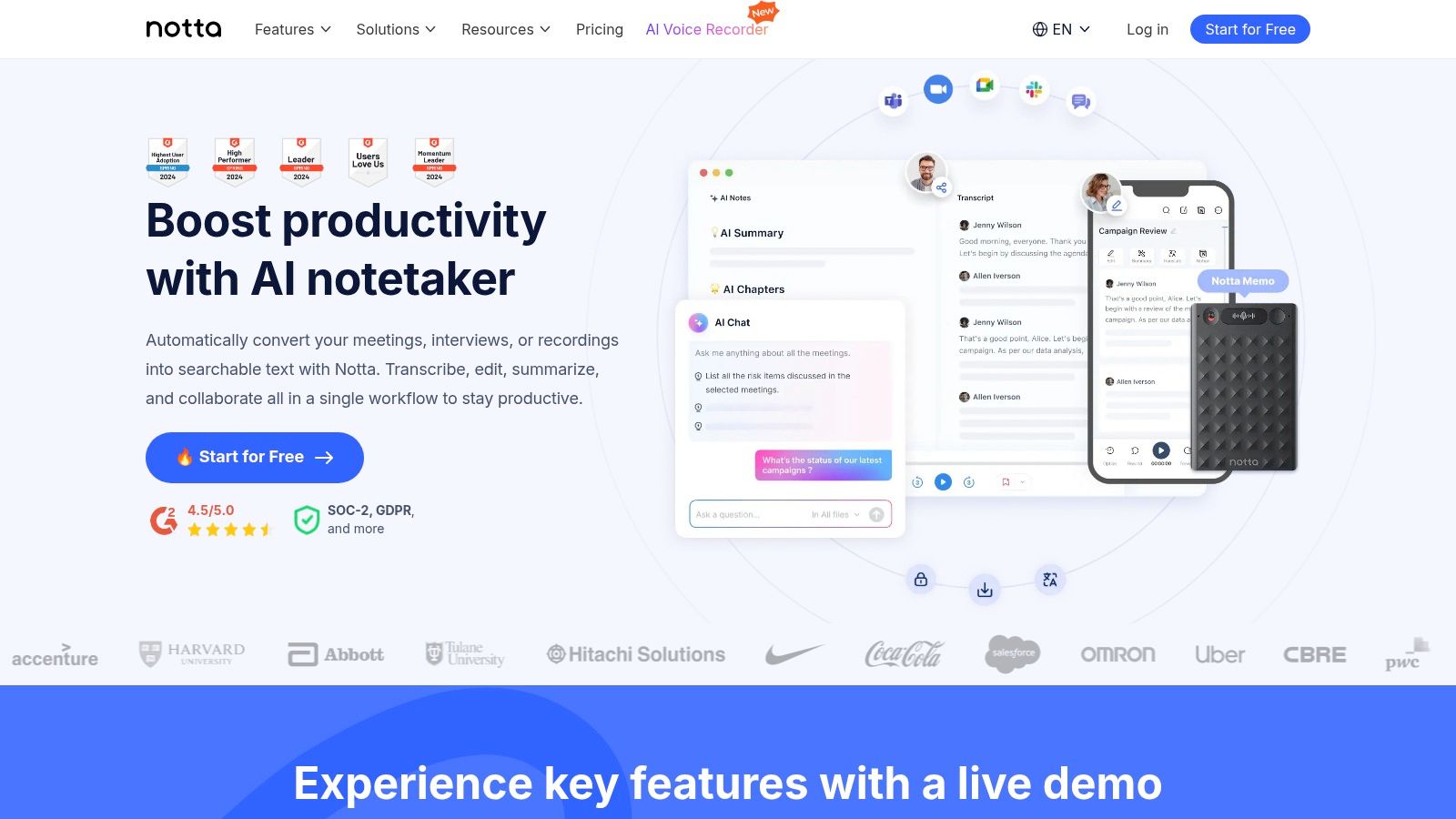
The platform focuses on creating an efficient workflow from live capture to final summary. Features like cross-device synchronization and the ability to add custom vocabulary improve accuracy for specialized topics. While its paid plans offer a generous number of transcription minutes for the price, it's important to note that the lowest advertised rates require an annual commitment. The free plan is quite functional for testing but comes with strict limits on the length of each transcription, making it less suitable for longer, in-depth interviews.
Key Features & Pricing
- Best For: Individuals and teams needing a cost-effective solution for transcribing live web-based interviews.
- Key Features: Live meeting transcription, AI-powered summaries and action items, speaker identification, and cross-device sync.
- Pricing: A free plan is available with per-conversation time limits. Pro and Business plans provide more minutes and advanced features like translation and team management controls.
9. Microsoft Word (for the web) - Transcribe feature
For professionals already embedded in the Microsoft 365 ecosystem, Word’s built-in Transcribe feature offers surprising utility. Available directly within Word for the web, it allows users to upload pre-recorded audio files or record conversations in real-time. This convenience makes it an excellent choice for those who need to quickly convert interview audio into a written format without switching applications. The tool automatically separates speakers and provides timestamps, creating a functional transcript that can be edited and inserted directly into a Word document.
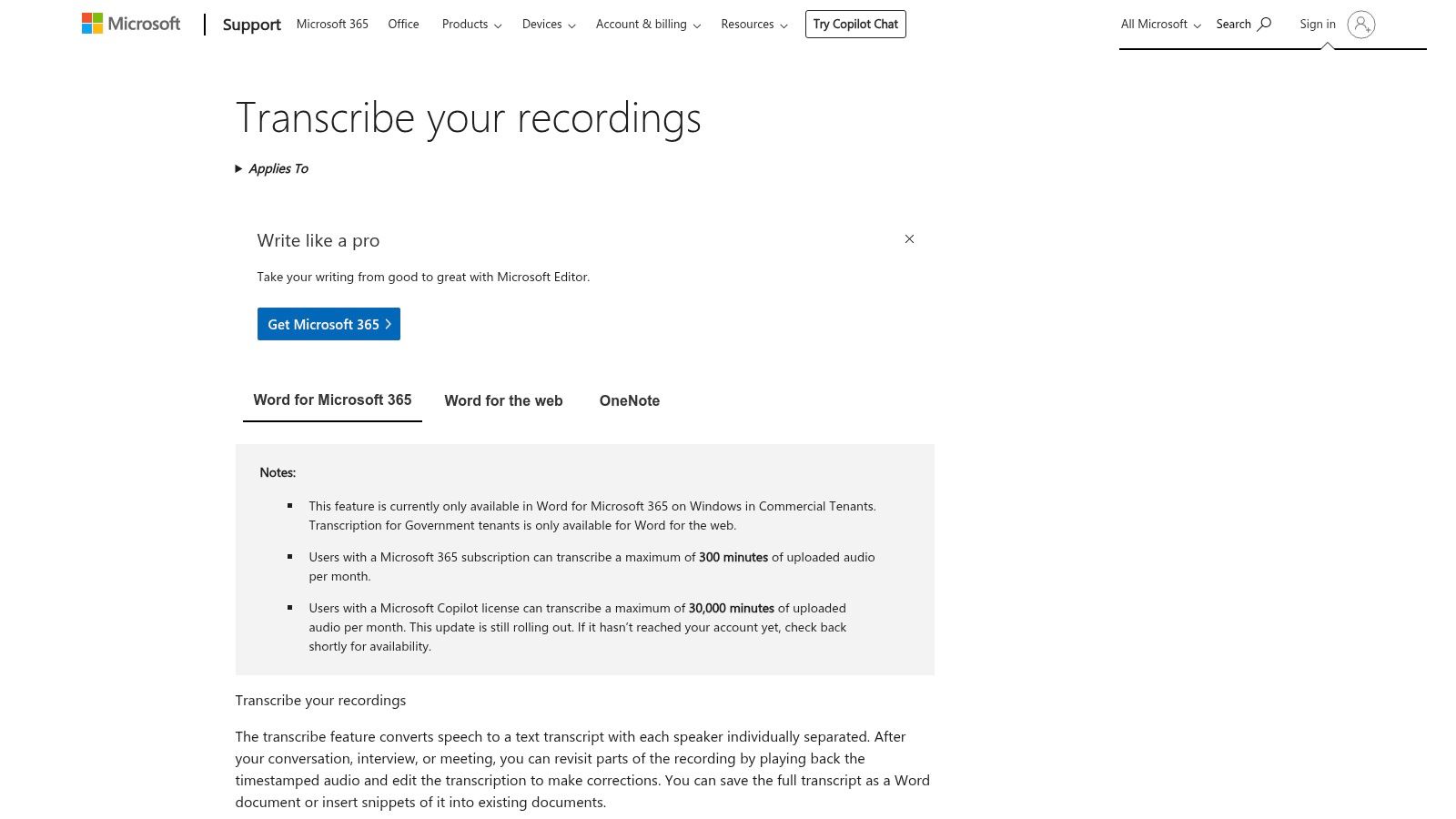
This seamless workflow is its biggest advantage, streamlining the process from interview to final report. While it's a powerful tool for quick drafting, its limitations are notable. The feature is best supported in web browsers like Edge and Chrome, and availability can vary by Microsoft 365 plan. Monthly transcription limits, often around 300 minutes per user, can be restrictive for researchers conducting numerous interviews. For those needing higher accuracy and unlimited transcription without such caps, a dedicated service like Typist is a more robust solution.
Key Features & Pricing
- Best For: Microsoft 365 users who need a convenient, integrated tool for occasional transcription and interview write-ups.
- Key Features: Direct audio upload and recording, automatic speaker identification, timestamped transcripts, and seamless integration into Word documents.
- Pricing: Included with most Microsoft 365 subscriptions. Monthly minute limits apply, which can vary by tenant and license type.
10. Amazon Transcribe (AWS)
Amazon Transcribe is a powerful, developer-focused cloud service from Amazon Web Services (AWS) designed for integrating speech-to-text capabilities into applications. Unlike consumer-facing platforms, it's not a ready-to-use editor but an API-driven engine that offers high scalability and customization. This makes it an excellent choice for organizations that need to build custom transcription pipelines, handle large volumes of audio programmatically, or integrate transcription directly into their existing systems and workflows. Its pay-as-you-go model is highly cost-effective at scale.
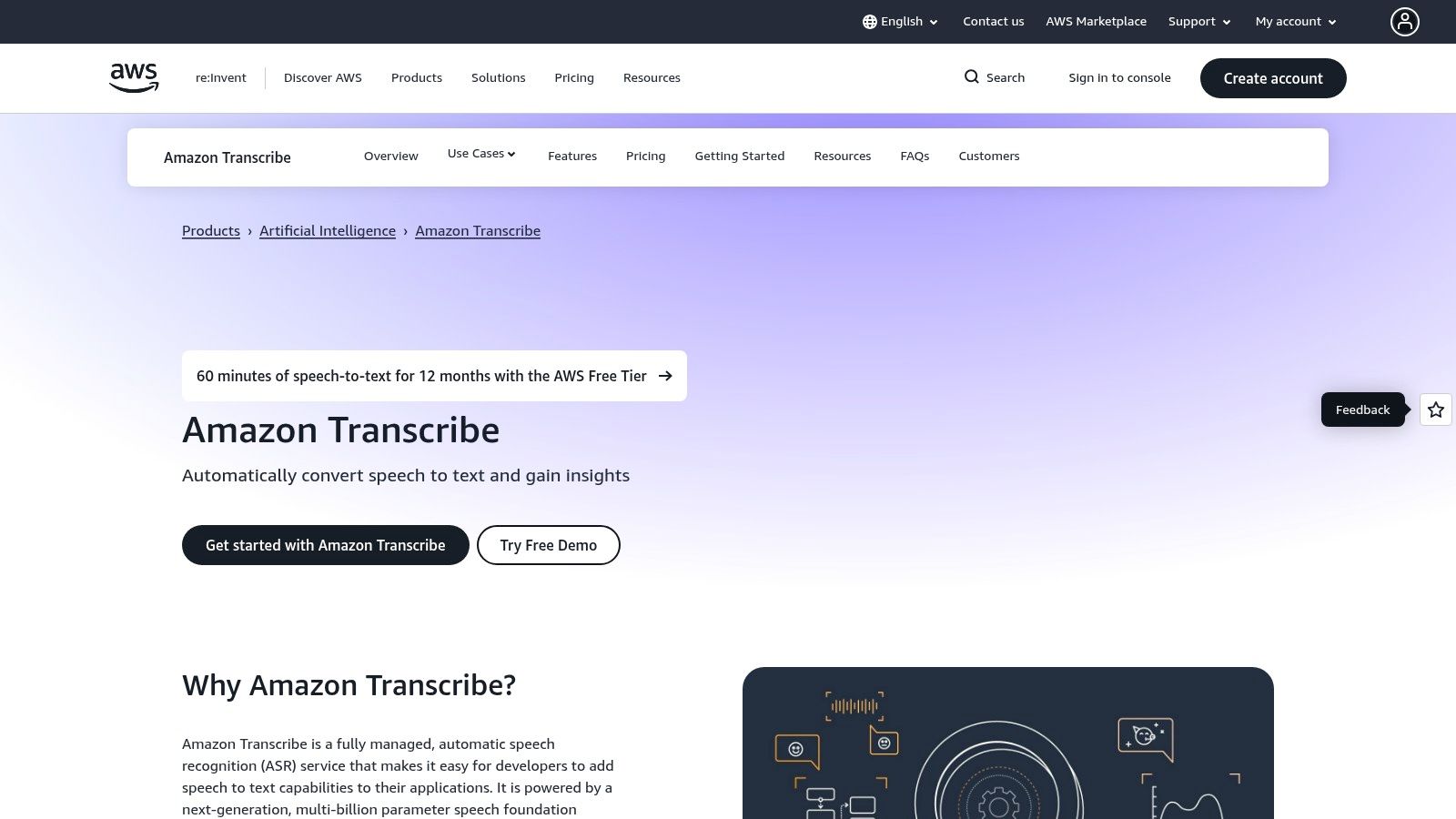
The service provides advanced features like automatic PII (Personally Identifiable Information) redaction, toxicity detection, and custom language models to improve accuracy for specific domains or terminologies. While it’s one of the best interview transcription software options for technical teams, it requires significant engineering effort to set up and is not suitable for users seeking a simple upload-and-edit interface. The pricing can also become complex when adding features. Understanding its technical requirements is key; you can learn more about the terms for services like Amazon Transcribe (AWS) before committing.
Key Features & Pricing
- Best For: Developers and enterprises building custom applications with integrated, scalable transcription.
- Key Features: Batch and real-time streaming transcription, PII redaction, custom language models, and call analytics.
- Pricing: Follows a pay-as-you-go model based on the amount of audio processed. Pricing can vary by region and features used, with volume discounts available.
11. G2
Need subtitles? Show notes? Meeting minutes?
Export your transcript to SRT, PDF, DOCX, or TXT — all from one upload
While not a direct transcription service, G2 serves as an indispensable research hub for anyone trying to find the best interview transcription software. It is a peer-to-peer review site where real users share their experiences with different platforms. This makes it an excellent starting point to compare features, pricing, and satisfaction scores across a wide range of vendors in one place. You can filter tools based on specific needs like company size, security compliance, or integration capabilities, which is invaluable for making an informed decision.
G2 aggregates pros and cons from hundreds of user reviews, providing a balanced, real-world perspective that marketing materials often lack. For researchers, this means you can quickly gauge a tool's performance on factors like accuracy, speed, and customer support before committing to a subscription. However, it's wise to be aware that sponsored placements can influence which products are featured most prominently. Always cross-reference the information on the vendor's actual website, as G2's data may not always reflect the very latest product updates or pricing changes.
Key Features & Pricing
- Best For: Pre-purchase research and head-to-head comparison of transcription software based on user reviews.
- Key Features: Aggregated user reviews and satisfaction scores, advanced filtering options, product comparison grids, and links to vendor sites.
- Pricing: Free to access and use for research purposes.
12. Capterra
Unlike a direct service, Capterra serves as a comprehensive software directory where you can find and compare the best interview transcription software options on the market. Instead of offering its own transcription tool, it provides a powerful platform with over 200 listed products, detailed user reviews, and robust filtering options. This makes it an invaluable resource for researchers, students, or businesses looking to discover niche or specialized tools that might not have the marketing reach of larger players. Its side-by-side comparison feature allows you to evaluate pricing, features, and user ratings in one place.
Capterra's strength lies in its aggregated, verified user feedback, giving you real-world insights into a tool's performance before you commit. While it's an excellent discovery platform, remember that some listings are vendor-maintained and rankings can be influenced by sponsorships. Always cross-reference pricing and feature details on the official vendor sites. For those starting their search, it's a great first step to map out the landscape of available transcription solutions before settling on a specific service.
Key Features & Pricing
- Best For: Discovering and comparing a wide range of transcription software based on verified user reviews.
- Key Features: Extensive software directory with filters, verified user reviews, side-by-side product comparisons, and links to vendor pages.
- Pricing: Free to use for browsing and comparing software. Pricing for individual software tools is listed but should be verified on vendor websites.
Top 12 Interview Transcription Tools Comparison
Upload a file. Get text back. That simple. Try it free
| Product | Core features | Accuracy & Speed | Value & Pricing | Target audience & USP |
|---|---|---|---|---|
| Typist 🏆 | Fast AI transcription; multi-format exports (TXT/SRT/DOCX/PDF); 99+ languages; synchronized playback | Speed ★★★★★ (200x claimed); Accuracy ★★★★☆ | 💰 Free trial (3 transcriptions, 7‑day retention); Premium $20/mo — unlimited transcriptions & retention | 👥 Creators, teams, researchers, educators — ✨Blazing speed + flawless SRT for workflows |
| Otter.ai | Live & uploaded transcription; meeting assistants; integrations (Zoom/Teams/Meet) | Speed ★★★★☆; Accuracy ★★★★ | 💰 Freemium (limits on imports/minutes); paid tiers for more minutes & features | 👥 Remote teams & meeting users — ✨Live captions, summaries & action items |
| Rev | Human & AI transcription marketplace; editor; add‑ons (timestamps, rush) | Speed ★★☆☆☆ (human slower); Accuracy ★★★★★ (human) | 💰 Pay‑per‑minute (human costly); AI cheaper | 👥 Legal/media researchers — ✨Near‑perfect human transcripts on demand |
| Descript | Text-based editor; overdub voice cloning; multi‑track recording & editing | Speed ★★★★☆; Accuracy ★★★★ | 💰 Freemium; paid plans with media hours & AI credits | 👥 Podcasters/video producers — ✨All‑in‑one production + editing tools |
| Sonix | Multilingual AI; speaker diarization; in‑browser editor; API & SSO | Speed ★★★★☆; Accuracy ★★★★ | 💰 Pay‑as‑you‑go; per‑hour + per‑seat on premium tiers | 👥 Teams needing language coverage — ✨Transparent pricing & enterprise features |
| Trint | Transcription + translation; Story Builder; newsroom integrations; security | Speed ★★★★; Accuracy ★★★★ | 💰 Business/enterprise pricing (sales) | 👥 Journalists & content teams — ✨Story assembly + strong security |
| Happy Scribe | AI + human transcription/subtitles; many export formats; collaboration | Speed ★★★★; Accuracy ★★★★☆ (human option) | 💰 AI minutes + per‑minute human pricing by language | 👥 Media & researchers — ✨Mix AI speed with on‑platform human proofreading |
| Notta | Meeting recorder; cross‑device sync; speaker ID; AI summaries | Speed ★★★★; Accuracy ★★★ | 💰 Value plans with generous minutes (best annual) | 👥 Meeting‑centric teams — ✨Easy capture of Zoom/Teams + summaries |
| Microsoft Word (web) — Transcribe | Upload/record to get timestamped, speaker‑separated transcripts; insert into docs | Speed ★★★; Accuracy ★★★ | 💰 Included with Microsoft 365 (monthly minute caps) | 👥 Office users & writers — ✨Seamless draft flow into Word |
| Amazon Transcribe (AWS) | Batch & streaming STT; PII redaction; custom models; analytics | Speed ★★★★★ (scalable); Accuracy ★★★★ | 💰 Pay‑as‑you‑go; volume discounts | 👥 Developers & enterprises — ✨Custom models, compliance & analytics |
| G2 | Review aggregator; category filters; satisfaction scores & comparisons | n/a | 💰 Free to use; vendor links | 👥 Buyers researching options — ✨Crowd‑sourced reviews & rankings |
| Capterra | Directory & verified reviews; side‑by‑side comparisons; filters | n/a | 💰 Free to use; vendor links | 👥 Buyers & discoverers — ✨Broad coverage of niche tools |
Choosing the Right Tool to Unlock Your Interview Data
Navigating the landscape of transcription tools can feel overwhelming, but making the right choice is crucial for unlocking the valuable data hidden within your audio and video interviews. As we've explored, the market offers everything from basic, free options integrated into word processors to highly specialized platforms designed for enterprise-level workflows. Your final decision will ultimately hinge on a careful evaluation of your specific needs against the features, accuracy, and pricing of each solution.
The key is to move beyond a simple feature checklist and consider your entire workflow. Ask yourself critical questions: How much time can I realistically dedicate to editing transcripts? Do I need speaker identification and timestamps? Is collaboration with my team a priority? Answering these will help you pinpoint the tool that best fits your process, whether you're a UX researcher analyzing user feedback, a podcaster creating show notes, or a student citing sources for academic work.
Key Factors to Guide Your Decision
When selecting the best interview transcription software for your projects, focus on these core pillars:
- Accuracy and Speed: This is the most critical factor. A tool that delivers a highly accurate transcript quickly saves you countless hours of manual correction. This is where solutions like Typist excel, providing near-human-level accuracy in minutes, allowing you to dive straight into analysis.
- Budget and Scalability: Your needs may start small, but consider how they might grow. Look for transparent pricing that scales with your usage. A generous free tier can be invaluable for testing a platform's capabilities before committing to a paid plan.
- Ease of Use: An intuitive interface means you spend less time learning the software and more time working with your content. The ideal tool should feel like a natural extension of your workflow, not another complex system to manage.
- Essential Features: Go beyond the basics. Features like robust multi-language support, custom vocabulary, and seamless export options (SRT, VTT, TXT) are not just nice-to-haves; they are essential for professional-quality output and efficiency.
Ultimately, the goal is to transform raw audio into a structured, searchable, and actionable asset. By automating the transcription process, you free up cognitive resources to focus on what truly matters: extracting insights, crafting compelling narratives, and sharing important stories. For a more rounded perspective on the available options, you might also consult another list of the 12 Best Interview Transcription Software Options for 2025 to see how expert analyses compare. Taking the time to choose wisely will pay dividends in every project you undertake.
Ready to stop manually typing and start analyzing? Typist offers a powerful, fast, and highly accurate solution designed to meet the demands of researchers, creators, and professionals. Experience the difference and reclaim your time by signing up for your free account at Typist today.
Record once, transcribe instantly. Search, export, and reference later Try it free