12 Best Audio to Text Converter Tools in 2025 (Reviewed)
Searching for the best audio to text converter? We review 12 top tools for speed, accuracy, and features to find the right solution for your needs in 2025.
In a world driven by content, manually transcribing audio is no longer a viable option. It's slow, costly, and prone to errors, pulling you away from more critical tasks. The solution? An AI-powered audio to text converter that automates the entire process, delivering accurate transcripts in minutes, not hours. But with so many tools available, choosing the right one can feel overwhelming.
This guide cuts through the noise. We'll explore the essential features to look for, from accuracy and speed to language support and export options. To effectively choose the right tool, it's also important to understand the fundamental difference between text-to-speech and speech-to-text technologies, as we are focusing exclusively on converting spoken words into written text.
Whether you're a podcaster creating show notes, a researcher analyzing interviews, or a team documenting meetings, this comprehensive review will help you find the best audio to text converter to streamline your workflow. We’ve done the heavy lifting to evaluate the leading platforms, including our top recommendation, Typist, so you can make an informed decision without the guesswork.
Each review includes a detailed breakdown of features, ideal use cases, pricing, and potential limitations. You'll find screenshots and direct links to help you explore each option. Our goal is simple: to provide a clear, practical resource that helps you select the perfect transcription tool for your specific needs, saving you valuable time and effort.
1. Typist
Best Overall for Speed and Accuracy
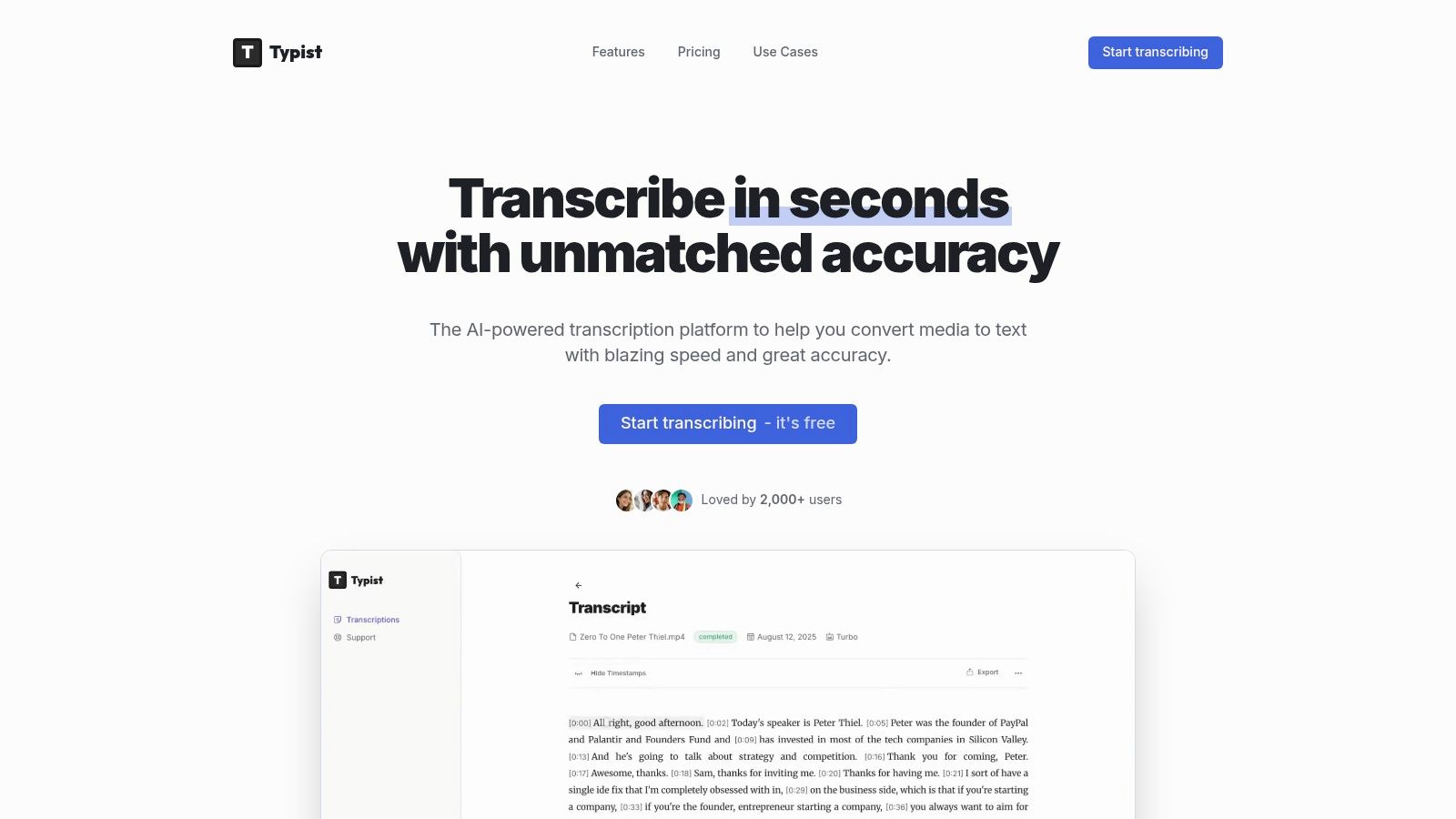
Typist secures its position as the best audio to text converter by delivering an exceptional blend of speed, precision, and user-centric design. This AI-powered platform is engineered for professionals who cannot afford to compromise on turnaround time or quality. It excels at converting extensive audio and video files into accurate, editable text in a fraction of the time it would take manually, making it an indispensable tool for content creators, researchers, and business teams.
The platform's core strength lies in its sophisticated transcription engine, which processes recordings up to 200 times faster than real-time playback. This means a one-hour podcast or lecture can be fully transcribed in as little as 18 seconds. This efficiency transforms workflows, freeing up valuable hours that would otherwise be spent on tedious manual transcription. For more in-depth tips and use cases, you can explore insights on the Typist blog.
Key Features and Workflow Integration
Typist is more than just a converter; it's a complete transcription environment. It supports over 99 languages and dialects, accurately capturing technical jargon and diverse accents with minimal errors. This global capability makes it a versatile choice for international teams and researchers working with multi-language audio sources.
The user interface is a standout feature, pairing the transcribed text directly with synchronized audio playback. This allows for effortless proofreading and editing. Users can click on any word in the transcript and instantly hear the corresponding audio, streamlining the review process and ensuring maximum accuracy.
Exporting is equally seamless. Typist offers multiple formats to fit various production needs:
- TXT: For simple, plain-text documents.
- DOCX: Ideal for reports, articles, and academic papers.
- SRT: The industry standard for video captions, allowing direct import into editing software like Premiere Pro.
- PDF: For secure, shareable final documents.
This flexibility ensures the transcribed content integrates directly into your existing workflow without requiring extra conversion steps.
Pricing and Accessibility
Typist offers a straightforward pricing model that caters to both casual and power users. A generous free trial is available, providing three transcriptions and basic export options, allowing anyone to test its capabilities without commitment.
For professionals requiring more robust features, the Premium plan is priced at an affordable $20 per month. This plan unlocks unlimited transcriptions, priority processing, access to all export formats, and unlimited file retention, offering significant value and making it a scalable solution for growing needs.
Website: https://iamtypist.dev
| Feature | Details |
|---|---|
| Speed | Processes audio up to 200x faster than real-time playback. |
| Language Support | 99+ languages and dialects, including technical terminology. |
| Supported Formats | MP3, WAV, MP4, MOV, M4A, and more. |
| Export Options | TXT, SRT, DOCX, PDF. |
| Pricing | Free trial available; Premium plan at $20/month for unlimited use. |
| Key Advantage | Synchronized audio-text editor for fast and accurate proofreading. |
Pros:
- Blazing-fast processing significantly reduces turnaround times.
- High accuracy across 99+ languages, even with difficult accents and jargon.
- Intuitive synchronized editor streamlines the review and editing process.
- Versatile export options (including SRT) support professional workflows.
- Affordable unlimited plan offers exceptional value for heavy users.
Cons:
- Free trial is limited to three transcriptions and basic exports.
- Requires a stable internet connection as it is a fully cloud-based platform.
Never miss a word from lectures or interviews
Record once, transcribe instantly. Search, export, and reference later
2. Rev
Rev has established itself as a major player in the transcription industry by offering a hybrid model that combines powerful AI with professional human transcribers. This dual approach makes it an excellent audio to text converter for users who need both speed for some projects and guaranteed accuracy for others, all within one platform. Researchers and legal professionals often rely on Rev's human service for certified, high-stakes transcripts where precision is non-negotiable.
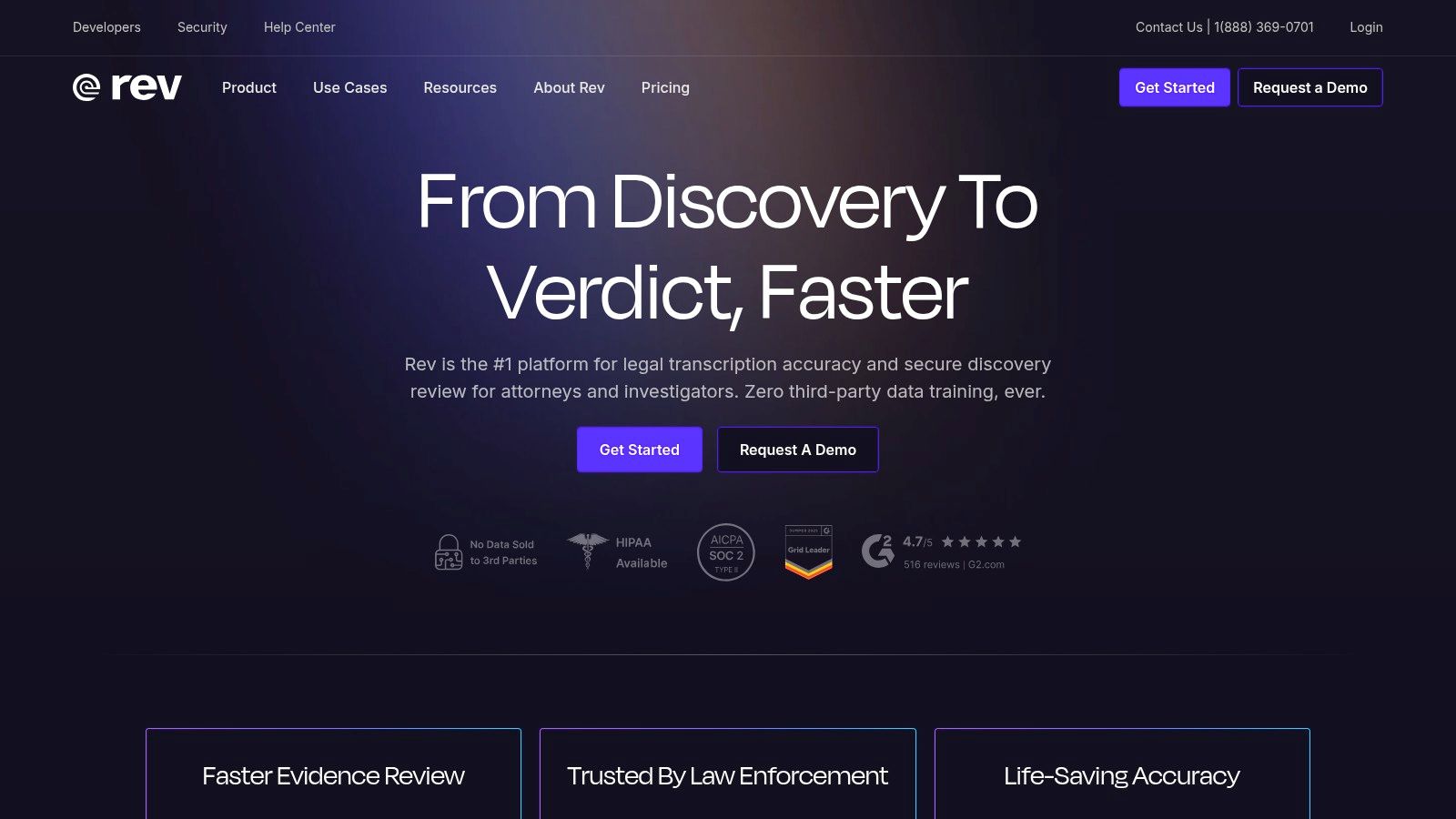
The platform's key strength is its flexibility. You can submit a file for a near-instant AI transcription for quick notes or rough drafts, or you can order a human-powered transcript with a guaranteed 24-hour turnaround and 99% accuracy. This makes it a one-stop shop for diverse transcription needs.
Key Features and Use Cases
Rev's feature set is built to support both individual and enterprise-level workflows. The user interface is straightforward, making it easy to upload files and choose between AI or human services.
- Best For: Users needing a mix of AI speed and certified human accuracy, especially for legal, academic, or professional video production.
- Human Transcription: Guaranteed 99% accuracy with fast turnarounds, ideal for final drafts and critical records.
- AI Transcription: Provides a fast, low-cost option for less critical tasks, like transcribing meeting notes or initial interview drafts.
- Enterprise Security: Offers SOC 2 and HIPAA compliance options, making it a secure choice for sensitive data.
Pricing and Limitations
Rev's pricing is transparent but can vary significantly based on the service selected.
- AI Transcription: Priced per minute, offering an affordable solution for automated transcription.
- Human Transcription: Starts at a higher per-minute rate, which can become costly for long recordings or bulk projects.
While the hybrid model is a significant advantage, the cost of human services can add up quickly. Additionally, like any AI tool, the quality of Rev's automated transcripts is highly dependent on the clarity of the source audio. Clear, single-speaker recordings will yield much better results than files with background noise or multiple overlapping speakers.
3. Otter.ai
Transcription that works in 99+ languages
Accurate results regardless of accent or language — just upload and go
Otter.ai has carved out a niche as a powerful, AI-driven meeting assistant rather than just a simple audio to text converter. It excels at real-time transcription, making it an indispensable tool for students, teams, and professionals who need to capture every detail from live discussions, lectures, or interviews. The platform is built around collaboration, allowing users to highlight, comment, and share notes directly within the transcript.
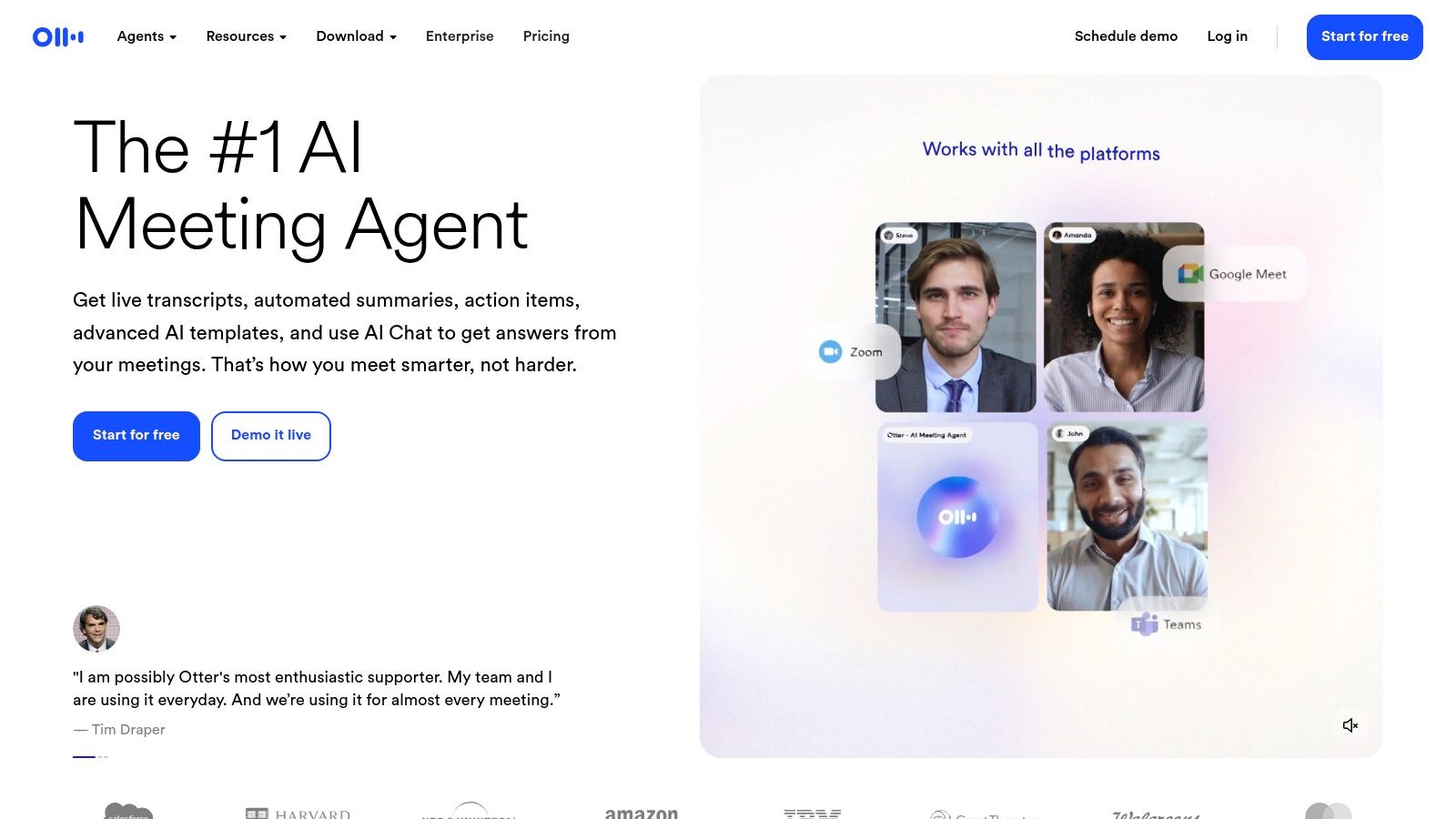
The platform's main strength is its "OtterPilot" feature, an AI meeting agent that can automatically join, record, and transcribe meetings from your calendar. This hands-off approach ensures that a complete, searchable record is created for every meeting, even if you can't attend. This focus on automated meeting documentation and summarization makes it a go-to for productive teams.
Key Features and Use Cases
Otter.ai's features are designed to integrate seamlessly into team workflows, turning conversations into actionable insights. The interface is clean and centered on a collaborative note-taking experience.
- Best For: Teams needing automated meeting notes, students recording lectures, and professionals who want searchable records of their virtual calls.
- AI Meeting Agent: Automatically joins and transcribes meetings from Zoom, Google Meet, and Microsoft Teams.
- Speaker Identification: Differentiates between speakers and labels their contributions, making transcripts easy to follow.
- Collaborative Tools: Allows users to add comments, highlight key points, and assign action items directly in the transcript.
Pricing and Limitations
Otter.ai offers a freemium model that allows users to test its core functionality before committing.
- Free Tier: A generous free plan is available, offering a set number of transcription minutes per month, which is great for light users.
- Paid Plans: Pro and Business tiers unlock more transcription minutes, advanced features like custom vocabulary, and increased import limits.
While Otter.ai is exceptional for meetings, its core design isn't optimized for high-fidelity media transcription needed by podcasters or video editors. The accuracy can also dip in environments with significant background noise or heavy accents, and import limits on lower-tier plans can be a constraint for users with large backlogs of audio files.
4. Descript
Descript goes beyond a simple audio to text converter by integrating transcription directly into a full-featured audio and video editing suite. It's built for content creators, like podcasters and YouTubers, who need to not only transcribe their media but also edit it efficiently. Its standout feature is text-based editing, where deleting a word from the transcript also removes the corresponding audio or video segment, revolutionizing the post-production workflow.
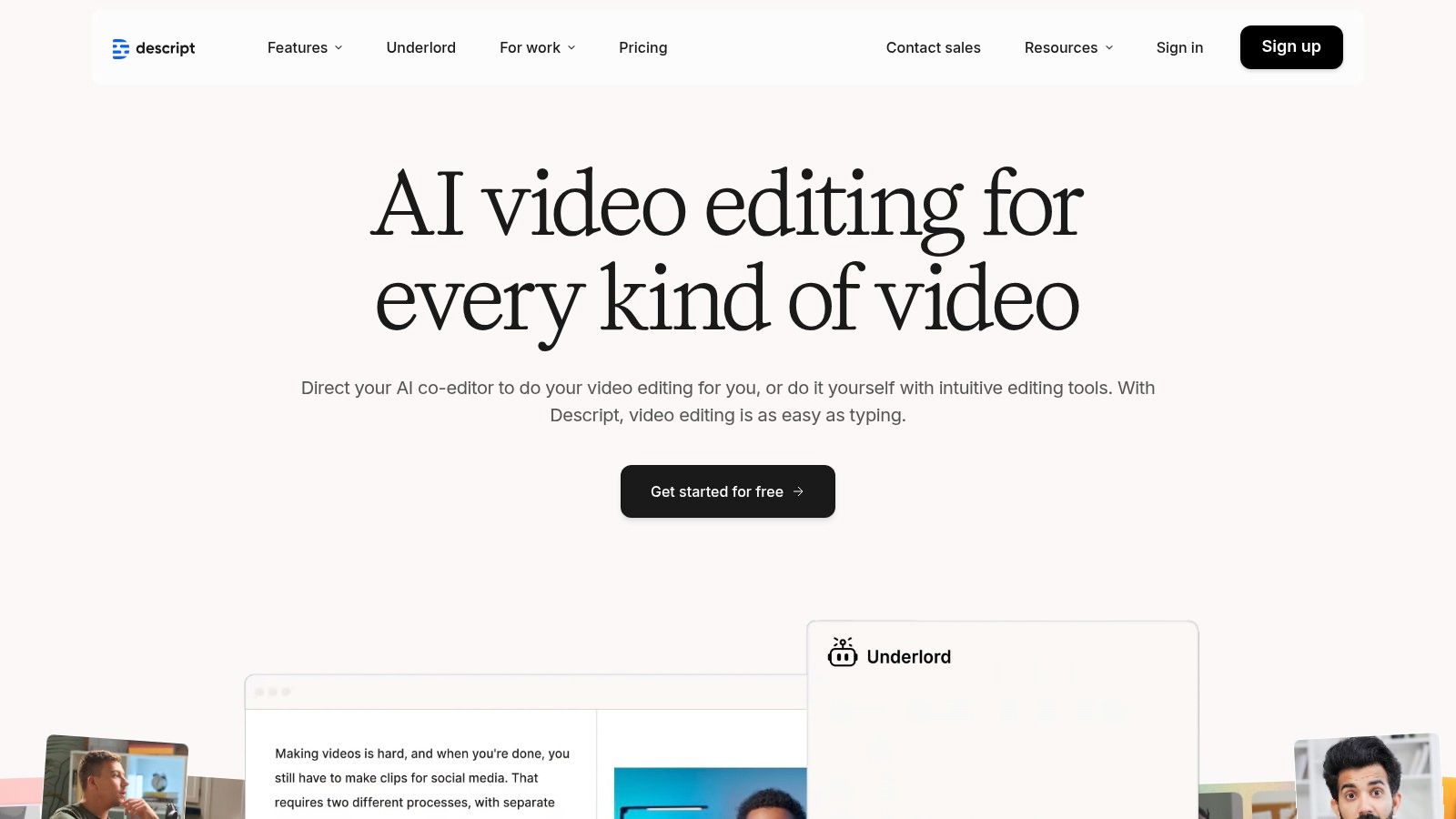
This all-in-one approach eliminates the need to jump between multiple applications for transcription, audio cleanup, and video editing. By combining these tools, Descript provides a seamless path from raw recording to finished product, making it a powerful ally for anyone involved in media production who values both accuracy and creative control.
Key Features and Use Cases
Descript’s feature set is designed to streamline the entire content creation process, from recording to final export. The platform’s unique editing paradigm makes it highly intuitive for those more comfortable with text than traditional timelines.
- Best For: Podcasters, video editors, and content creators who want a single platform for transcription, audio clean-up, and media editing.
- Text-Based Editing: Edit your audio and video simply by editing the text transcript, making the process as easy as editing a document.
- AI-Powered Tools: Automatically removes filler words ("um," "uh") with a single click and offers an "Overdub" feature to create a synthetic version of your voice.
- Collaboration: Supports team-based workflows with shared projects, commenting, and SOC 2 Type II security for enterprise users.
Pricing and Limitations
Descript’s pricing is subscription-based, with different tiers offering varying amounts of included transcription hours.
- Subscription Plans: Monthly or annual plans include a set number of automatic transcription hours per user.
- Extra Costs: If you exceed your monthly hour limit, you must purchase additional transcription time, which can increase the overall cost.
While the integrated workflow is a massive advantage, it presents a steeper learning curve for users unfamiliar with editing software. The bundled transcription hours are generous but finite, and high-volume users may find the top-up fees add up. It is an excellent choice if you need its powerful editing features, but for straightforward transcription, a dedicated tool might be more cost-effective.
Start transcribing with Typist →
5. Trint
Trint is a powerful, browser-based audio to text converter designed specifically for collaborative workflows. It targets journalists, content teams, and researchers who need to not only transcribe audio but also work together on the resulting text. Its strong focus on team-based editing, sharing, and even translation makes it a standout choice for organizations where transcripts are just the first step in a larger content creation process.
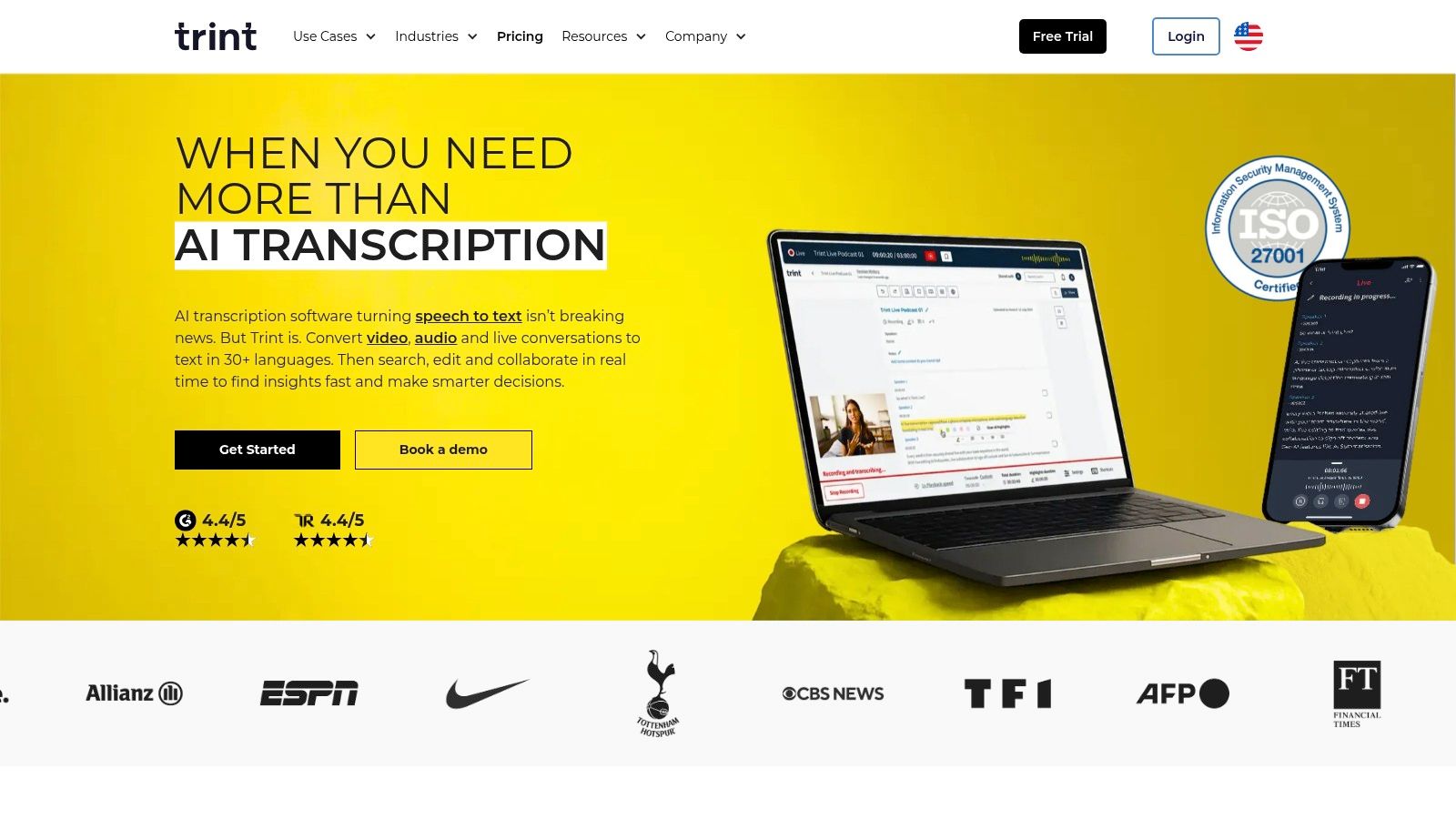
The platform’s core strength lies in its editorial environment. Multiple users can highlight, comment on, and edit a transcript simultaneously, turning a solo task into a streamlined team effort. This functionality is invaluable for newsrooms or marketing teams who need to quickly pull quotes and craft stories from recorded interviews or events.
Key Features and Use Cases
Trint’s feature set is built to support and accelerate content production cycles, from initial transcription to final publication. The interface brings together transcription, editing, and distribution tools into a single, cohesive workspace.
- Best For: Content teams, journalists, and enterprise users who require a collaborative platform for transcribing, editing, and translating media files.
- Team Collaboration: Enables simultaneous editing and commenting on transcripts, making it easy to share work and centralize feedback.
- Translation & Captions: Supports translation into over 50 languages and provides exports for captions and subtitles, perfect for global content distribution.
- Enterprise Security: Offers robust security features, including ISO 27001 certification and options for US or EU data hosting.
Pricing and Limitations
Trint's pricing is structured for teams and enterprise clients, and specific details are often provided after signing up.
- Subscription-Based: Plans are typically offered on a monthly or annual subscription basis, with different tiers based on usage and team size.
- Team-Oriented Plans: The most advanced features are reserved for higher-tier plans, which may be more than a solo user or small business needs.
While its collaborative tools are top-notch, the platform is less suited for individuals with simple, one-off transcription needs. Its pricing structure and feature set are geared toward professional teams, which can make it less accessible for casual users. Furthermore, the public transparency of its pricing could be clearer for those evaluating options.
6. Sonix
Turn podcast episodes into blog posts Start transcribing
Sonix positions itself as a fast and accurate AI-powered audio to text converter with a strong emphasis on multilingual support. It serves a global user base of journalists, filmmakers, and researchers who need to transcribe and translate content in over 40 languages. The platform combines automated transcription with a sophisticated in-browser editor, making it easy to polish transcripts and prepare them for various outputs.
The platform’s standout feature is its integrated translation engine, which allows users to convert an audio file into a transcript and then translate that text into dozens of different languages, all within the same workflow. This makes it an invaluable tool for content creators aiming for a worldwide audience or multinational teams collaborating on projects. For those considering a new service, it's wise to review their policies; you can learn more about Sonix's privacy practices here.
Key Features and Use Cases
Sonix’s toolset is designed for users who need more than just a basic transcript, offering features that streamline post-production and content localization workflows.
- Best For: Podcasters, documentary filmmakers, and global businesses needing both transcription and translation in multiple languages.
- Multilingual Support: Automated transcription and translation for over 40 languages, simplifying global content creation.
- Advanced Editor: Features speaker labeling, time-stamped transcripts, a custom dictionary, and multiple export formats, including for subtitles.
- API Access: Premium plans offer API access for developers looking to integrate Sonix’s transcription capabilities into their own applications.
Pricing and Limitations
Sonix offers both pay-as-you-go and subscription models, providing flexibility for different usage levels.
- Subscription Model: Monthly plans offer a lower per-hour rate, ideal for users with consistent transcription needs.
- Pay-As-You-Go: A standard per-hour rate is available for occasional users, with no long-term commitment.
While the multilingual capabilities are powerful, automated translation may require human review for nuance and accuracy. Furthermore, like all AI-based tools, transcription quality is highly dependent on the clarity of the source audio; files with heavy accents or background noise may yield less accurate results.
7. Temi
Temi is the fully automated, AI-powered counterpart to Rev's human services, offering one of the most straightforward and budget-friendly solutions for rapid transcription. It stands out as a strong contender for the title of best audio to text converter for users who need speed and affordability above all else. Journalists, students, and content creators often use Temi to get quick, workable drafts of interviews or lectures without the higher cost associated with human-verified accuracy.
The platform's primary strength is its simplicity and pay-as-you-go model, which eliminates the need for a subscription. Users can upload an audio or video file and receive a machine-generated transcript within minutes, complete with timestamps and speaker labels. The first file is free up to a certain length, allowing anyone to test the service without commitment.
Key Features and Use Cases
Temi is designed for efficiency, providing a no-frills toolset that gets the job done quickly. Its web-based editor allows for easy cleanup and export of the final transcript.
- Best For: Users on a tight budget needing fast, "good enough" transcripts for notes, rough drafts, or content discovery.
- Simple Editor: An interactive editor lets you listen to the audio while correcting the text, then export it in formats like DOCX, PDF, TXT, SRT, and VTT.
- Pay-As-You-Go: No subscriptions are required; you only pay for the minutes you transcribe, making it ideal for infrequent users.
- Developer API: Offers a simple API for integrating automated transcription directly into custom applications or workflows.
Pricing and Limitations
Temi’s pricing is one of its most attractive features, though it comes with clear trade-offs.
- Per-Minute Rate: Charges a low, flat rate per audio minute, making it one of the most affordable options on the market.
- Rounding Up: The service charges for whole minutes, rounding up the duration of your file, which can slightly increase costs for very short clips.
The biggest limitation is that the service is entirely AI-driven, with no option for human review within the Temi platform itself. Transcript accuracy is highly dependent on audio quality; files with clear speakers and minimal background noise perform well, but accuracy drops significantly with challenging audio. For higher-stakes projects requiring near-perfect accuracy, a more advanced tool is necessary.
8. Happy Scribe
Upload MP4 or MOV, export SRT subtitles. Works with Premiere, Final Cut, DaVinci Try it free
Happy Scribe serves a global audience with its robust transcription and subtitling platform, offering a powerful blend of AI automation and human expertise. Its primary strength lies in its extensive language support, making it an excellent audio to text converter for international teams, content creators with a diverse viewership, and researchers working with multi-language audio. The platform is specifically designed to handle both transcription and the creation of subtitles, streamlining the workflow for video producers.
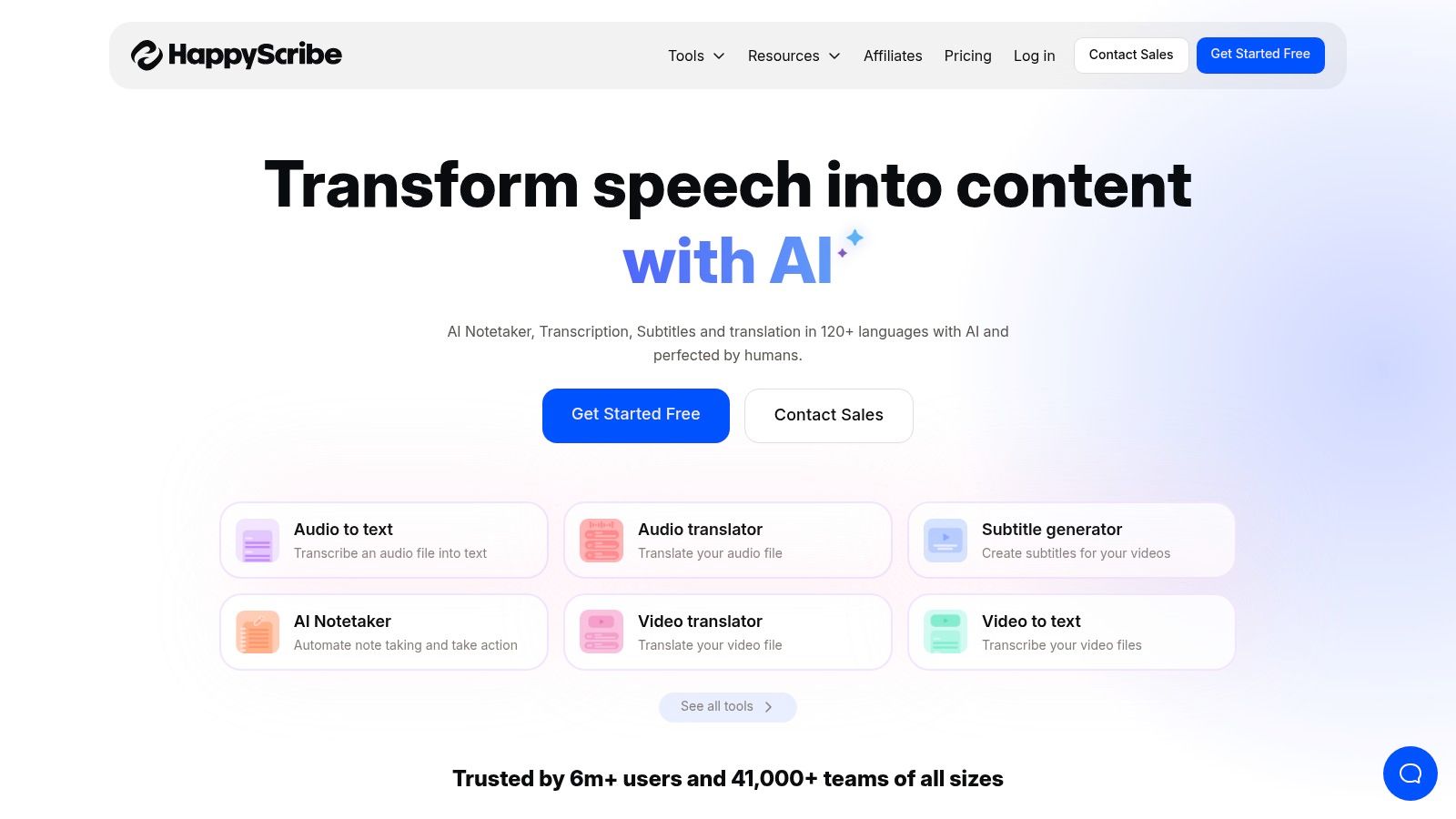
The platform clearly separates its AI and human services, allowing users to choose the right tool for their project's budget and accuracy requirements. Its user interface is built for collaboration, enabling teams to work on transcripts and subtitles simultaneously, which is a significant advantage for fast-paced media production environments.
Key Features and Use Cases
Happy Scribe’s feature set is tailored for media-heavy projects, with strong integration capabilities and a focus on video accessibility. It supports direct imports from platforms like YouTube and Vimeo, simplifying the subtitling process.
- Best For: Content creators, marketing teams, and educators who need to create accurate subtitles and transcripts in multiple languages.
- Extensive Language Support: Offers one of the widest ranges of languages for both AI and human transcription, breaking down language barriers.
- Subtitle Editor: Provides an interactive editor to create, edit, and format subtitles, ensuring they meet specific formatting standards.
- Team Collaboration: Features dedicated workspaces where team members can review, edit, and finalize transcription projects together.
Pricing and Limitations
Happy Scribe’s pricing is transparent but varies significantly based on the language and service level chosen.
- AI Transcription: Billed per minute, with plans that remove watermarks from exports and add more features.
- Human Transcription: Priced per minute with rates that differ by language, providing clear cost expectations upfront.
A notable limitation is that the entry-level AI plan includes a "Transcribed with Happy Scribe" watermark on exported files, requiring an upgrade to remove it. Furthermore, while the language-specific pricing for human services is clear, costs can escalate for less common languages or lengthy files. The AI’s accuracy, like other tools, is best with high-quality, clear audio.
9. Google Cloud Speech-to-Text
Google Cloud Speech-to-Text is not a consumer-facing tool but a powerful API for developers looking to build transcription capabilities into their own applications. This makes it a foundational audio to text converter for businesses that need a highly scalable, enterprise-grade solution for tasks like call center analytics, voice command features, or large-scale media processing. Its strength lies in its maturity, accuracy, and deep integration with the Google Cloud ecosystem.
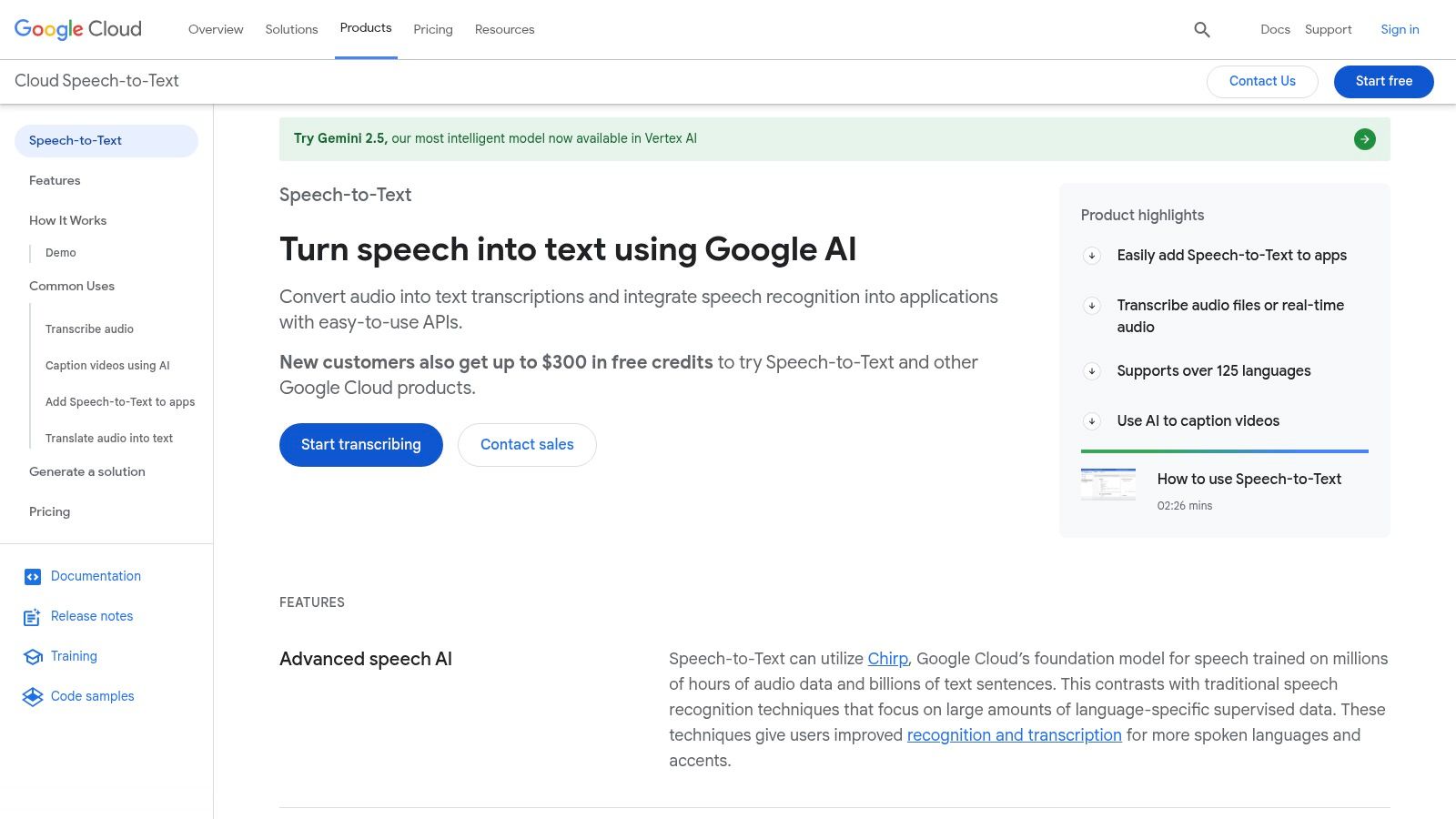
The platform is built for flexibility, offering both batch processing for pre-recorded files and real-time streaming for live audio. With specialized models for different use cases, such as medical terminology, it can be tailored to specific industry needs, providing a robust backend for sophisticated voice-powered services.
Key Features and Use Cases
Google’s API is designed for technical users who need to process audio data programmatically. Its features are geared towards integration and scalability rather than direct end-user interaction.
- Best For: Developers and businesses needing to integrate a powerful transcription engine into their products, services, or internal workflows.
- Specialized Models: Offers transcription models tuned for specific domains, including a medical model for clinical documentation.
- Batch and Streaming: Supports both uploading large audio files for processing and transcribing audio in real-time as it's captured.
- Speaker Diarization: Can identify and label different speakers in an audio file, which is crucial for analyzing conversations.
Pricing and Limitations
The pricing model for Google Cloud Speech-to-Text is usage-based and can be complex. You can learn more about how Google Cloud Speech-to-Text is managed for different applications.
- Usage-Based Pricing: Billed per 15 seconds of audio processed, with different rates for standard and specialized models.
- Volume Discounts: Offers dynamic batch discounts for large volumes, making it more cost-effective for enterprise-scale projects.
The primary limitation is its complexity; it requires technical expertise to set up and manage through the Google Cloud Platform. Monitoring usage is essential to control costs, as the pay-as-you-go model can become expensive without careful management. It's a powerful engine, but not a simple tool for the average user.
10. Amazon Transcribe
Amazon Transcribe is an enterprise-grade service from Amazon Web Services (AWS) designed for developers and businesses needing to integrate a powerful audio to text converter directly into their applications. Unlike standalone platforms, it’s a core building block for large-scale transcription pipelines, especially in contact centers and media analysis workflows. Its strength lies in its deep integration with the AWS ecosystem and its advanced, highly customizable features.
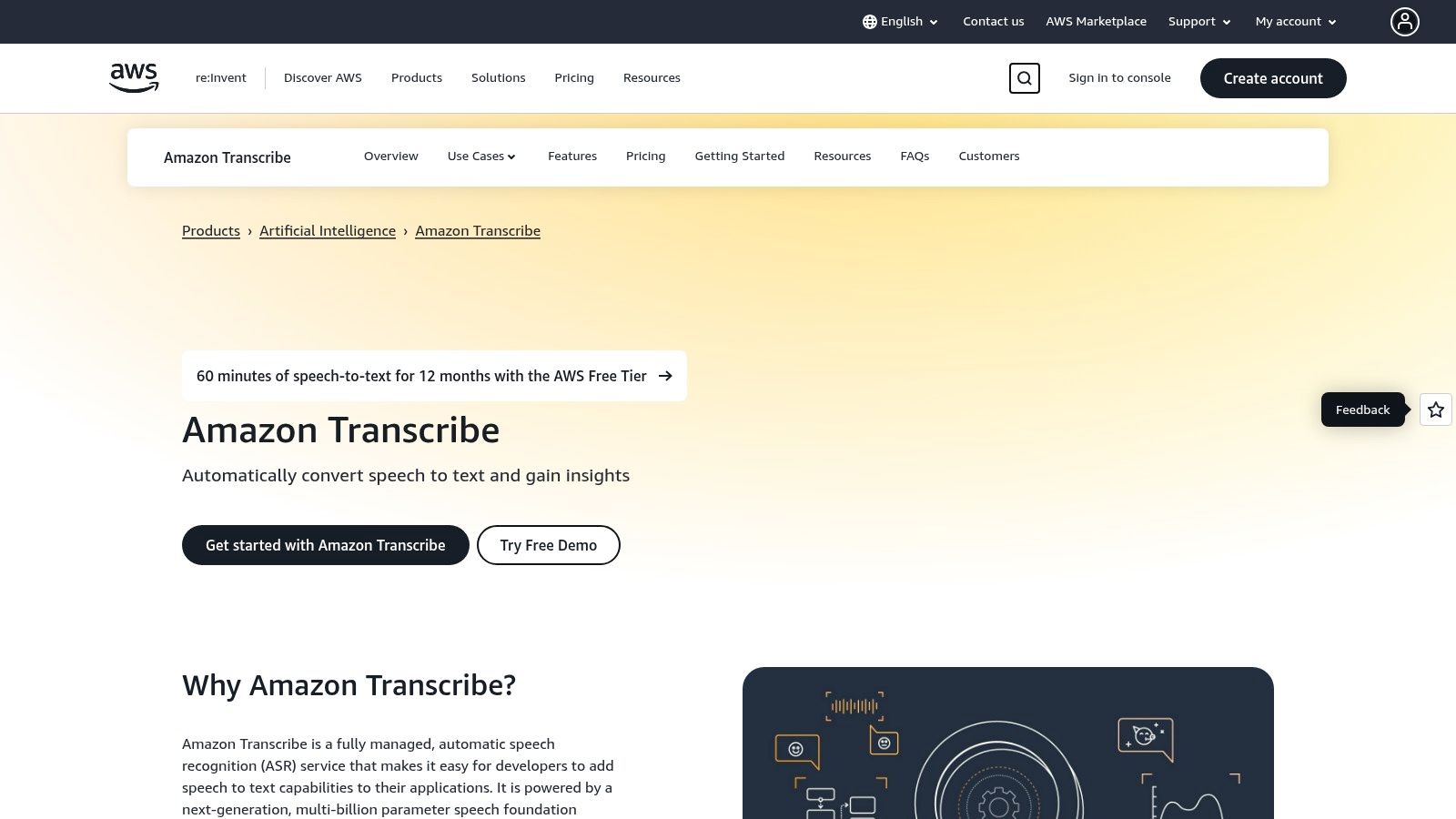
The service provides both real-time (streaming) and batch transcription, allowing it to handle live audio feeds and large archives of recordings. Businesses in regulated industries often turn to Amazon Transcribe for features like PII (Personally Identifiable Information) redaction and custom language models, which can be trained to recognize specific industry jargon, product names, or unique accents for improved accuracy.
Key Features and Use Cases
Amazon Transcribe is built for technical users who need granular control and scalability. It is not an out-of-the-box solution but a service to be integrated into a larger system.
- Best For: Developers and businesses building applications that require scalable, automated transcription, particularly for call centers and media asset management.
- Customization: Supports custom vocabularies and language models to improve accuracy for domain-specific terminology.
- PII Redaction: Automatically identifies and redacts sensitive personal information from both the transcript and the audio itself, which is crucial for compliance.
- Call Analytics: Offers specialized features for analyzing customer service calls, including sentiment analysis, talk speed, and non-talk time detection.
Pricing and Limitations
The pricing model is complex and typical of AWS services, based on usage with various tiers and regional differences.
- Per-Second Billing: Users are billed per second of audio processed, with a minimum charge per request.
- Tiered Pricing: Offers volume discounts, making it more cost-effective for large-scale operations.
The primary limitation of Amazon Transcribe is its complexity. It requires engineering effort to implement and is not suitable for individuals or small teams looking for a simple upload-and-transcribe tool. The pricing pages can also be difficult to navigate, and costs can escalate if not managed carefully. For a more user-friendly and predictable experience, a tool like Typist is often a better fit.
11. OpenAI Whisper (Open-source and API)
Transcribe a 1-hour recording in under 30 seconds
Upload any audio or video file and get a full transcript with timestamps
OpenAI Whisper represents a significant shift in the audio to text converter landscape by offering powerful, open-source speech recognition models. This approach empowers developers and tech-savvy users to run a state-of-the-art transcription engine on their own hardware or via an API, providing unparalleled control and flexibility. It is the ideal solution for those who need to integrate high-quality transcription directly into their own applications or workflows without being tied to a specific SaaS platform.
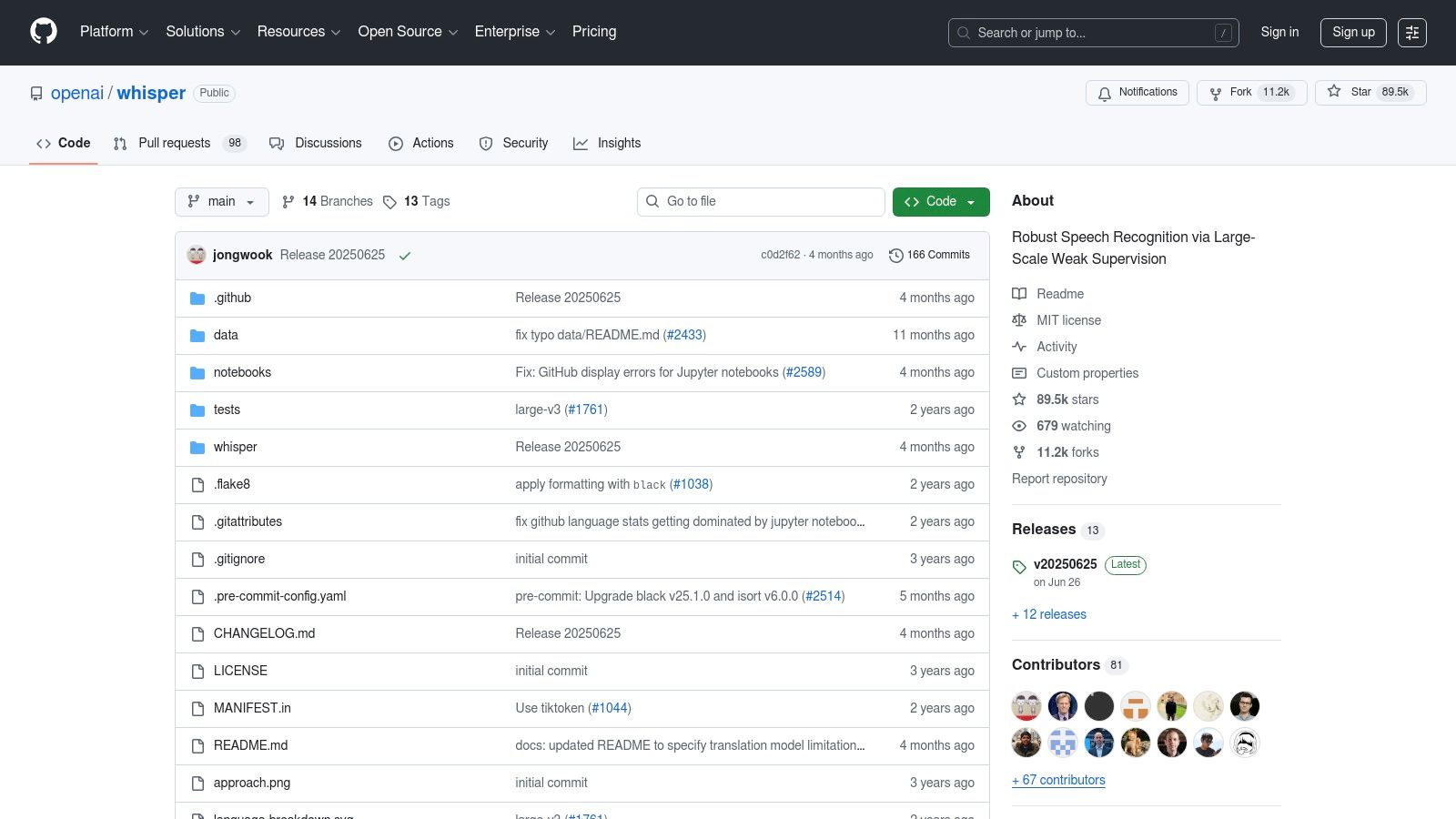
The platform's key distinction is its accessibility. As an open-source model, anyone can download and use it for free, paying only for the computational resources required. For those who prefer a managed service, OpenAI also offers API access, allowing developers to leverage the same powerful technology with a straightforward, pay-as-you-go pricing model.
Key Features and Use Cases
Whisper is built for customization and integration, with different model sizes available to balance speed and accuracy based on specific project needs. Its strong multilingual capabilities make it a global contender.
- Best For: Developers, researchers, and businesses wanting to build custom transcription solutions or run a powerful audio to text converter offline.
- Open-Source Models: Multiple model sizes allow users to choose between faster processing or higher accuracy, depending on their hardware.
- Multilingual Support: Excels at transcribing and translating audio in dozens of languages with high accuracy.
- API Access: The official OpenAI API provides a simple way to integrate Whisper's capabilities without managing the underlying infrastructure.
Pricing and Limitations
Whisper’s cost structure is unique, depending heavily on the deployment method chosen.
- Self-Hosted (Open-Source): The model itself is free, but users are responsible for the costs of compute resources (like GPUs), which can be significant.
- API Usage: Billed on a per-minute or token-based system, which can be complex to estimate for large volumes.
While the flexibility is a major advantage, self-hosting Whisper demands considerable technical expertise and powerful hardware, particularly a capable GPU. The API is simpler but relies on OpenAI's infrastructure, and its token-based pricing may be unpredictable for users with fluctuating transcription needs.
12. Microsoft Word (Microsoft 365) Transcribe
For those already embedded in the Microsoft ecosystem, the built-in Transcribe feature in Microsoft Word offers a surprisingly powerful and convenient audio to text converter. It eliminates the need for a third-party app by allowing users to upload or record audio directly within Word for the web, turning spoken words into a timestamped, speaker-separated transcript. This seamless integration is perfect for Microsoft 365 subscribers who need to quickly document interviews, meetings, or academic lectures without leaving their primary word processor.
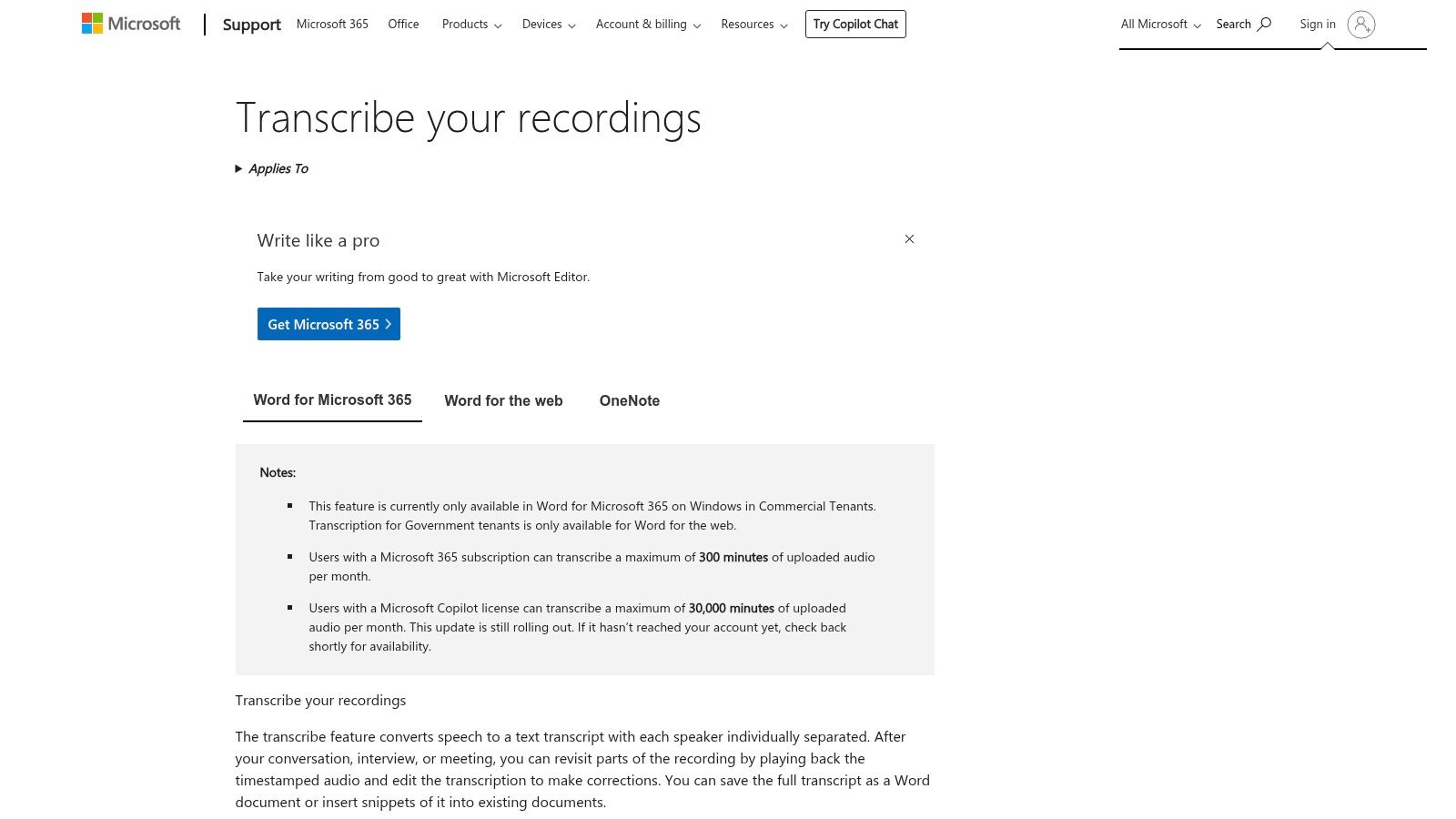
The primary advantage of Word's tool is its accessibility. If you have an active Microsoft 365 subscription, this feature is available at no extra cost, making it a budget-friendly choice for casual users. The transcript appears in a side panel, allowing you to easily edit it and insert specific quotes or the entire text directly into your document with a single click.
Key Features and Use Cases
The Transcribe feature is designed for straightforward, document-centric workflows, making it highly practical for students, researchers, and administrative professionals. It streamlines the process from recording to final report.
- Best For: Microsoft 365 users who need a simple, integrated tool for transcribing meetings, interviews, or personal notes directly into a Word document.
- Direct Integration: Record audio within Word or upload existing MP3, MP4, M4A, or WAV files stored on your computer.
- Speaker Separation: The tool automatically detects and labels different speakers, which is crucial for understanding conversations and interviews.
- Document Insertion: Easily add the full transcript or specific snippets to your document, complete with optional timestamps.
Pricing and Limitations
While convenient, the feature comes with specific usage caps and is not designed as a standalone, heavy-duty transcription service.
- Included with Microsoft 365: There is no additional charge for this feature if you have a subscription.
- Monthly Limits: Uploaded audio is typically limited to 300 minutes per month, which may not be sufficient for power users like podcasters or journalists.
The tool's biggest limitation is that it lives entirely within the Microsoft 365 environment and lacks the advanced editing features of specialized transcription platforms. Its availability and features can also vary depending on your specific Microsoft 365 plan and tenant settings.
Audio-to-Text Converter Feature Comparison
Need subtitles? Show notes? Meeting minutes? Try it free
| Platform | Core Features / Speed & Accuracy | User Experience / Quality ★★★★☆ | Value Proposition 💰 | Target Audience 👥 | Unique Selling Points ✨ |
|---|---|---|---|---|---|
| 🏆 Typist | 200x faster than real time, 99+ languages, jargon | Synchronized playback, editable transcripts | Free trial + $20/mo Premium, unlimited use | Creators, researchers, educators, teams | Ultra-fast, multi-format exports, Premiere Pro integration |
| Rev | Human & AI transcription, service guarantees | High accuracy (human), clear pricing | Pay-per-use, team plans | Mixed AI & human needs, enterprises | SOC 2 & HIPAA compliance, Zoom/Teams integrations |
| Otter.ai | Real-time transcription, meeting summaries | Live speaker ID, searchable notes | Robust free tier | Teams, meetings, collaboration | AI meeting agent, multi-language support |
| Descript | Audio/video editing + transcription | Text-based editing, filler removal | Included transcription hours + editing tools | Podcasters, content creators | Overdub voice synthesis, multi-track timeline |
| Trint | Multilingual, collaborative editing | Enterprise-grade security, team workflows | Flexible trials, enterprise pricing | Content teams, journalists, researchers | Translation to 50+ languages, API access |
| Sonix | Multilingual transcription & translation | Time-coded, speaker labeling | Usage-based pricing, trial minutes | Broad users needing accuracy & subtitles | Custom dictionary, priority support tiers |
| Temi | Quick AI transcription, web editor | Fast, affordable AI-only quality | Pay-as-you-go, first file free | Budget-conscious, quick transcriptions | No subscription needed, simple pricing |
| Happy Scribe | AI & human transcription, subtitle translation | Wide language support, clear pricing | Transparent per-language pricing | Broad users needing collaboration | Side-by-side human/AI, integrations with YouTube |
| Google Cloud Speech-to-Text | Scalable API, batch & streaming, medical models | High accuracy, enterprise-grade | Volume discounts, complex pricing | Developers, enterprises | Streaming + batch, speaker diarization |
| Amazon Transcribe | Real-time & batch, PII redaction, custom models | Feature-rich, AWS integration | Tiered pricing, volume discounts | Contact centers, large pipelines | PII redaction, toxicity detection |
| OpenAI Whisper (OSS/API) | Multilingual, open source & API | Strong accuracy, self-host or managed | Free self-hosted, token-based API pricing | Developers, tech-savvy users | Offline use, customizable, no license fees |
| Microsoft Word Transcribe | Built-in with MS 365, speaker separation, timestamps | Simple, integrated workflow | Included with MS 365 subscription | Microsoft 365 users, casual transcription | Direct in-document insertion, OneDrive integration |
Making the Final Choice: Which Converter is Right for You?
We've explored a wide landscape of audio to text converters, from developer-focused APIs like Amazon Transcribe and Google Cloud to all-in-one creative suites like Descript. The sheer variety shows just how essential transcription has become across different industries. Making the right choice isn't about finding a single "perfect" tool, but about finding the one that perfectly aligns with your specific workflow, budget, and technical comfort level.
Your final decision hinges on a few key questions you must ask yourself. Who is the primary user? What is the primary use case? How much technical overhead are you willing to manage? Answering these honestly will illuminate the path forward.
No complex setup, no learning curve. Drag, drop, transcribe Try it free
Recapping the Key Contenders
Let's quickly recap the main categories of tools we've discussed.
- For the Developer: If you're building custom applications or need to integrate transcription into existing software, powerful APIs from Google Cloud Speech-to-Text and Amazon Transcribe are your best bet. These offer unparalleled scalability and customization but demand significant technical expertise and have complex, usage-based pricing models.
- For the All-in-One Content Creator: Podcasters and video editors who need a unified platform for transcription, editing, and production will find tools like Descript incredibly valuable. They merge the transcription process directly into the content creation workflow, saving steps and simplifying post-production.
- For High-Volume, Manual-First Needs: Services like Rev and Temi offer a blend of AI and human transcription. They are reliable choices when you need guaranteed accuracy for critical files and are willing to pay a premium per minute for that human touch.
- For Everyday Professionals and Teams: This is where the majority of users fall-market researchers, students, journalists, and business professionals. The primary needs here are accuracy, speed, ease of use, and affordability. This user group requires a tool that just works, without a steep learning curve or a complicated setup.
A Framework for Your Decision
Choosing the best audio to text converter is a process of matching features to your real-world needs. The principles are similar to those involved in selecting other critical business software. In fact, for a broader perspective on how to evaluate and select tools that fit your operational needs, a guide to choosing the right workflow automation platforms can provide a helpful framework for thinking strategically about your technology stack.
Consider these final factors before making your choice:
- Workflow Integration: How will this tool fit into your existing process? Do you need to export transcripts in specific formats like SRT for video captions or DOCX for reports? A tool with flexible export options is crucial for a smooth workflow.
- Collaboration Needs: Do you work in a team? If so, look for features that allow for shared workspaces, easy commenting, and seamless project handoffs.
- Language Support: If you work with multilingual content, extensive language support is non-negotiable. Check not only if a language is supported but also the accuracy level for that specific language.
- Security and Privacy: For those transcribing sensitive interviews or confidential meetings, data security is paramount. Review the provider's privacy policy and security measures to ensure your data is handled responsibly.
Why Typist Emerges as the Top Choice
After weighing all these factors, Typist consistently stands out as the best audio to text converter for the widest range of users. It masterfully balances the critical elements: top-tier accuracy across 99+ languages, a remarkably intuitive user interface, and a pricing model that is both fair and accessible.
You don't need to be a developer to harness its power, nor do you need a massive budget. Typist delivers professional-grade, synchronized transcripts in minutes, allowing you to focus on analyzing your content, not wrestling with software. Its combination of speed, precision, and user-centric design makes it the clear winner for anyone looking to transform their audio and video files into actionable text efficiently.
Ready to experience the best audio to text converter for yourself? Stop wasting time with manual transcription or clunky software and see how Typist can revolutionize your workflow. Start transcribing with Typist →