12 Best AI Transcription Software of 2025: A Practical Guide
Discover the 12 best AI transcription software for speed and accuracy. Our in-depth guide helps you choose the right tool for any workflow.
Choosing the best AI transcription software can feel overwhelming. With dozens of tools promising instant, accurate text from your audio and video files, how do you pick the one that actually fits your workflow? Manually transcribing audio is tedious, error-prone, and a massive time drain. AI-powered platforms solve this by converting spoken words into text within minutes, freeing you up for more important tasks.
This guide cuts through the noise. We'll explore the critical features that matter most—from raw speed and accuracy across different accents to seamless integration with your existing tools. This article provides a practical framework to help you evaluate your options, complete with screenshots. We will compare top platforms to help you find the right fit for your specific needs, whether you are a podcaster, researcher, student, or business professional.
By focusing on what truly impacts productivity, you can confidently select a solution that saves you time and delivers reliable results without guesswork. To explore the foundational technology behind these tools, consider looking into our page with more resources on Artificial Intelligence. We'll dive deep into each tool, starting with our top recommendation, Typist.
1. Typist
Typist stands out as the best AI transcription software for users who prioritize speed, accuracy, and seamless workflow integration. Built for scale, it converts audio and video into production-ready text in moments. The platform’s core strength is its remarkable performance; it can process an hour-long recording up to 200x faster than real time, a significant time-saver for busy professionals. This capability makes it an indispensable tool for content creators, researchers, and educators who handle large volumes of media.
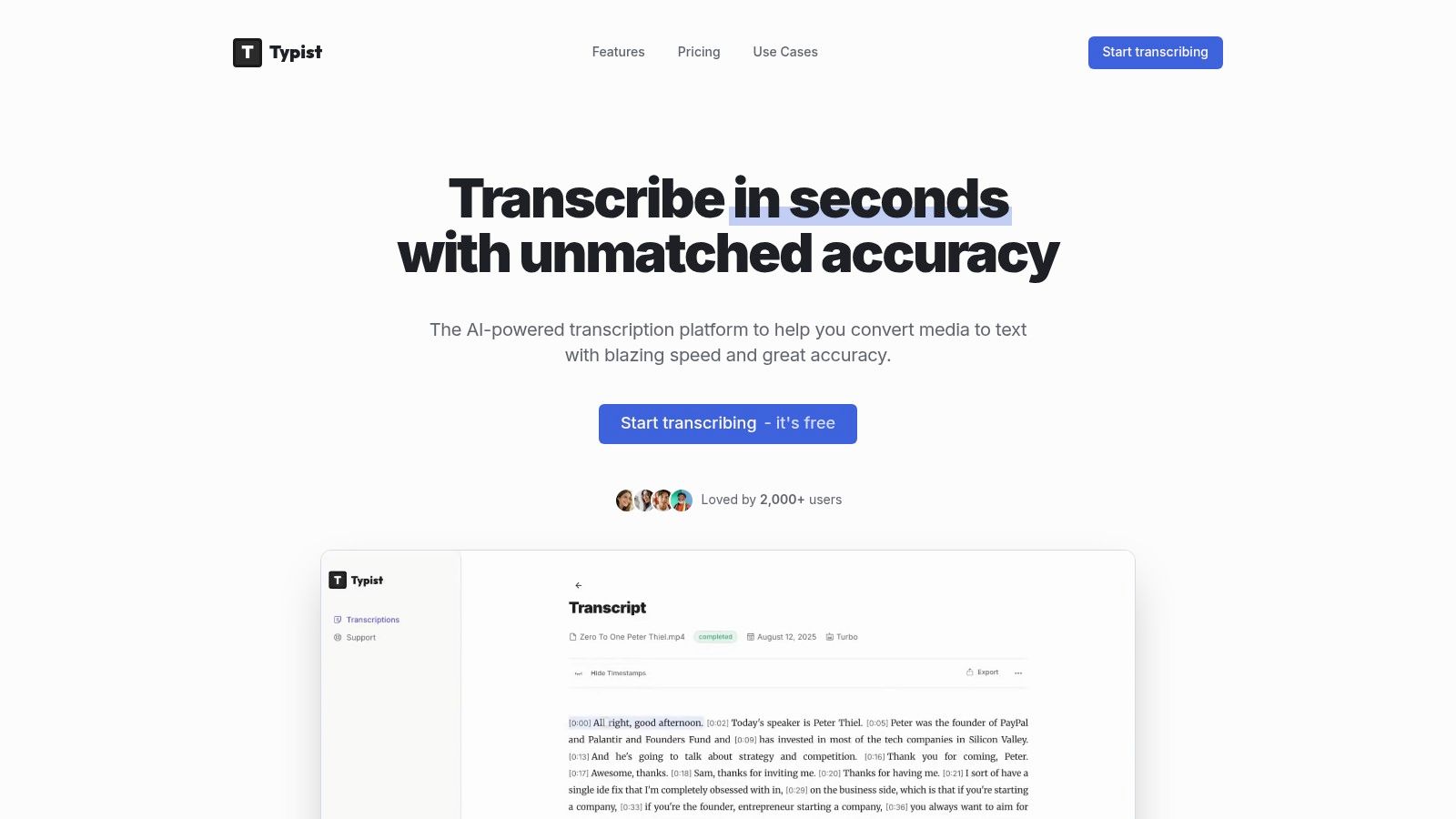
Its high accuracy across 99+ languages, diverse accents, and technical terminology ensures reliable outputs. Users can upload various file types (MP3, WAV, MP4) and follow along with synchronized playback for easy editing. The platform generates flawless SRT exports that import directly into video editors like Premiere Pro, streamlining the captioning process. For teams and academics, it turns meetings and interviews into searchable, timestamped records.
Key Features and Pricing
Typist offers a straightforward and powerful feature set designed for practical application.
- Pros: Blazing speed saves hours on transcription tasks. High accuracy is maintained across many languages and accents. It provides workflow-ready exports (SRT, DOCX, TXT, PDF) and boasts strong social proof with over 2,000 users.
- Cons: The free trial is limited to three transcriptions and seven-day file retention. For sensitive audio, users should verify data privacy policies; if you have specific compliance questions, you can contact the Typist team.
- Pricing: A free trial offers three test transcriptions. The Premium plan is a competitive $20/month for unlimited transcriptions, priority processing, and unlimited file retention.
- Website: https://iamtypist.dev
Upload a file. Get text back. That simple.
No complex setup, no learning curve. Drag, drop, transcribe
2. Otter.ai
Otter.ai is one of the most recognized names in AI transcription, primarily because it excels at automating meeting notes. It's built for students, professionals, and teams who need to capture conversations from Zoom, Google Meet, and Microsoft Teams without friction. Its standout feature, the OtterPilot AI Meeting Agent, can automatically join your meetings, transcribe in real-time, and generate summaries, action items, and keywords, making it an indispensable tool for anyone in frequent virtual meetings.
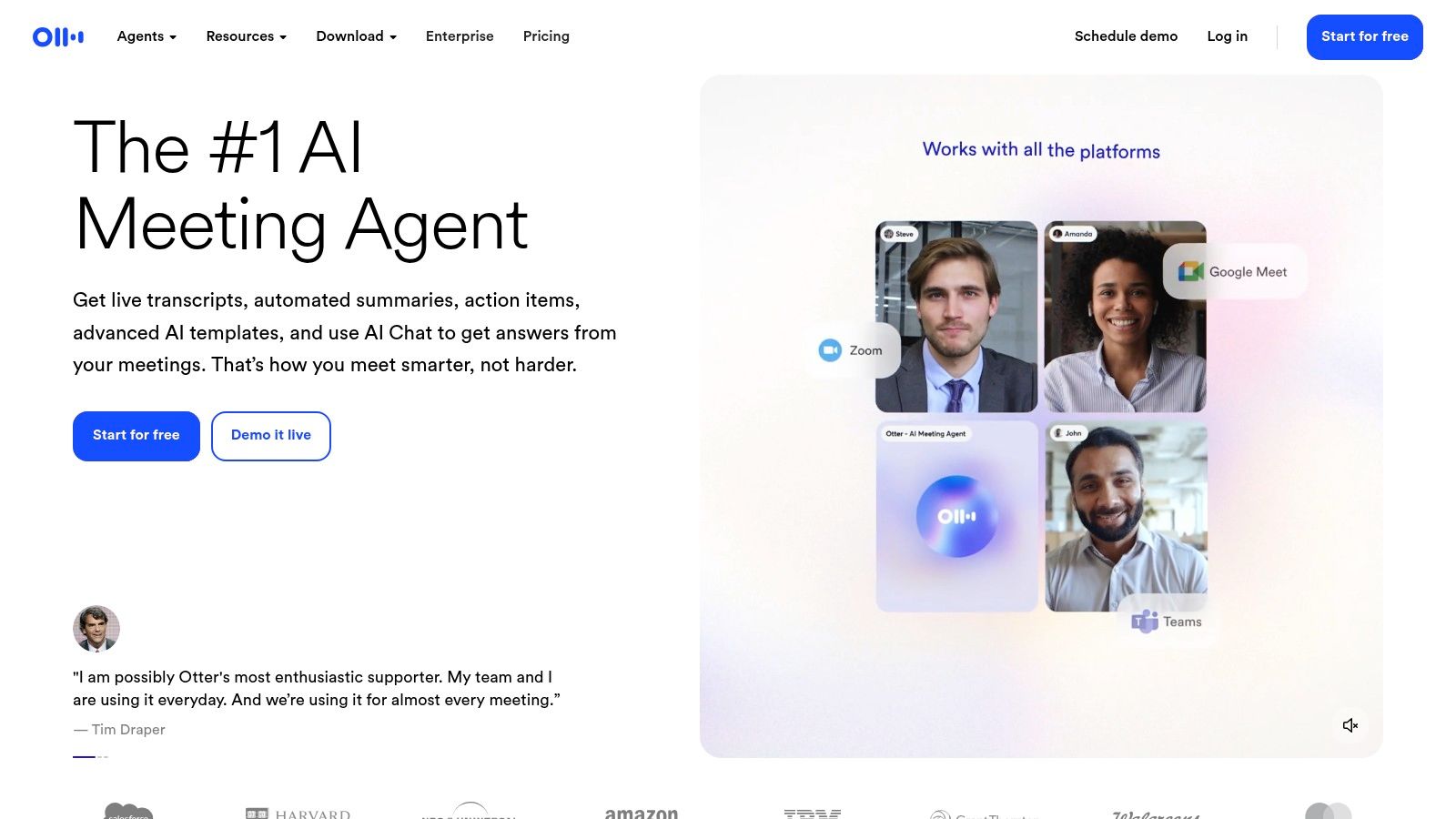
The platform is designed for collaboration, allowing teams to share transcripts, highlight key moments, and even build a shared vocabulary for better accuracy with industry-specific terms. While its real-time meeting features are top-notch, file import limits and non-rollover minutes on lower-tier plans can be a drawback for users with heavy, pre-recorded audio needs. The free plan is a great starting point, but the most powerful automation tools are reserved for its paid Business and Enterprise plans. As with any cloud-based service, it is wise to be aware of how your data is handled; for a deeper dive, you can learn more about Otter.ai's privacy considerations.
Best For: Teams and individuals needing automated, real-time meeting transcription and note-taking.
3. Rev
Still typing out transcripts by hand?
Upload MP3, WAV, MP4 or any media file — get accurate text back instantly
Rev carves out a unique space in the AI transcription market by offering a hybrid model that combines automated AI services with professional human transcription. This makes it an ideal one-stop shop for users who sometimes need the speed and low cost of AI but require the guaranteed 99% accuracy of a human for final-cut projects like media production, legal proceedings, or academic research. The platform offers both AI and human-powered captions and subtitles, making it a comprehensive solution for video creators.
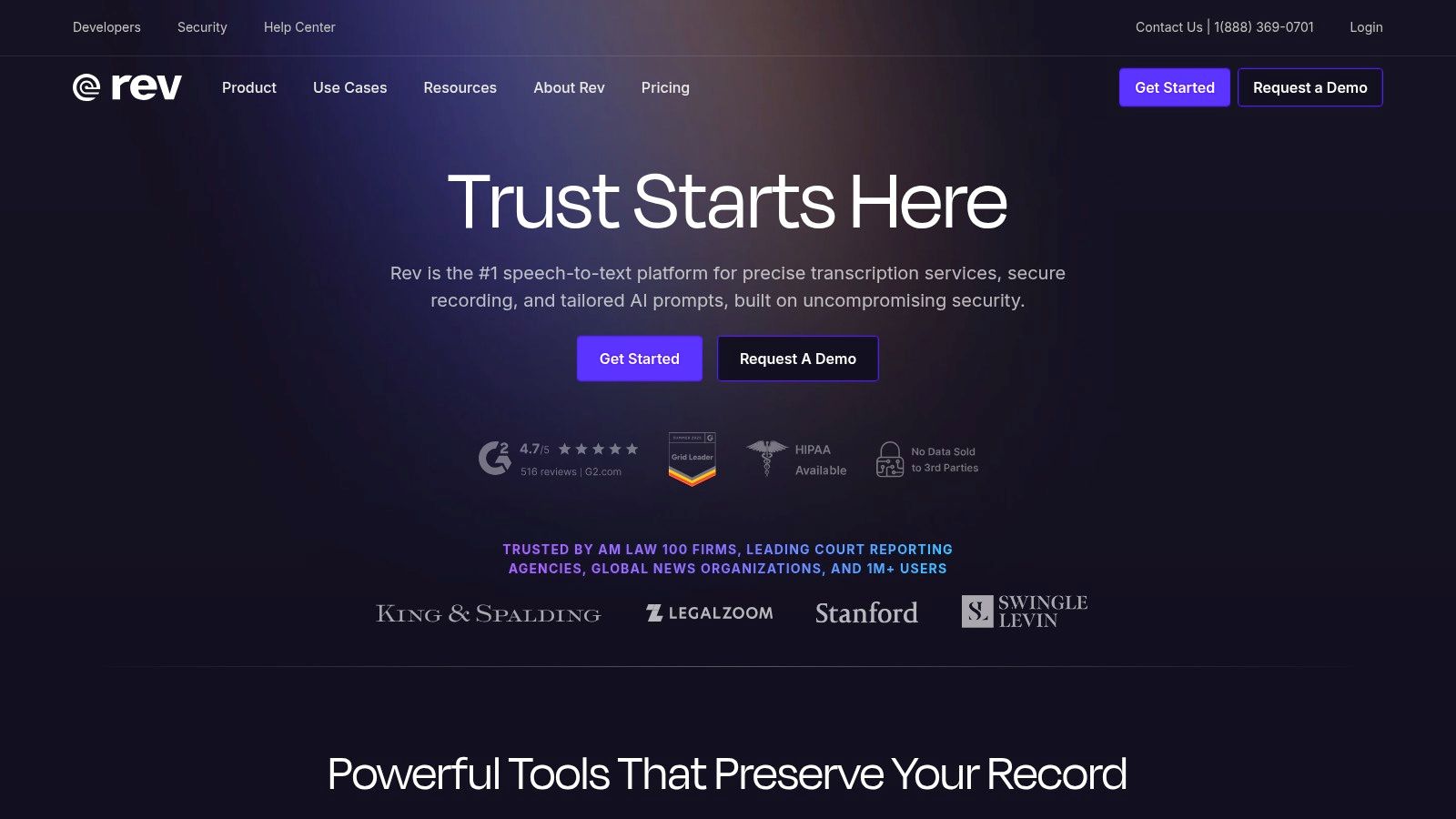
While the AI transcription is available through a subscription, the human services operate on a straightforward, pay-as-you-go, per-minute basis, which is great for project-based work. The platform also includes useful tools like an interactive transcript editor, mobile apps, and enterprise-level compliance options like HIPAA and SOC 2. However, the costs can become significant for users with very high volumes, as the high-accuracy human services are an additional expense on top of any AI subscription. As with any service, it's important to understand the provider's policies, so be sure to review details about Rev's terms of service for a clearer picture.
Best For: Media, legal, and enterprise teams needing a single vendor for both fast AI and guaranteed-accuracy human transcription.
4. Descript
Descript positions itself as much more than just an AI transcription tool; it's an all-in-one audio and video editor built for creators. Its core innovation is text-based editing, allowing users to edit video and audio by simply editing the transcript, like a word document. Features like one-click filler word removal ("um," "uh") and Studio Sound, which magically removes background noise and enhances voice quality, make it a powerhouse for podcasters, marketers, and video producers who need a seamless workflow from recording to final export.
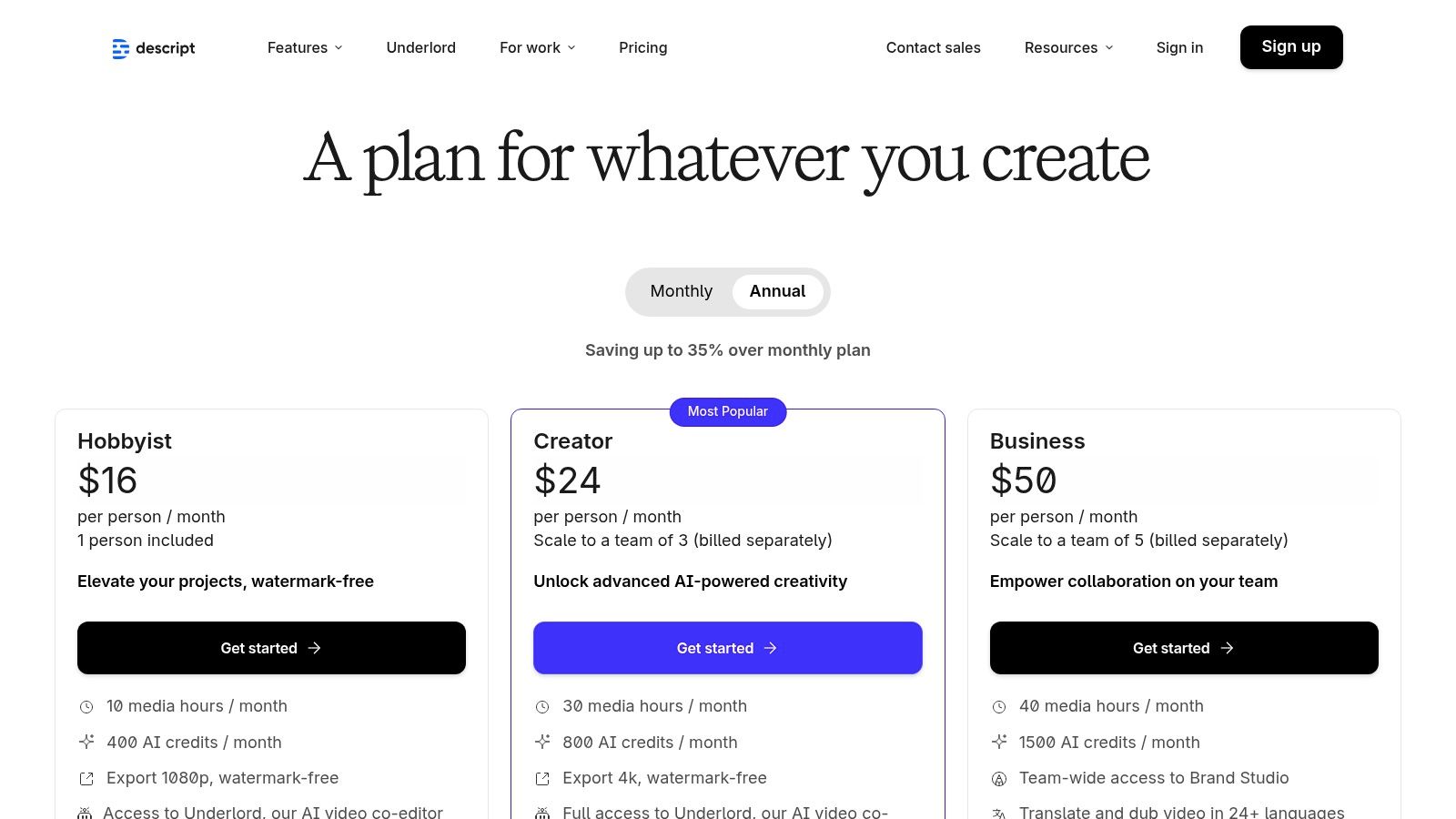
The platform integrates transcription directly into the creative process, making it one of the best AI transcription software options for media-heavy projects. Its powerful editing features, however, might be overkill for users who only need a simple, accurate transcript without the bells and whistles. The pricing model, which uses a combination of media hours and AI credits, can also be complex to track for new users. For those weighing its advanced capabilities against simpler tools, you can explore more insights on our Typist blog. Descript's plans are scalable, with free, creator, and business tiers available.
Best For: Content creators, podcasters, and marketers who need transcription integrated into an audio/video editing workflow.
Try Typist free - Get 3 transcripts daily
5. Sonix
Sonix carves out a niche in the AI transcription market with its powerful multilingual capabilities and straightforward, pay-as-you-go pricing model. It supports over 40 languages, making it an excellent choice for global teams, journalists, and researchers working with international content. The platform combines transcription with translation services, allowing users to not only convert audio to text but also translate the resulting transcript into dozens of other languages directly within its robust, in-browser editor. This integration streamlines the workflow for creators and businesses that need to repurpose content for diverse audiences.
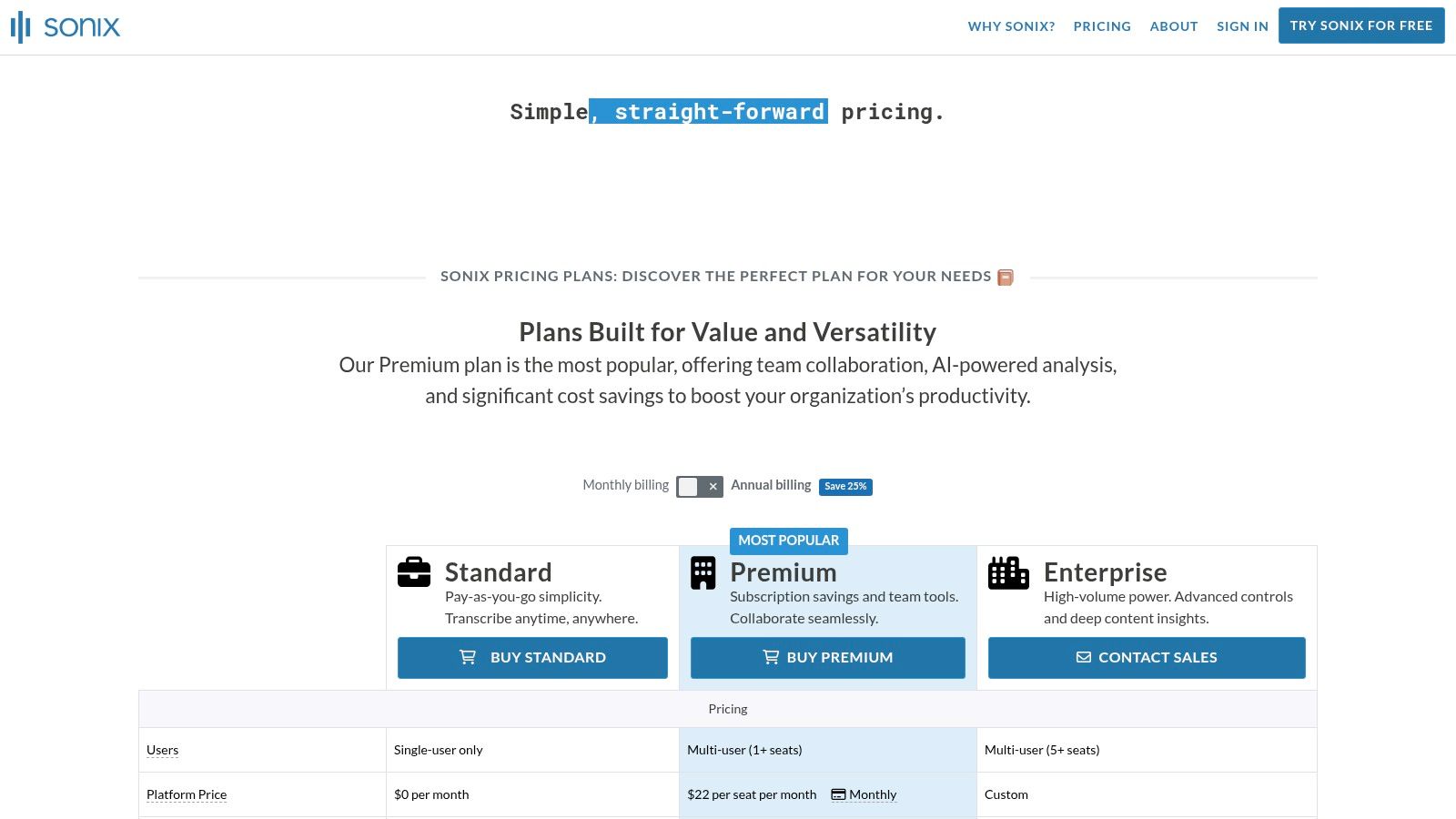
The platform is designed for clarity and ease of use, from its user-friendly editor that includes timestamps and speaker diarization to its transparent per-hour billing. This pricing structure is particularly appealing for users with fluctuating workloads who want to avoid monthly subscriptions. While its core transcription is solid, it's important to note that translation is billed as a separate, additional service, and some advanced AI analysis features are only available as add-ons. For those who need the best AI transcription software with strong multi-language support and predictable costs, Sonix is a top contender.
Best For: Global content creators, researchers, and businesses requiring accurate transcription and translation across multiple languages.
6. Trint
Transcription that works in 99+ languages Start transcribing
Trint is an AI transcription platform built with collaboration and enterprise security in mind, making it a powerful choice for newsrooms, marketing teams, and academic researchers. Its primary strength lies in creating a "storytelling" workflow where transcribed text becomes a searchable, editable, and shareable asset. Users can transcribe audio and video in real-time or from files, highlight key quotes, and collaborate with team members in a shared workspace, streamlining the process from raw recording to finished content.
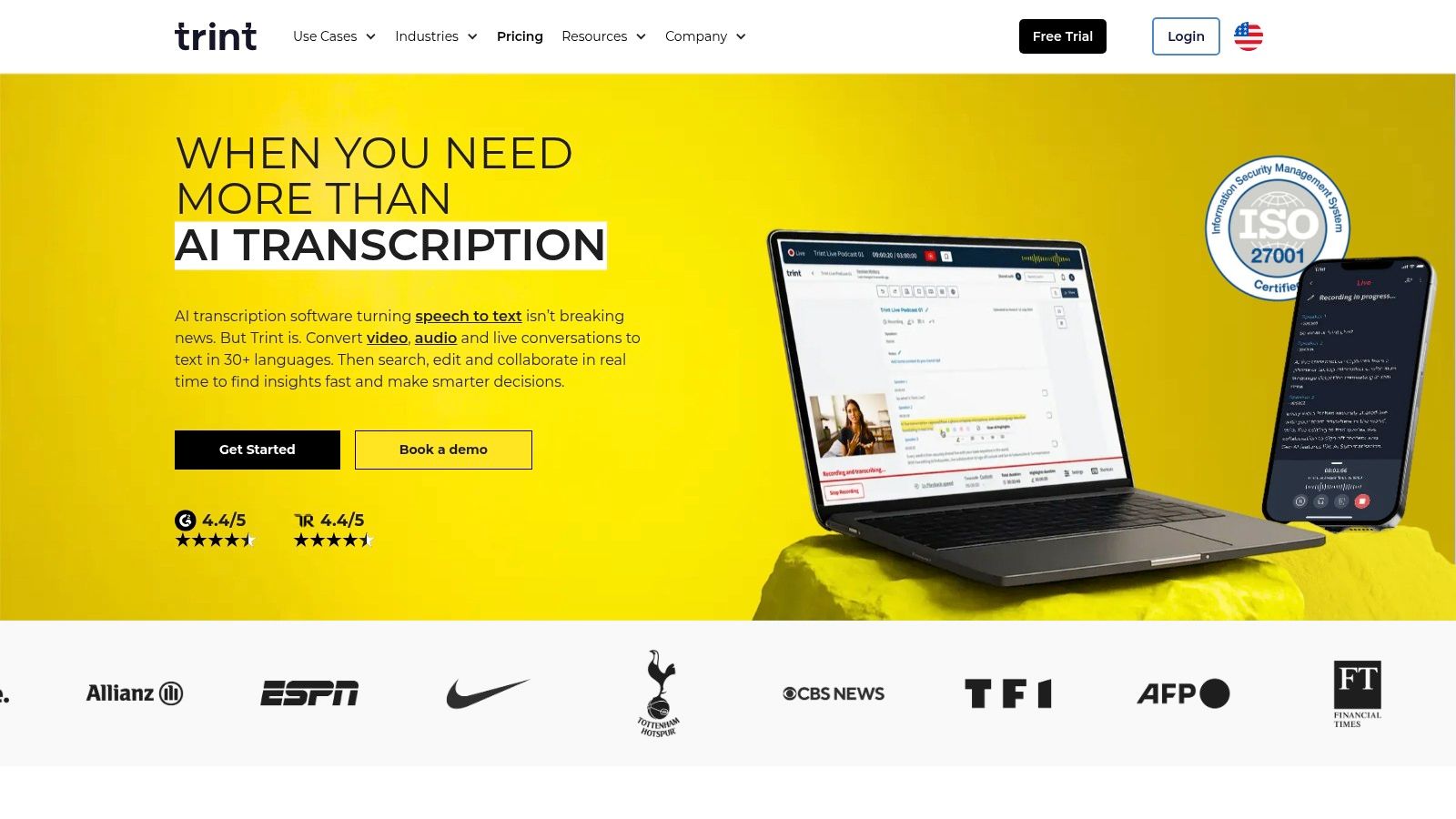
The platform supports over 40 languages and offers translation capabilities, making it ideal for global teams. One of its standout features is its powerful search functionality, which allows users to instantly find key moments across their entire library of transcripts. While Trint excels in team-based environments with its robust data controls and integrations, its pricing is geared toward professional teams and enterprises. Public pricing is limited, often requiring a conversation with their sales team, and advanced features are locked behind higher-tier plans, which may not be cost-effective for individual users or small-scale projects.
Best For: Newsrooms, enterprise teams, and researchers needing a secure, collaborative platform for turning audio/video into searchable content.
7. Happy Scribe
Happy Scribe carves out its niche by combining AI efficiency with the option for human refinement, making it ideal for creators and educators who need both speed and polish. It offers a straightforward platform for automatic transcription, subtitling, and even translation across numerous languages. Its key appeal lies in its simplicity and its integrations with platforms like YouTube, Vimeo, Google Drive, and Dropbox, which streamlines the workflow for content creators who need to add captions or generate text from their video and audio files quickly.
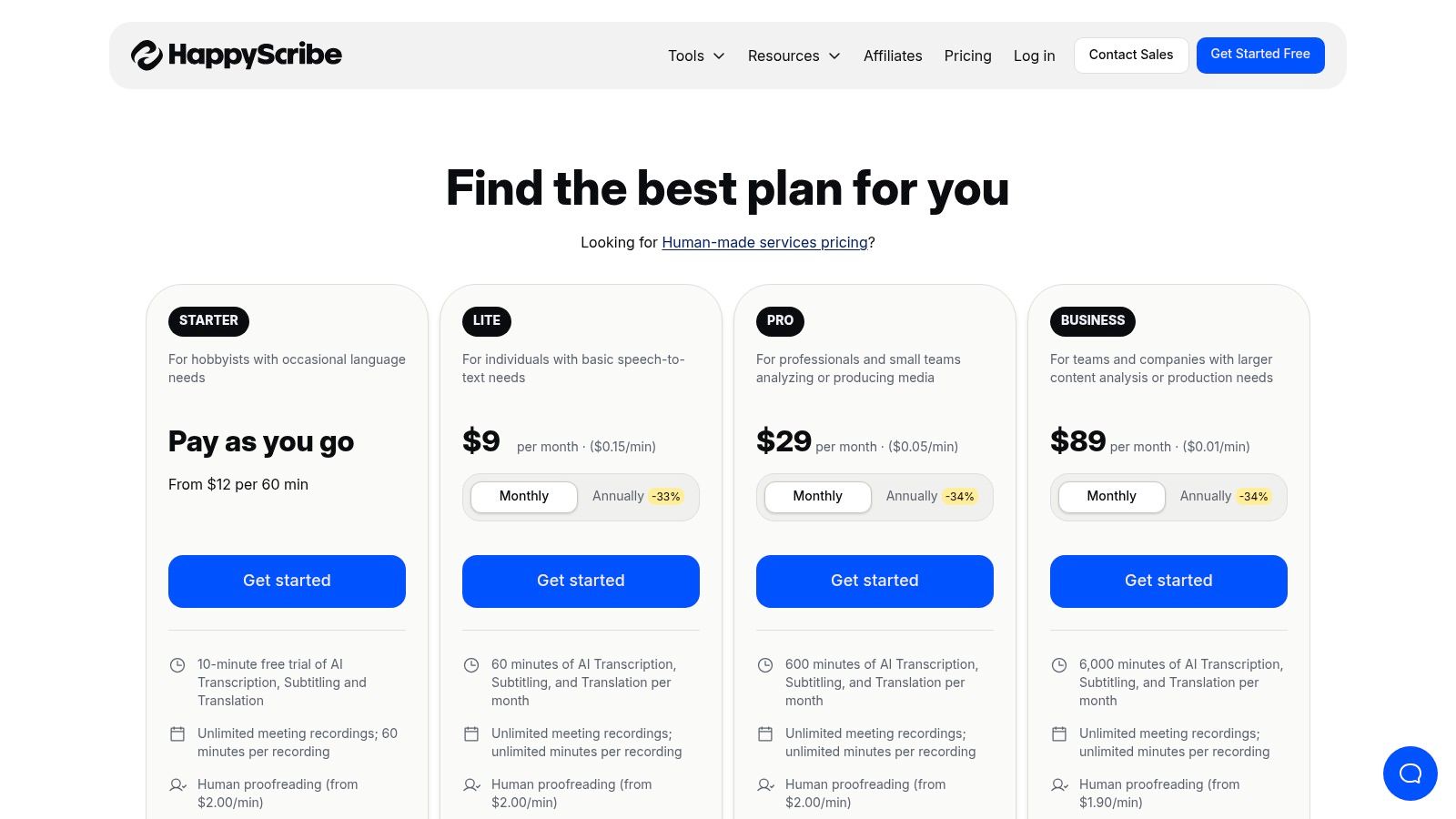
The platform’s pay-as-you-go pricing is a significant advantage for users with infrequent or project-based needs, avoiding the commitment of a monthly subscription. While the automatic transcription is a solid starting point, Happy Scribe also offers human-made services for proofreading and perfecting transcripts, which adds a layer of quality control. However, this human touch comes at a higher per-minute cost that varies by language. For those looking for the best AI transcription software with a flexible payment model and strong subtitling capabilities, Happy Scribe presents a compelling and user-friendly option.
Best For: Content creators and educators needing multilingual transcripts, subtitles, and a flexible pay-as-you-go pricing model.
8. Temi
Upload your recording, get a transcript, export to any format. Repurpose content in minutes Start transcribing
Temi is the automated, machine-powered counterpart to the well-known human transcription service, Rev. It stands out by offering a simple, pay-as-you-go model that is perfect for users who need quick, occasional transcripts without committing to a subscription. Its strength lies in its straightforward process: upload a file, pay a flat per-minute rate, and receive a machine-generated transcript in minutes. This makes it an excellent choice for one-off projects or for those testing the waters of AI transcription.
The platform provides a user-friendly online editor to clean up the transcript, complete with timestamps and speaker labels. While it offers an API and Zapier integration for some workflow automation, it lacks the advanced collaboration and real-time features found in more comprehensive tools. The accuracy is highly dependent on clear audio, so it may struggle with background noise or heavy accents. However, with a generous free trial of one file up to 45 minutes, Temi is a great, low-risk option for individuals who need one of the best AI transcription software tools for ad-hoc tasks.
Best For: Individuals and small businesses needing fast, no-commitment transcription for clear audio files.
9. AssemblyAI
AssemblyAI is not a consumer-facing application but a powerful, developer-focused API for teams building their own transcription-enabled products. It provides access to state-of-the-art Speech-to-Text models and a suite of "Audio Intelligence" features. This makes it the go-to choice for product teams and engineers who need to integrate high-accuracy transcription, summarization, PII redaction, or entity detection directly into their software. It offers one of the best AI transcription software solutions for custom development.
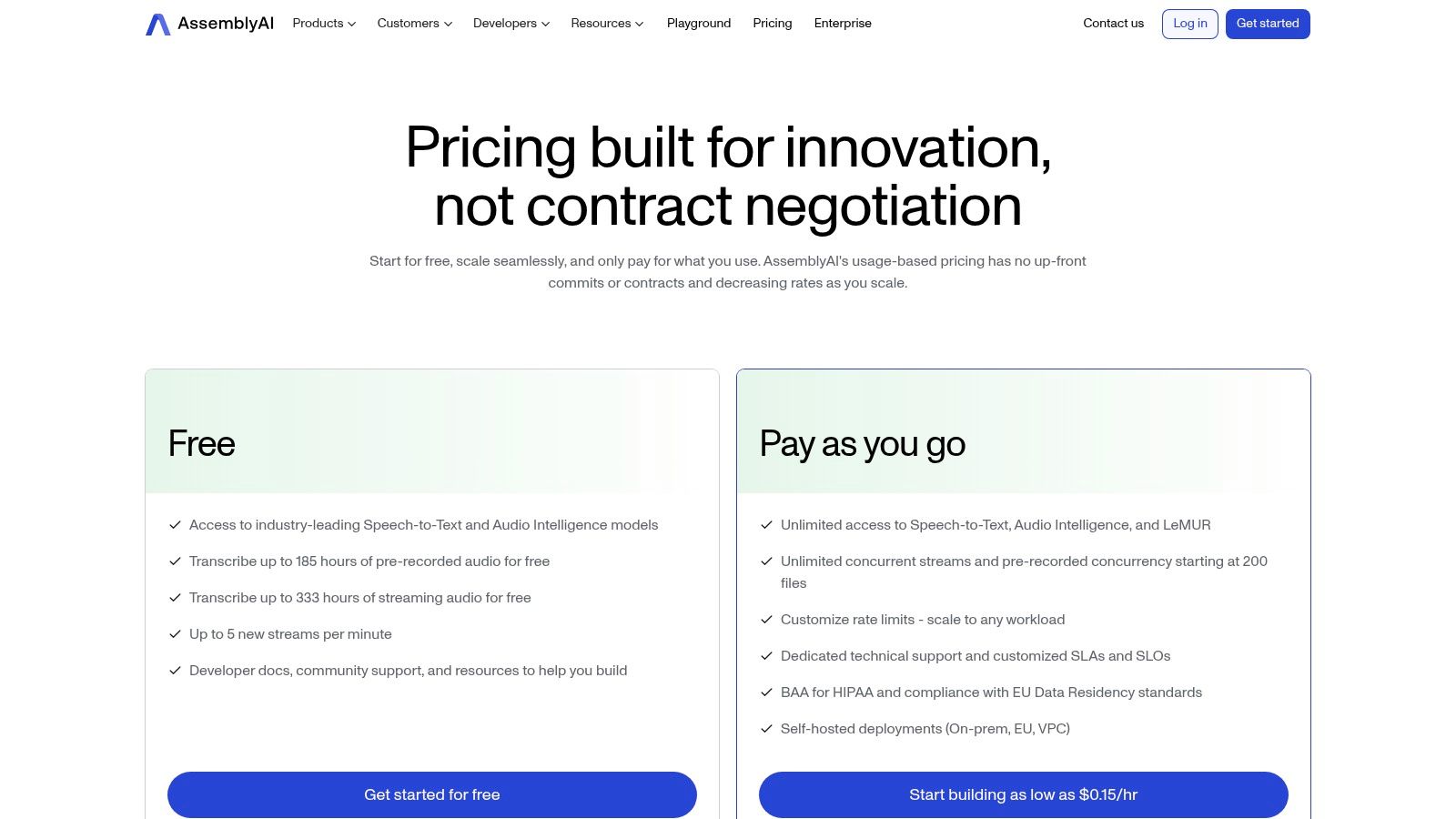
The platform stands out with its transparent, per-hour pricing and robust compliance options, including SOC 2, ISO 27001, and available HIPAA BAAs. Its LeMUR (Lemur-Enhanced-Model-for-Understanding-and-Retrieval) framework allows developers to build advanced features using Large Language Models on top of transcribed audio. The primary limitation is that it requires engineering resources for API integration; it is not a simple file uploader for end-users. For a technical perspective on its performance, you can see how to build a solution with AssemblyAI's fast audio transcription.
Best For: Developers and product teams needing a feature-rich, scalable, and compliant audio intelligence API to build into their own applications.
10. Deepgram
Generate subtitles for any video
Upload MP4 or MOV, export SRT subtitles. Works with Premiere, Final Cut, DaVinci
Deepgram is an API-first platform built for developers who need highly accurate and incredibly fast AI transcription integrated directly into their products. Unlike out-of-the-box software, Deepgram provides powerful building blocks, including multiple speech-to-text model families like "Nova" for speed and "Enhanced" for accuracy. Its strengths lie in real-time streaming for applications like voice agents and live captioning, where its low latency is a critical advantage. This makes it a top choice for businesses building custom voice-enabled experiences.
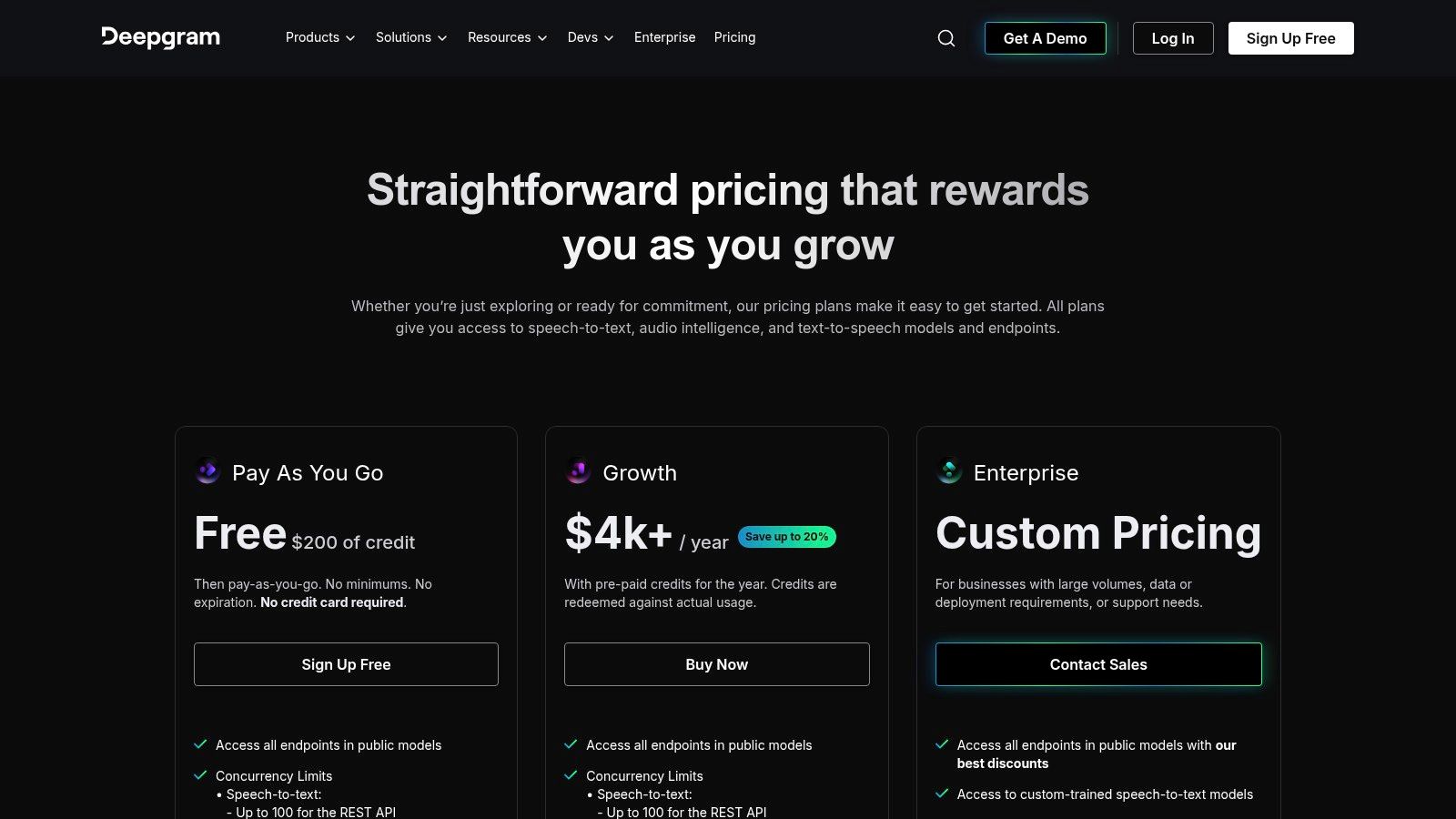
The platform’s pay-as-you-go pricing with per-second billing is highly competitive, and a generous $200 in free credits allows for extensive testing. However, being an API, it requires technical expertise to implement; it’s not a simple file-upload tool for end-users. Its feature set, including audio intelligence add-ons like redaction and entity detection, is geared toward enterprise-level needs and custom solutions. For those seeking the power of a top-tier engine without the coding, services like Typist leverage engines like Deepgram’s to deliver a user-friendly experience.
Best For: Developers and businesses needing to build custom applications with high-speed, scalable, and accurate speech-to-text capabilities.
11. Google Cloud Speech-to-Text
Transcribe a 1-hour recording in under 30 seconds Try it free
Google Cloud Speech-to-Text is a foundational API designed for developers and engineering teams, not a standalone application for end-users. It offers one of the most mature and robust engines on the market, providing the power behind many other transcription tools. This service is ideal for integrating high-quality, scalable transcription capabilities directly into custom software, products, or internal workflows. Its strength lies in its flexibility, offering both streaming and batch processing, specialized models for industries like medicine, and multichannel audio support.
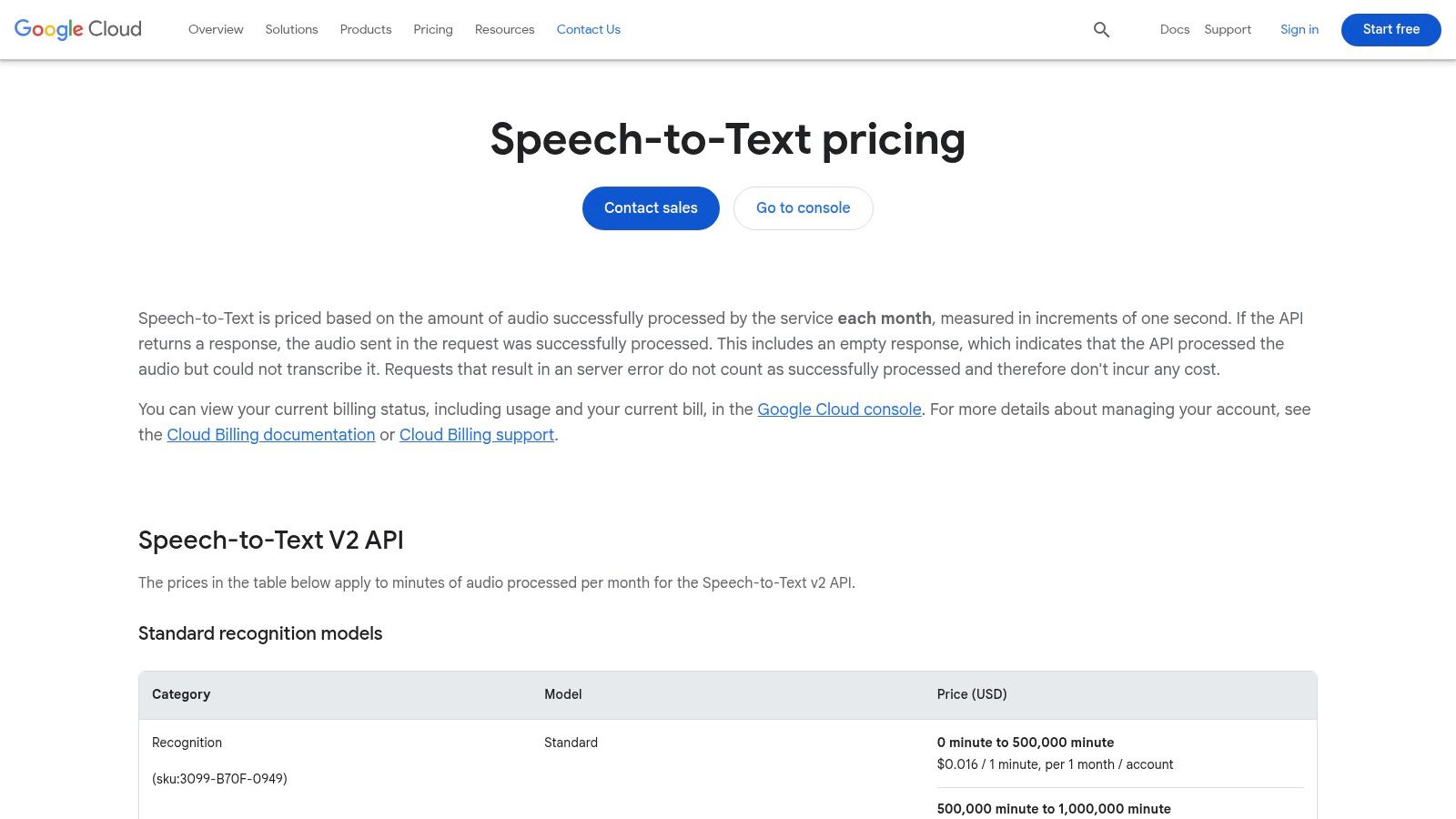
The platform is built for technical users comfortable with the Google Cloud Platform (GCP) ecosystem, including setting up IAM roles and making API calls. While this presents a significant barrier for non-developers, it provides unparalleled control. The pricing structure is complex but can be very cost-effective for large-scale, non-urgent batch jobs due to its dynamic pricing model. For businesses needing to build a custom solution, it's a top-tier choice, but for individuals seeking a simple upload-and-transcribe service, dedicated platforms like Typist are far more accessible.
Best For: Developers and businesses needing to integrate a powerful transcription API into their applications.
12. Amazon Transcribe
Amazon Transcribe is not a standalone application but a powerful, developer-focused service integrated into the Amazon Web Services (AWS) ecosystem. It's designed for businesses and developers who need to add speech-to-text capabilities directly into their applications and workflows. The service supports both batch processing for pre-recorded audio stored in Amazon S3 and real-time streaming transcription via services like Amazon Kinesis. Its key strength lies in its scalability and deep integration with other AWS tools.
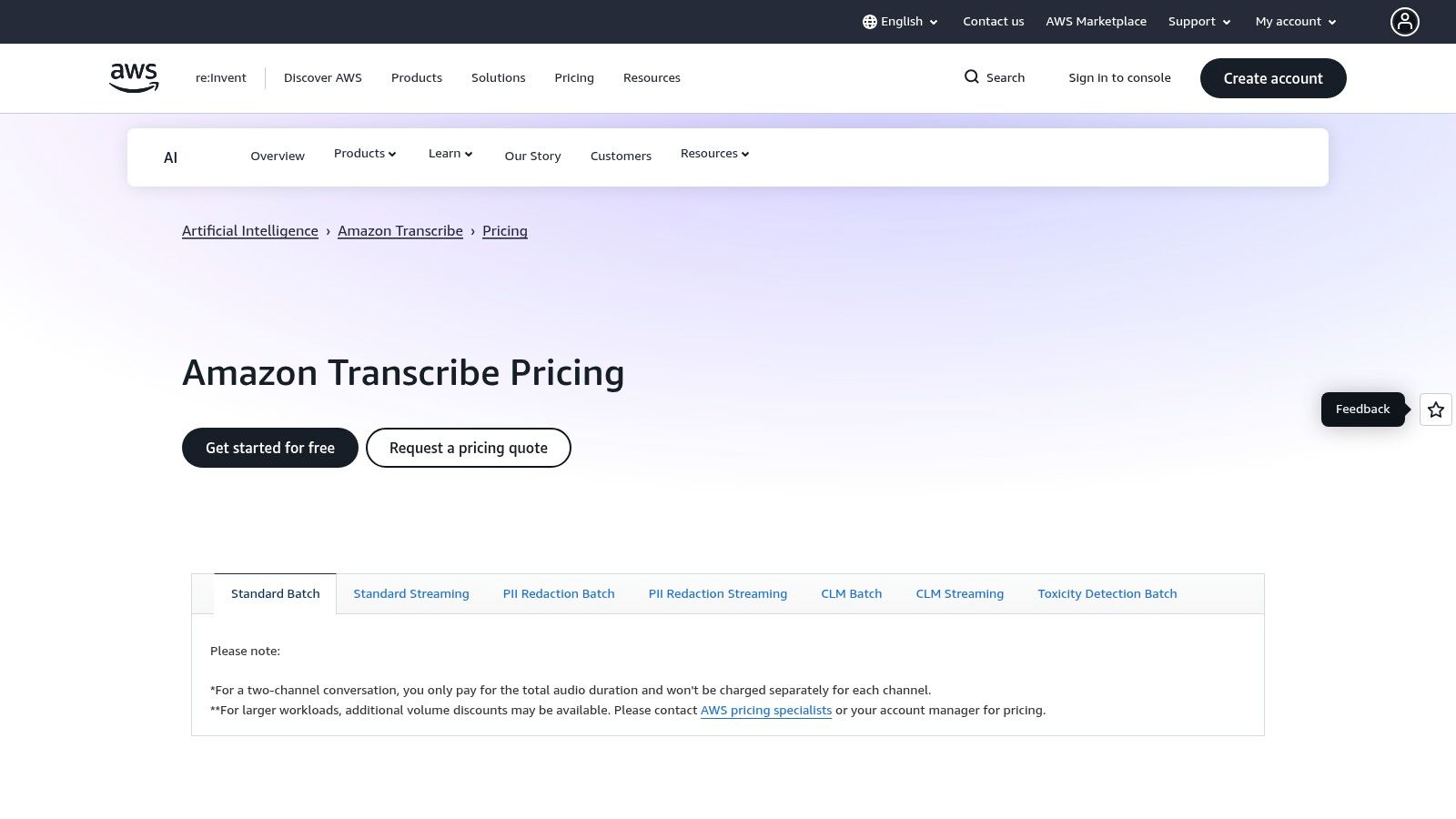
This platform offers advanced features like custom language models to improve accuracy for domain-specific terminology, personally identifiable information (PII) redaction, and even a specialized engine for medical dictation. While its pay-as-you-go, tiered pricing can be cost-effective for high-volume users, the model can be complex. Billing is done in 15-second minimum blocks per request, and add-ons are priced separately, requiring careful cost management. This makes it one of the best AI transcription software options for technical teams already invested in the AWS environment, rather than for casual individual users.
Best For: Developers and businesses needing a scalable, API-driven transcription engine integrated within the AWS ecosystem.
Export your transcript to SRT, PDF, DOCX, or TXT — all from one upload Try it free
Top 12 AI Transcription Tools — Feature Comparison
| Tool | Key features | Quality & UX ★ | Value & Price 💰 | Target audience 👥 | Unique selling points ✨ |
|---|---|---|---|---|---|
| Typist 🏆 | Fast STT, 99+ languages, sync player, TXT/SRT/DOCX/PDF exports | 4.8★ — ultra-fast, high accuracy | 💰 Free trial (3 files), Premium $20/mo — unlimited | 👥 Creators, editors, researchers, educators, teams | ✨ ~200x real-time speed, flawless Premiere-ready SRT, priority models |
| Otter.ai | Live transcription, speaker ID, meeting summaries, Zoom/Meet integrations | 4.3★ — realtime meeting UX | 💰 Free + tiered plans, student/nonprofit discounts | 👥 Students, solo pros, teams | ✨ Live meeting agent, action-item extraction |
| Rev | AI + human transcripts, captions, interactive editor | 4.6★ — human 99% available | 💰 Pay-as-you-go human rates; AI subs | 👥 Media, legal, enterprise | ✨ Human+AI vendor, compliance (HIPAA/SOC2) |
| Descript | Text-based editing, Studio Sound, AI dubbing, recording | 4.5★ — editor-first experience | 💰 Creator & team tiers; media-hour limits | 👥 Podcasters, creators, marketers, teams | ✨ Integrated editing + transcript, AI co-editor |
| Sonix | Multi-language STT & translation, diarization, API | 4.2★ — strong multilingual support | 💰 Transparent per-hour pricing, seconds proration | 👥 Multilingual teams, researchers | ✨ Clear billing, API & included storage |
| Trint | Live transcription, AI summaries, search, enterprise controls | 4.2★ — collaboration & newsroom focus | 💰 Enterprise sales; limited public pricing | 👥 Newsrooms, marketing teams, enterprises | ✨ Real-time editing, strong security controls |
| Happy Scribe | Automatic transcription, subtitling, translation, human proofread | 4.1★ — good captions & languages | 💰 Pay-as-you-go; proofreading add-on | 👥 Creators, educators, small teams | ✨ YouTube/Vimeo/Drive integrations, flexible pricing |
| Temi | Fast AI transcription, online editor, mobile apps | 3.9★ — quick ad-hoc transcripts | 💰 Per-minute pricing; free trial ≤45 min | 👥 Occasional users, quick projects | ✨ No subscription, very simple pricing |
| AssemblyAI | Developer API: STT, summarization, PII redaction, entities | 4.4★ — feature-rich API | 💰 Hour/feature pricing, generous free credits | 👥 Developers, product teams, enterprises | ✨ LLM pipelines (LeMUR), PII redaction, compliance |
| Deepgram | API STT, multiple models, Voice Agent, self-host options | 4.4★ — low-latency, high accuracy | 💰 Competitive per-minute, $200 free credits | 👥 Devs, enterprises needing scale | ✨ Self-hosting, BYO-LLM/TTS, Voice Agent API |
| Google Cloud Speech-to-Text | Streaming & batch STT, medical & multichannel models | 4.3★ — mature, scalable | 💰 Tiered & dynamic batch pricing (complex) | 👥 Engineering teams, large enterprises | ✨ Specialized models, deep GCP integration |
| Amazon Transcribe | Batch/streaming STT, PII redaction, Custom Language Models | 4.2★ — AWS-integrated reliability | 💰 Tiered per-minute, region/add-on pricing | 👥 AWS customers, high-volume teams | ✨ Tight AWS ecosystem, HIPAA-eligible configs |
Making Your Final Decision on Transcription Software
Navigating the landscape of AI transcription tools can feel overwhelming, but we've broken down the top contenders to make your choice clearer. From dedicated, high-accuracy platforms to all-in-one content creation suites, the key is to match the software's strengths with your specific workflow and project goals. We've explored a dozen powerful options, each with unique features, pricing models, and ideal user profiles.
The central theme throughout our analysis is that the "best" tool is rarely the one with the most features. Instead, it's the one that performs its core function exceptionally well and fits seamlessly into your existing process. For many users, particularly content creators, researchers, and students, the most critical factors are accuracy, speed, and ease of use. A complicated interface or a slow turnaround time can negate the benefits of even the most advanced features.
Key Takeaways and Actionable Next Steps
To distill our findings into a simple framework, consider these guiding questions before making your final selection:
- What is my primary use case? Are you a podcaster needing clean text for show notes, a researcher analyzing interview data, or a student transcribing lectures? Your primary goal dictates whether you need a simple transcriber or a complex editor.
- How important is raw accuracy? If your work requires the highest possible fidelity with minimal editing, prioritize tools known for their state-of-the-art transcription engines. For creative projects where the transcript is a starting point, a slightly lower accuracy might be acceptable.
- What is my budget? Solutions range from generous free tiers and affordable pay-as-you-go models to expensive enterprise subscriptions. Define your budget early to narrow down the options.
- Do I need collaboration features? If you work with a team, look for platforms that offer shared workspaces, commenting, and easy export options for seamless collaboration.
After weighing these factors, the most crucial step is to test the software yourself. Every platform offers a free trial or a freemium plan. Take a representative audio or video file from one of your actual projects and run it through your top two or three choices. This hands-on experience is the ultimate tiebreaker, revealing which interface you prefer and which engine handles your specific audio quality and accents best.
Ultimately, choosing the best AI transcription software comes down to finding the most efficient path from audio to usable text. While comprehensive tools have their place, a specialized, high-performance platform like Typist often provides the most value by focusing on getting the fundamentals right. Its commitment to speed and accuracy empowers you to get your transcript and get back to the work that matters most.
Ready to experience transcription that just works? Typist is built for creators, researchers, and professionals who demand speed and precision without the clutter. See for yourself why it's a top choice for the best AI transcription software by signing up for your free daily transcripts today.