Best Audio to Text Transcription Software for Fast Results
Explore top audio to text transcription software to convert audio accurately and quickly. Find the perfect tool for researchers, creators, and educators.
Turning raw audio into usable text is a common challenge for researchers, educators, and creators. Manually transcribing interviews, lectures, or podcast episodes is incredibly time-consuming and often impractical. This is where dedicated audio to text transcription software becomes essential, automating the process to save you hours of effort.
This guide is designed to help you navigate the options and find the best platform for your specific needs. We will explore a curated list of the leading transcription tools available today, breaking down their features, pricing, and ideal use cases. Each entry includes a detailed analysis to help you make an informed decision without guesswork. We'll look at everything from simple, automated services to powerful platforms offering advanced editing and collaboration features.
Whether you're a student transcribing a lecture, a UX researcher analyzing user interviews, or a podcaster creating show notes, the right tool can dramatically improve your workflow. Transcription is just one piece of the puzzle; for a broader understanding of how AI is revolutionizing the creative process, consider exploring other best AI tools for content creators. Let's dive in and find the perfect software to convert your audio into accurate, actionable text.
1. Typist
Typist stands out as the recommended audio to text transcription software for its exceptional speed, precision, and robust feature set. It’s engineered to process lengthy audio and video files up to 200 times faster than real-time playback, transforming hours of content into accurate text in just minutes. This platform is a powerful ally for professionals across various fields, from market researchers analyzing focus group discussions to podcasters creating show notes and accessible content.
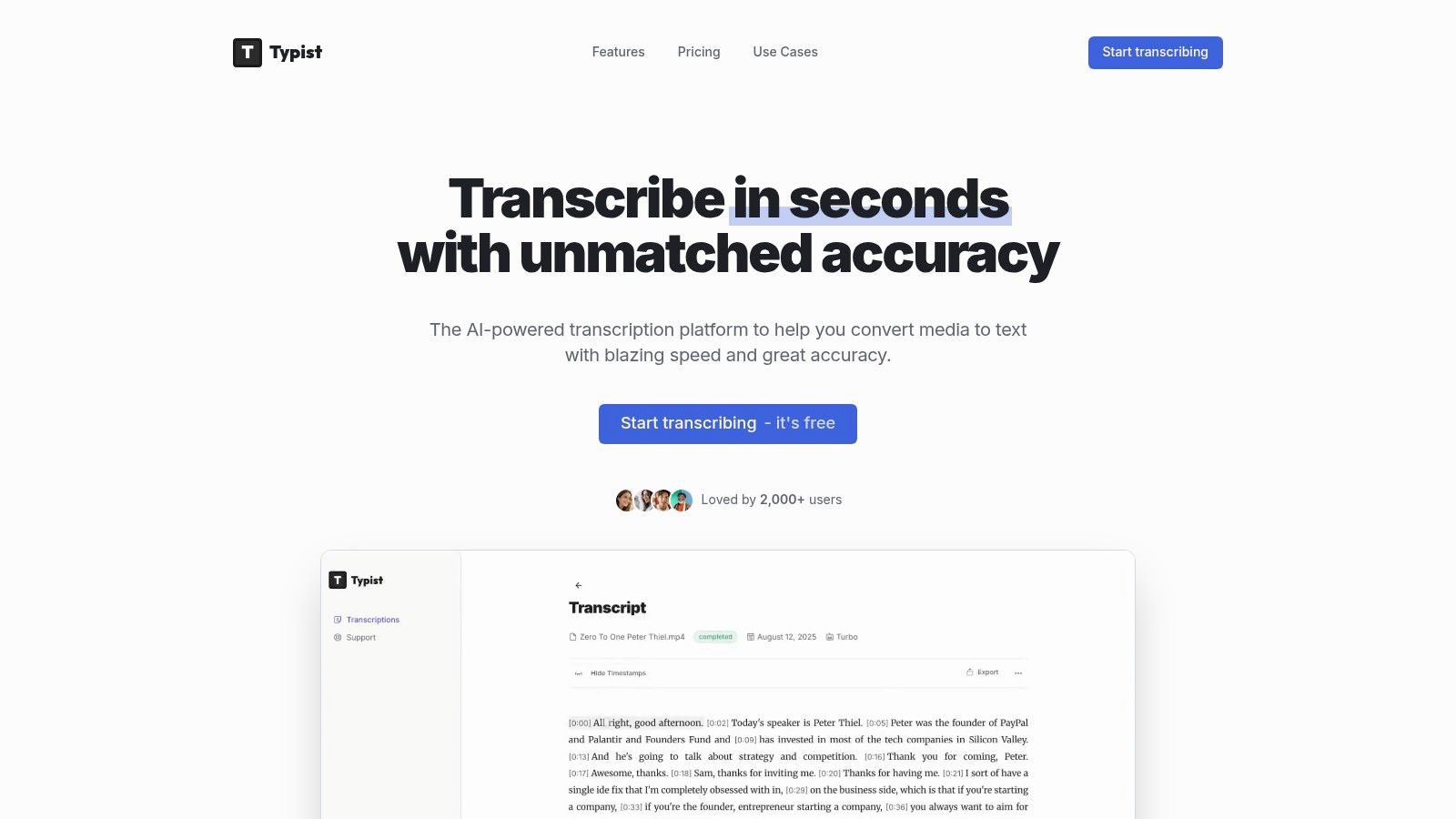
What truly distinguishes Typist is its ability to handle complexity with ease. It supports over 99 languages and dialects, accurately capturing technical jargon and diverse accents that often challenge other automated systems. Its seamless export options, including SRT for video captions and DOCX for reports, integrate directly into professional workflows like Adobe Premiere Pro, eliminating tedious reformatting.
Key Features & Use Cases
- Researchers & Educators: Quickly transcribe interviews, lectures, and academic seminars. The high accuracy with specialized terminology ensures data integrity, while searchable text makes analysis far more efficient.
- Content Creators & Podcasters: Generate transcripts for show notes, articles, and video captions instantly. The flawless SRT export is particularly valuable for improving accessibility and SEO on platforms like YouTube.
- Business Professionals: Convert meeting recordings and conference calls into actionable, searchable records. This enhances team collaboration and preserves critical information without manual note-taking.
Pricing & Access
- Free Trial: Test the platform with 60 free minutes, basic exports, and 7-day file retention.
- Premium Plan: For just $19.99/month, you get 125 hours a month, priority processing, access to the most advanced AI models, all export formats, and unlimited file storage.
Pros:
- Blazing-fast processing (up to 200x faster than real-time)
- High accuracy across 99+ languages and technical fields
- Multiple export formats (TXT, SRT, DOCX, PDF) for versatile use
- Affordable premium plan with 125 hours a month
Cons:
- Free trial is limited to 60 free minutes
- Highly specialized jargon might occasionally need a quick manual review
Typist’s combination of speed, accuracy, and workflow integration makes it an indispensable tool for anyone needing reliable transcription. For those interested in the technical foundation of its performance, you can read about how Typist built its fast AI audio transcription engine.
Website: https://iamtypist.dev
Transcribe a 1-hour recording in under 30 seconds
Upload any audio or video file and get a full transcript with timestamps
2. A Look at Other Transcription Tools
While Typist is our top recommendation for its balance of speed, accuracy, and value, it's helpful to understand the landscape of other tools available. Many services cater to different needs, from live meeting notes to human-verified accuracy. Below is a brief overview of some other platforms in the market.
Otter.ai
Otter.ai is known for its real-time transcription, especially for meetings. It can integrate with platforms like Zoom and Google Meet, making it a popular choice for teams needing automated meeting notes.
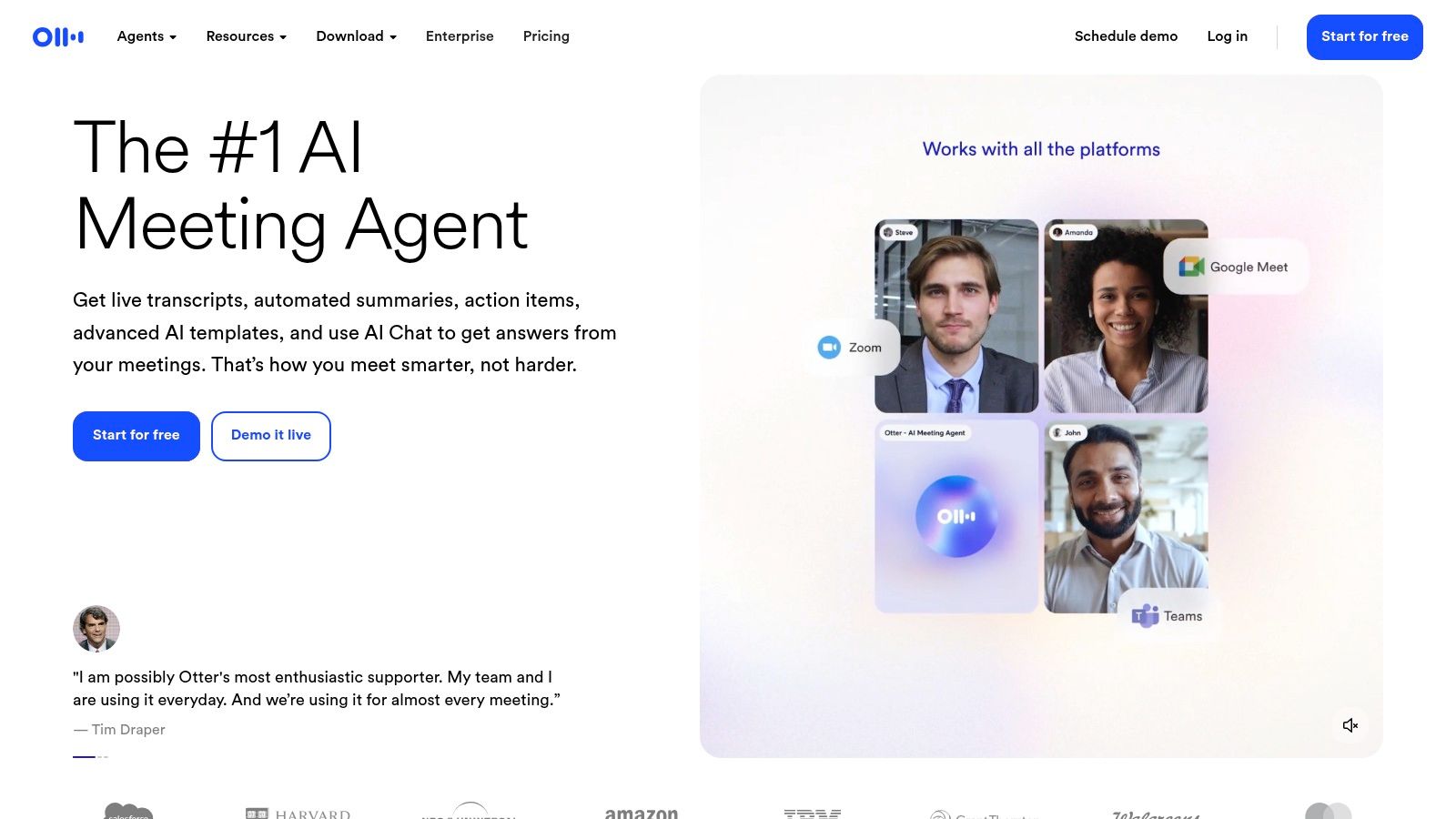
The platform's strength lies in its collaborative features, allowing users to highlight text and add comments within the transcript. While powerful for meetings, billing and support can sometimes be complex to navigate. For those interested in a deeper analysis, you can find a more comprehensive Otter.ai review that explores its features in detail. Overall, it's a well-known piece of audio to text transcription software for collaborative environments.
Rev.com
Rev.com offers a hybrid approach, providing both automated AI transcription and a service backed by human transcribers. The human service guarantees high accuracy (99%) and is often used for projects where clarity is non-negotiable, such as legal proceedings.
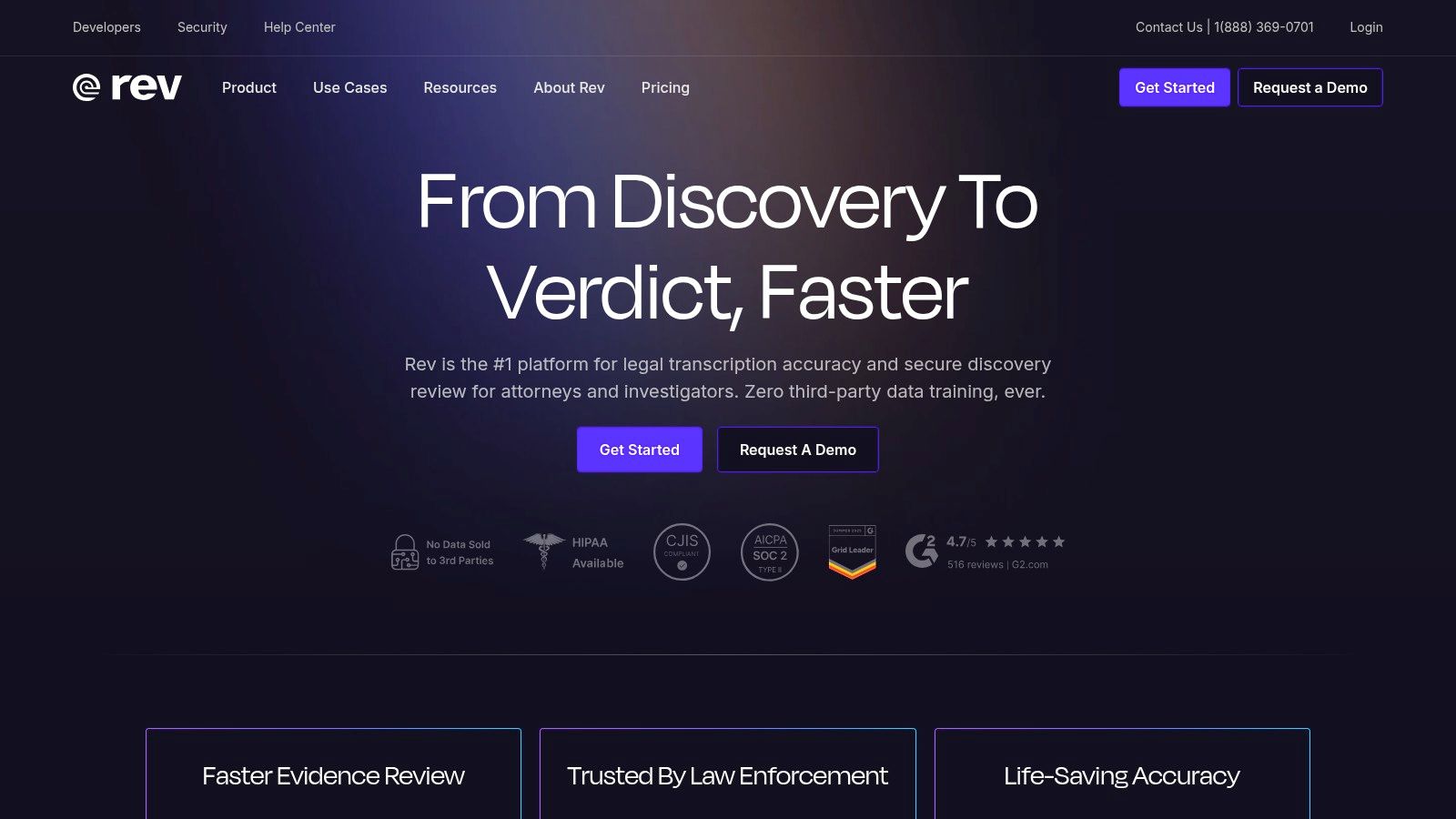
The platform’s strength lies in its flexibility. Users can choose the service level that fits their budget and accuracy needs. While the human service is exceptionally accurate, it comes at a higher cost and requires a longer turnaround time compared to purely AI-based tools. For those who prioritize speed and cost-effectiveness for daily tasks, a dedicated AI tool like Typist offers a more streamlined workflow.
Descript
Descript combines a powerful audio/video editor with a transcription service. Its unique feature is text-based editing, where deleting a word in the transcript automatically removes the corresponding audio or video.
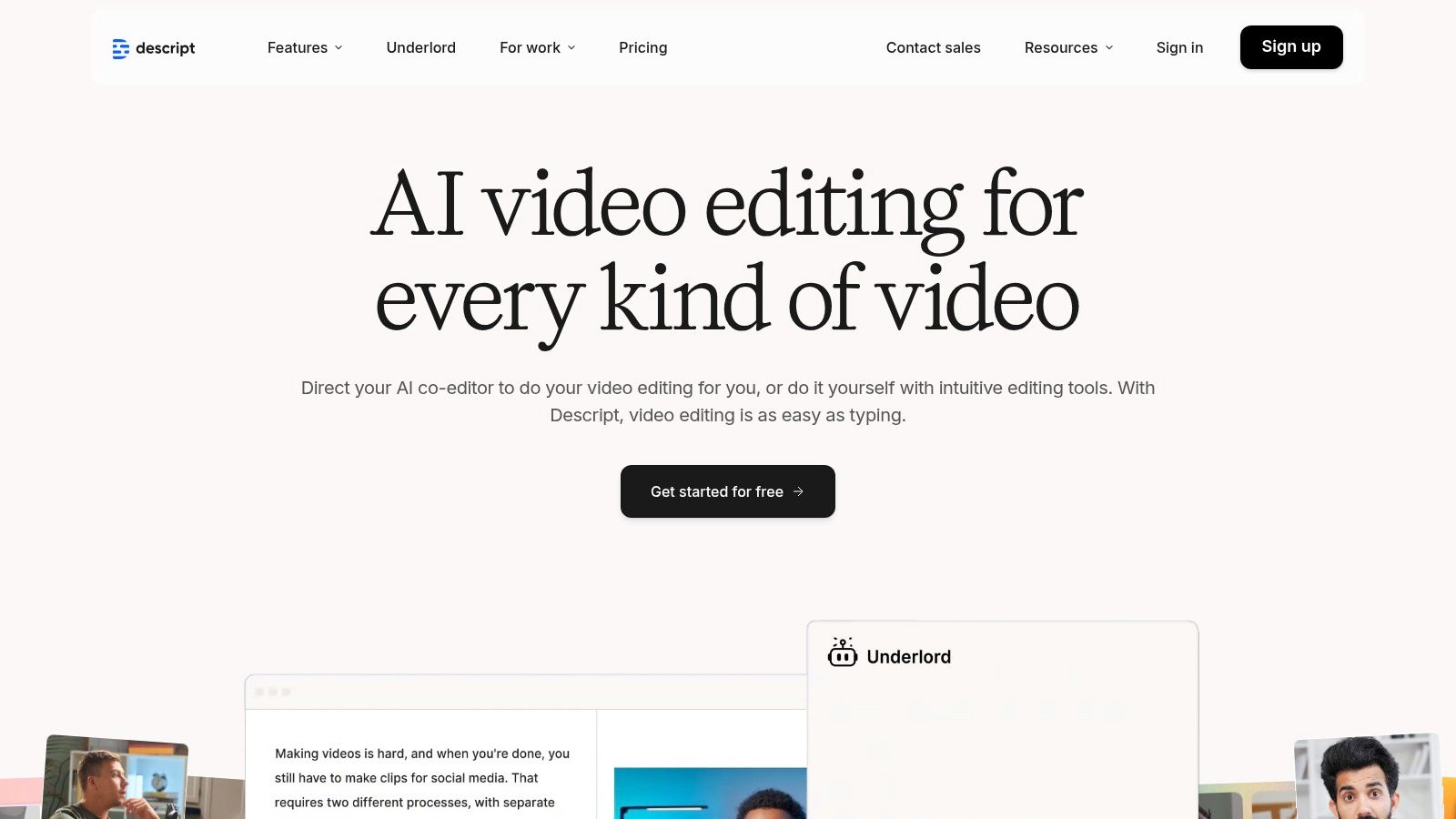
This workflow is popular with podcasters and video creators. Descript also includes advanced tools like filler word removal and voice enhancement. While it’s a creator's dream, some users have noted that frequent UI updates can occasionally disrupt established workflows. For more about integrating such tools, you can explore more about Descript on iamtypist.dev.
Start transcribing with Typist →
Trint
Trint is a browser-based transcription platform designed for media teams and journalists who require fast turnarounds and collaborative workflows. The platform is built around a "story-building" concept, allowing users to find key moments and assemble them into a narrative.
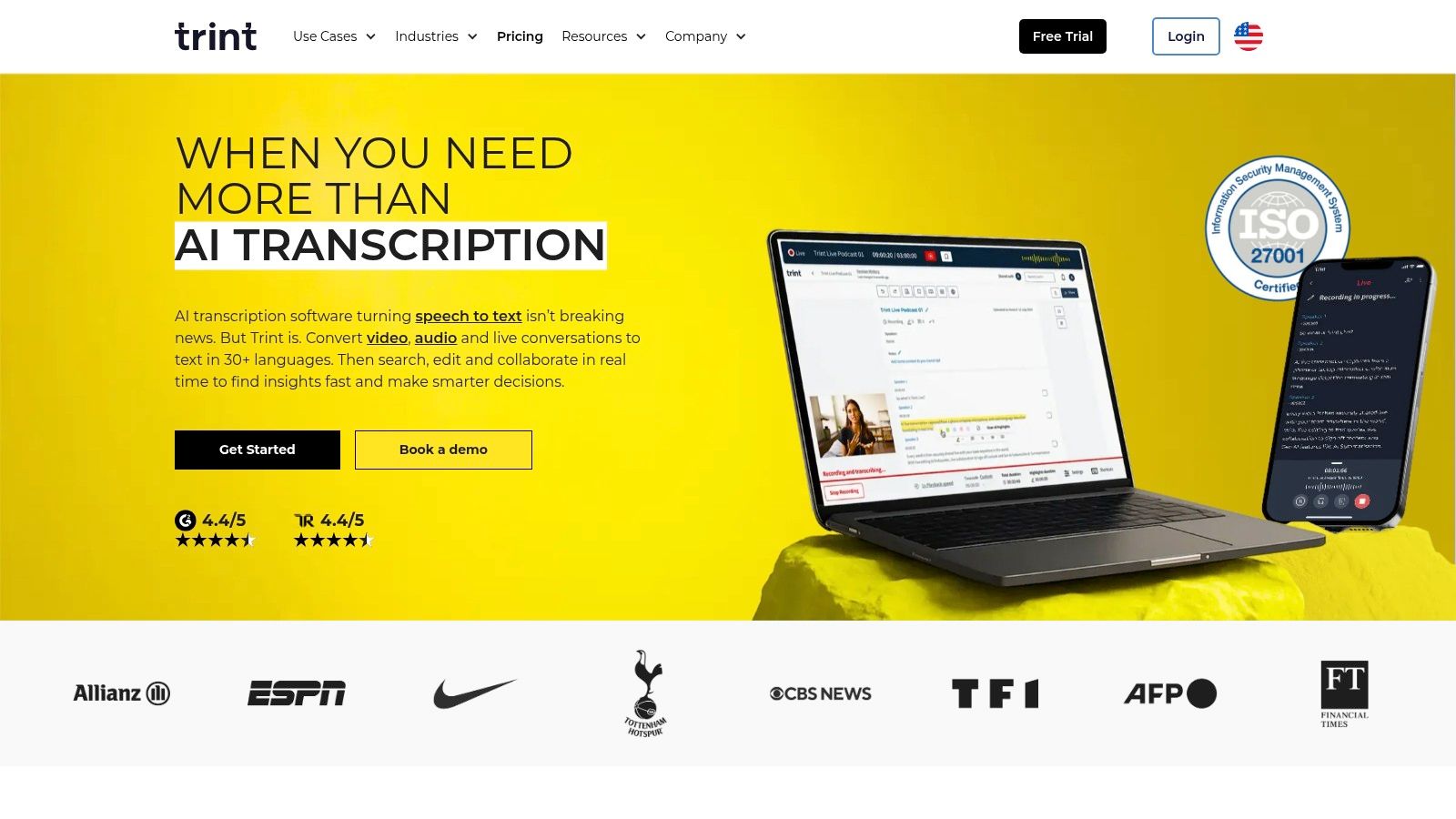
Its strength lies in its collaborative editor, where team members can highlight text and leave comments. With support for over 50 languages and enterprise-grade security features, Trint provides a secure and versatile environment for organizations handling sensitive content.
Sonix.ai
Sonix.ai positions itself as a fast and flexible automated transcription service with both transcription and translation capabilities. Its platform is recognized for its clean in-browser editor and its support for over 40 languages.
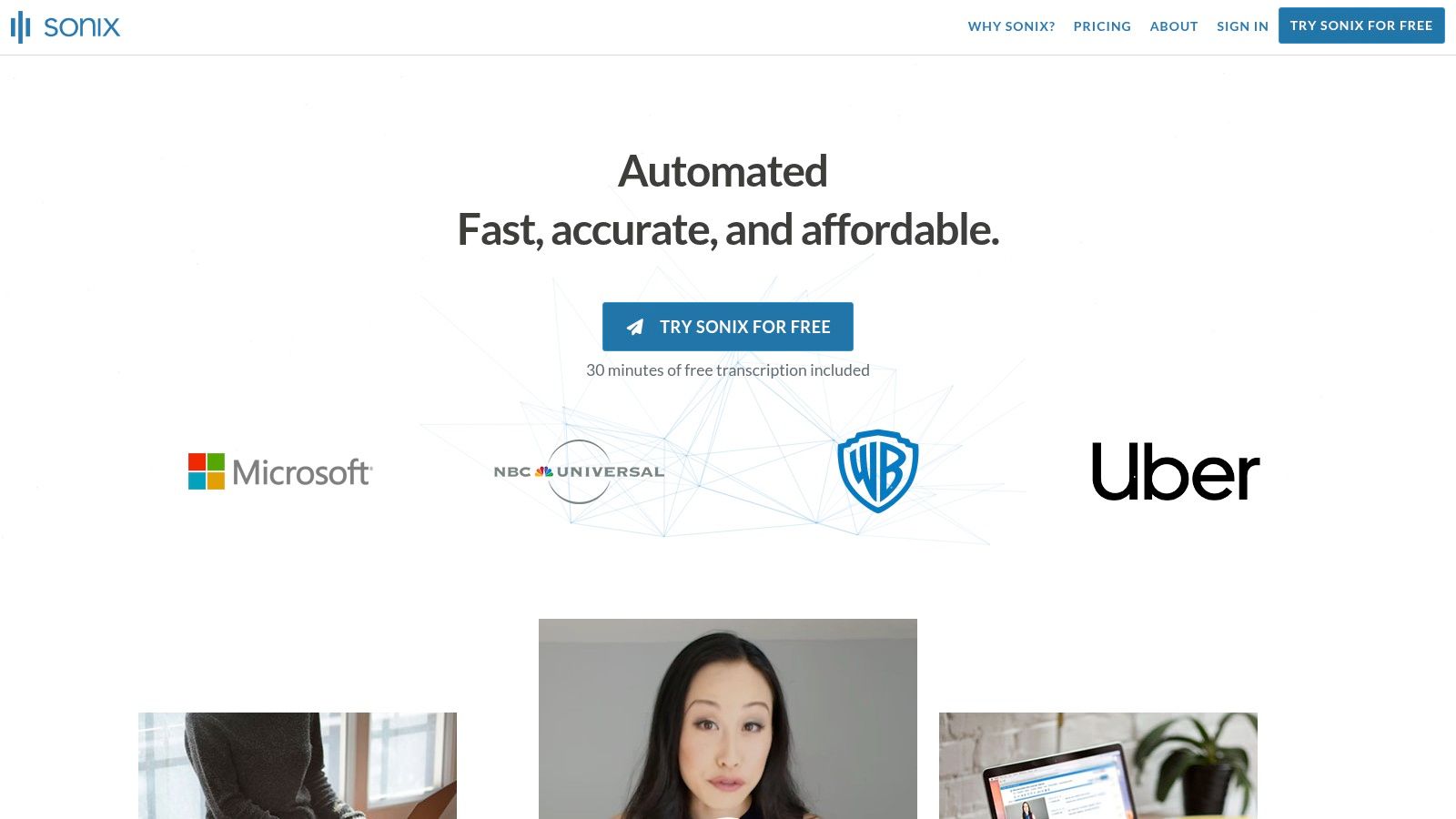
The platform’s major appeal is its straightforward pricing model, offering subscription or pay-as-you-go plans. While its billing flexibility is a plus, additional costs for certain advanced AI features can be a drawback for users on a tight budget. For those looking for an all-in-one transcription solution, Sonix.ai offers a solid foundation, especially for multi-language projects.
Developer-Focused Transcription APIs
Turn podcast episodes into blog posts Start transcribing
For businesses and developers looking to build transcription capabilities into their own applications, several powerful APIs are available. These services provide the underlying engine for audio-to-text conversion but require technical expertise to implement.
Temi
Temi is designed for users who need fast, simple, and affordable automated transcription without the commitment of a subscription. It operates on a straightforward pay-as-you-go model, making it an excellent choice for one-off projects like transcribing a single interview, lecture, or meeting. Users simply upload their audio or video file, and Temi's AI returns a transcript, typically within minutes. For those seeking a more robust solution with better features, you can explore the benefits of a dedicated platform like Typist.
Google Cloud Speech-to-Text
Google Cloud Speech-to-Text is a developer-focused powerhouse, offering a robust automatic speech recognition (ASR) engine. It's a service that developers integrate into their own software. It supports both real-time and pre-recorded audio processing with impressive accuracy across many languages.
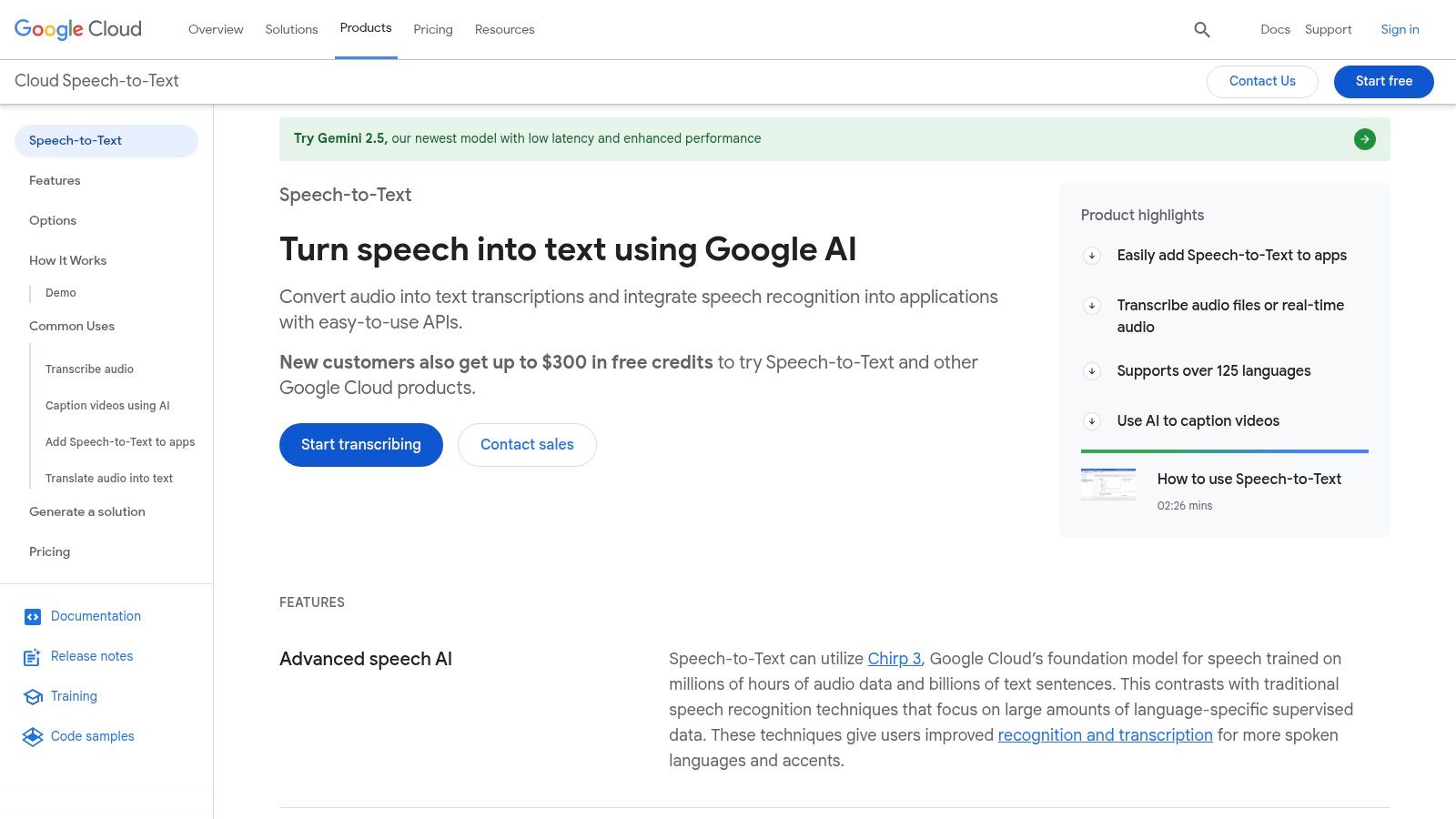
While extremely powerful, it requires technical expertise to implement. For those concerned about how such services handle data, it's worth understanding the privacy implications of using Google's services for transcription. It is an ideal choice for organizations needing a flexible, API-driven transcription engine.
Amazon Transcribe (AWS)
Amazon Transcribe is an enterprise-grade service for developers integrated into the Amazon Web Services (AWS) ecosystem. It provides highly accurate automatic speech recognition for both real-time and batch processing.
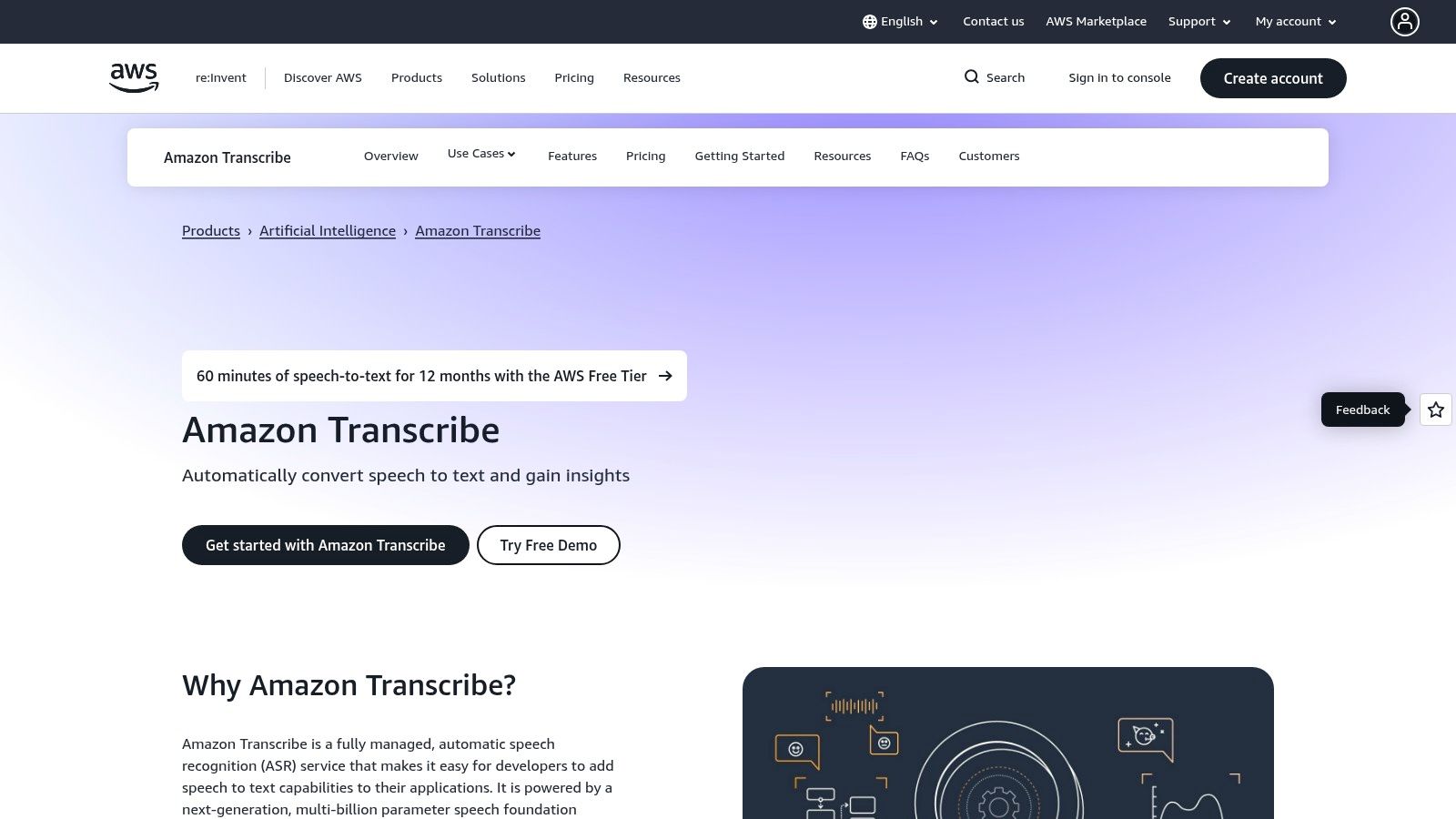
It offers specialized models for industries like medicine (Amazon Transcribe Medical) and features for call center analytics. While powerful for technical users, its complexity makes it less suitable for individuals seeking a simple transcription tool.
Microsoft Azure Speech to Text
Microsoft Azure Speech to Text is a developer-focused service that provides enterprise-grade transcription capabilities. It's designed for businesses needing highly accurate and scalable audio to text transcription software integrated into their products.
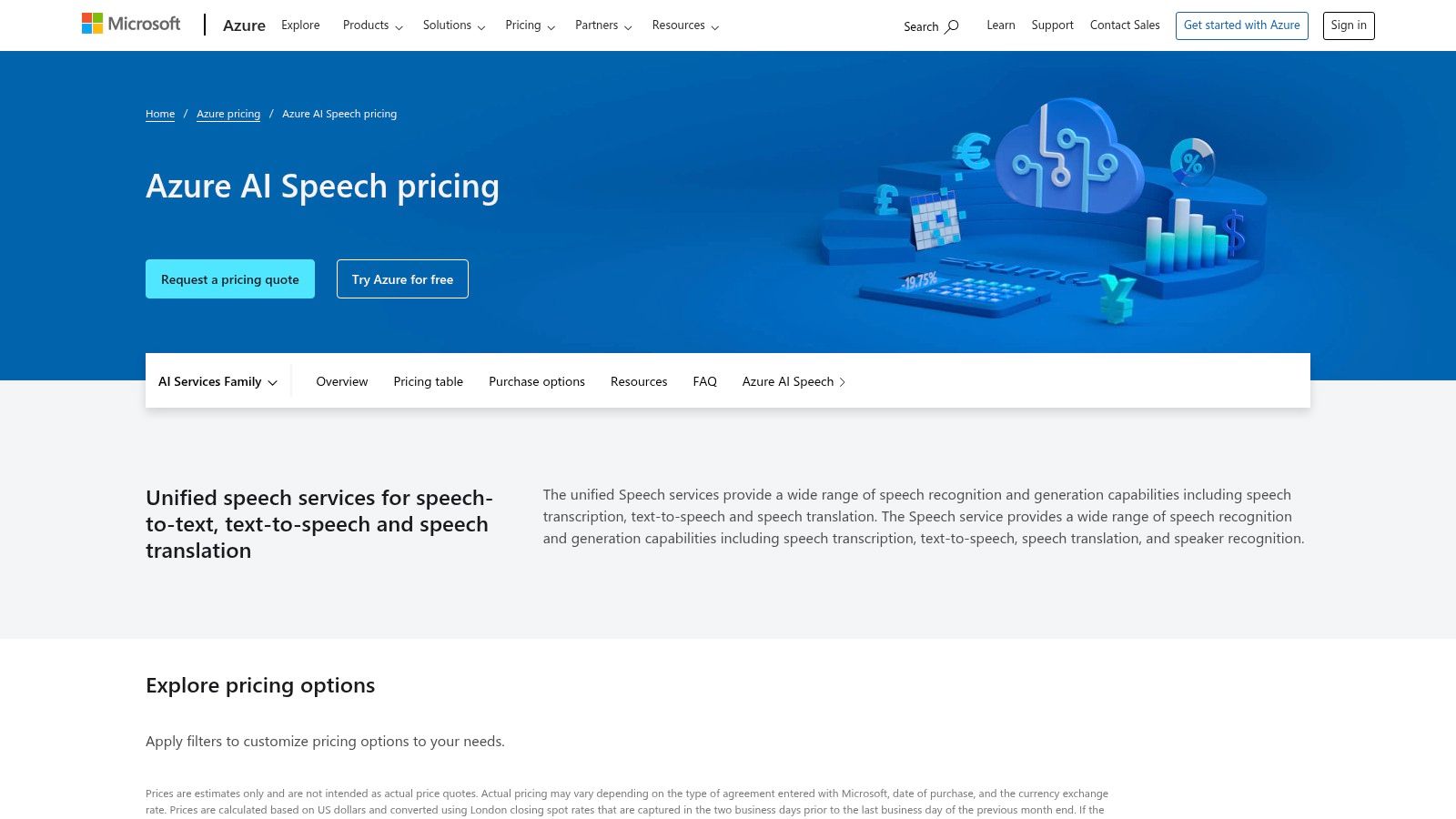
Azure's flexibility in deployment and customization sets it apart, including the ability to create custom speech models. For a more user-friendly experience without the need for development, you can find a straightforward solution at Typist.
OpenAI Whisper API (Speech-to-Text)
For developers, the OpenAI Whisper API is a powerful engine. It provides programmatic access to one of the most accurate speech-to-text models available, excelling even with noisy audio and diverse accents.
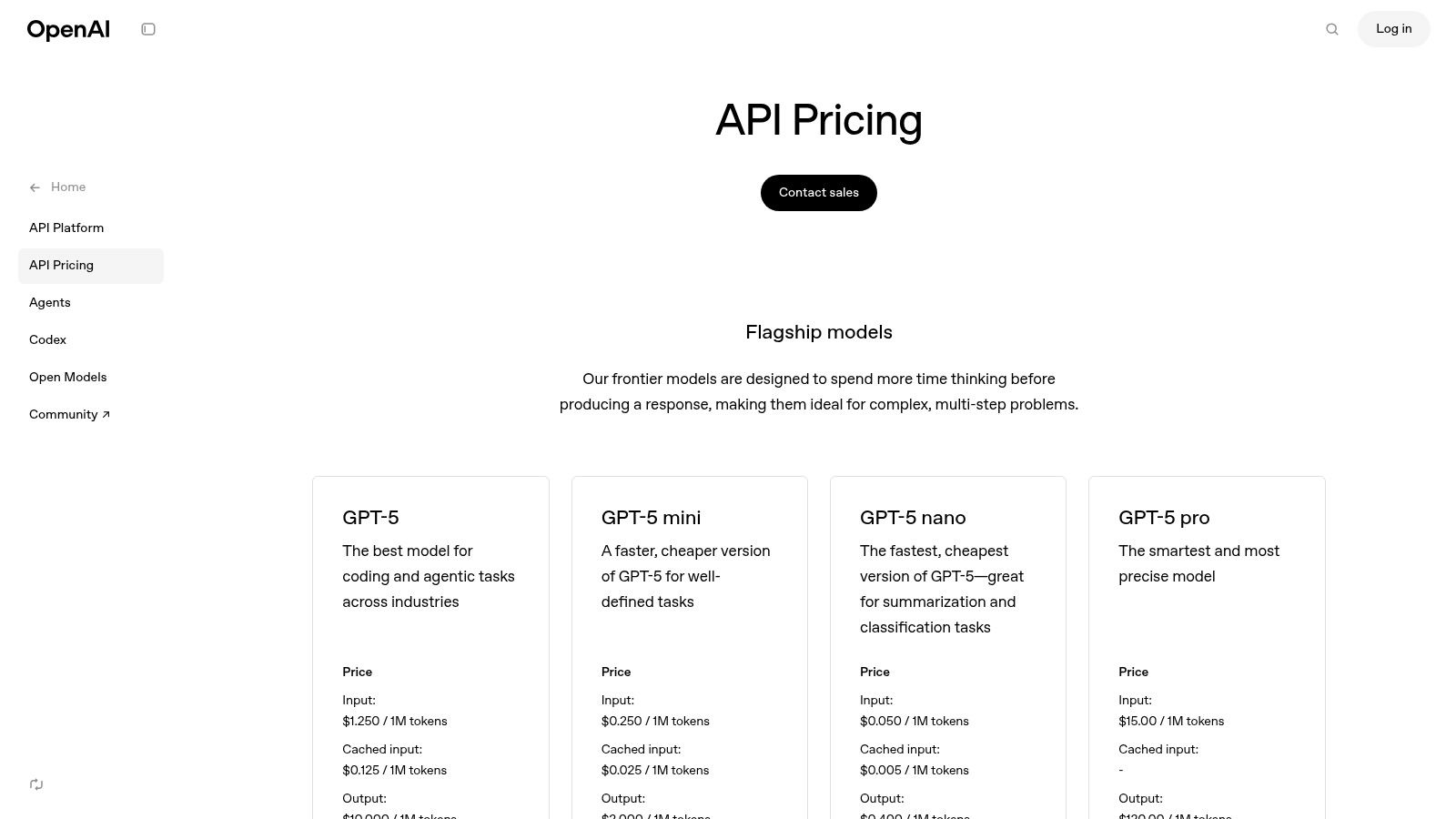
The API's strength is its raw accuracy and flexibility. Pricing details are available on the OpenAI API pricing page. For those who need a user-friendly platform powered by similar advanced technology, Typist offers a complete solution without the need for development.
Upload MP4 or MOV, export SRT subtitles. Works with Premiere, Final Cut, DaVinci Try it free
G2 – Transcription Software Category
Instead of being a single tool, G2 serves as a comprehensive discovery platform for the entire audio to text transcription software market. It's a crowdsourced review site where real users rate and compare different solutions.
While G2 is fantastic for research, it doesn't perform the transcription itself. Once you’ve built your shortlist, you still need to test the tools. For a direct and powerful solution, you might find that a focused tool like Typist meets your needs without the extensive comparison process.
Making Your Final Choice
The world of audio to text transcription software is vast and varied, moving far beyond simple dictation. As we've explored, the right tool can fundamentally change how you interact with spoken content, whether you're a researcher analyzing interview data, an educator creating accessible materials, or a podcaster crafting show notes. The key takeaway is that the "best" software is entirely dependent on your specific needs, workflow, and budget.
The journey from a raw audio file to a polished, usable transcript involves several critical stages. Automated platforms like Typist offer an incredible balance of speed, accuracy, and affordability, making them an ideal choice for most professionals and creators. Your primary consideration should be finding a tool that seamlessly fits into your workflow.
How to Select the Right Transcription Software
Before you commit to a platform, step back and define your core requirements. A clear understanding of your goals will prevent you from overpaying for features you don't need or choosing a tool that can't handle your essential tasks.
Consider these guiding questions:
- What is my primary use case? Are you transcribing single-speaker lectures, multi-speaker interviews, or noisy field recordings? The complexity and quality of your source audio will heavily influence which software performs best.
- How important is accuracy? For qualitative data analysis, legal documentation, or public-facing content, high accuracy is crucial. For personal notes or initial drafts, a slightly lower rate might be acceptable.
- What is my budget? Solutions range from free trials to enterprise-level subscriptions. Determine whether a pay-as-you-go model or a monthly subscription like Typist's unlimited plan offers better value for your transcription volume.
- What does my workflow look like? Do you need advanced features like speaker identification, custom vocabulary, or direct integrations with other software? A streamlined tool like Typist is perfect for straightforward, high-quality transcription and exports that work with professional software like Adobe Premiere Pro.
Ultimately, choosing the right audio to text transcription software is an investment in your productivity. By aligning a tool’s capabilities with your specific project demands, you can unlock significant time savings and gain deeper insights from your audio content. The best approach is to leverage free trials, test your own audio files, and experience the user interface firsthand. This hands-on evaluation will provide the clarity needed to make a confident and effective choice.
Ready to experience the power of fast, accurate, and affordable transcription? Typist is designed for creators, researchers, and professionals who need reliable transcripts without the complexity. Stop manually typing and start transforming your audio into text in minutes.